







Key takeaways
- Electronic signature software streamlines compliance-heavy document workflows and speeds up client approvals
- Docupilot stands out by combining automated document generation with secure, legally compliant e-signatures
- Integrations with 1,000+ apps enable firms to automate document preparation, routing, and approval workflows with ease
As an accountant, you don’t choose this profession to chase signatures. Yet a single unsigned PDF, or a client insisting they “never got the email,” can disrupt an entire day.
Accountants work with highly sensitive, deadline-driven documents, like tax returns, engagement letters, audit papers, financial statements, and compliance forms. Getting these signed on time is critical. But traditional processes like printing, scanning, and mailing create avoidable delays and compliance risks.
Electronic signature software eliminates these bottlenecks by enabling secure, auditable, on-any-device signing. In this post, we compare the best e-signature tools for accountants to help you automate workflows, strengthen document security, and deliver a smoother client experience.
Why your accounting firm needs e-Signature software now?
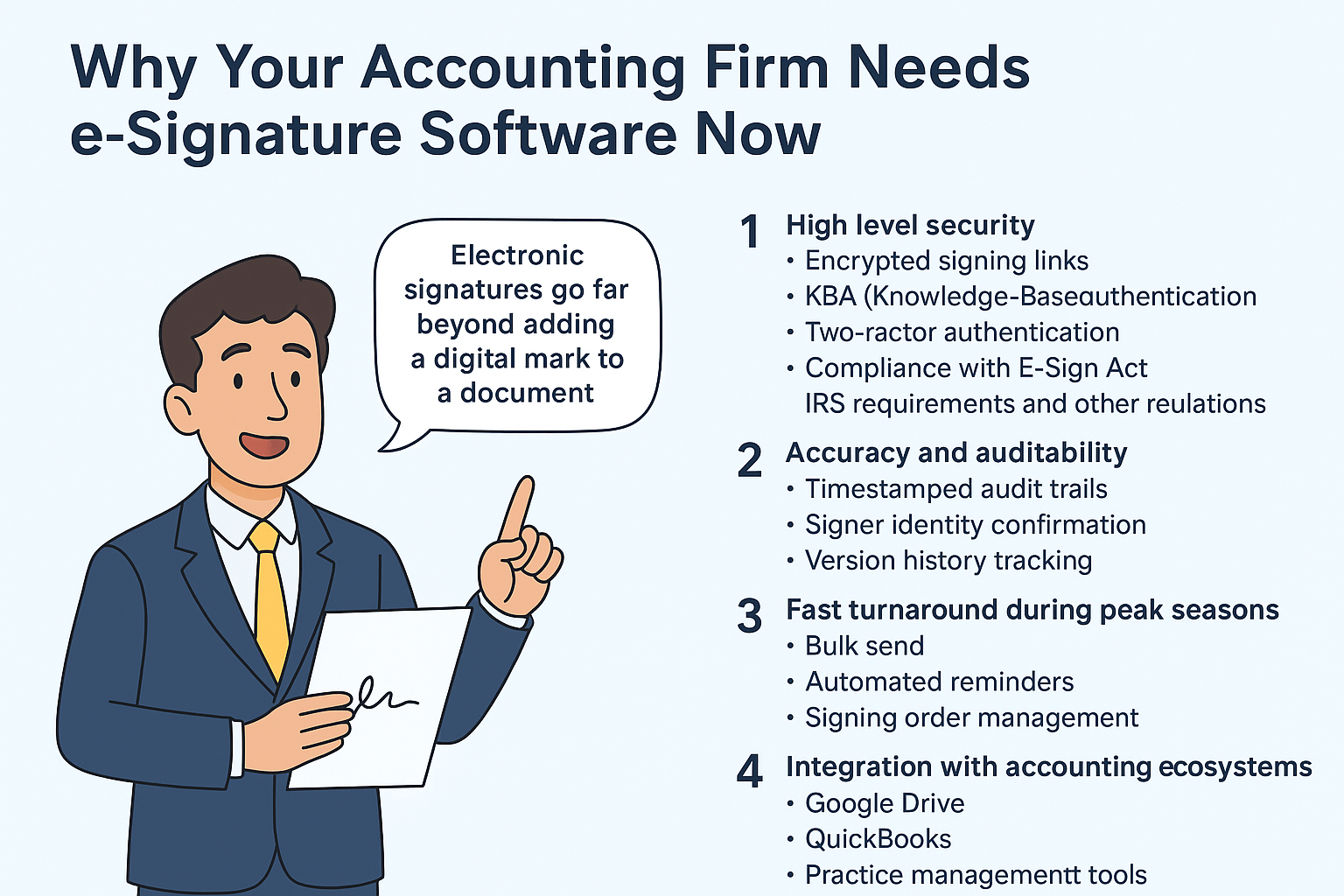
Electronic signatures go far beyond adding a digital mark to a document. They verify identity, intent, and consent, while generating a defensible audit trail and safeguarding sensitive information. For accountants, they significantly reduce the friction associated with tax season, audit preparation, and ongoing client documentation.
What accounting firms typically look for:
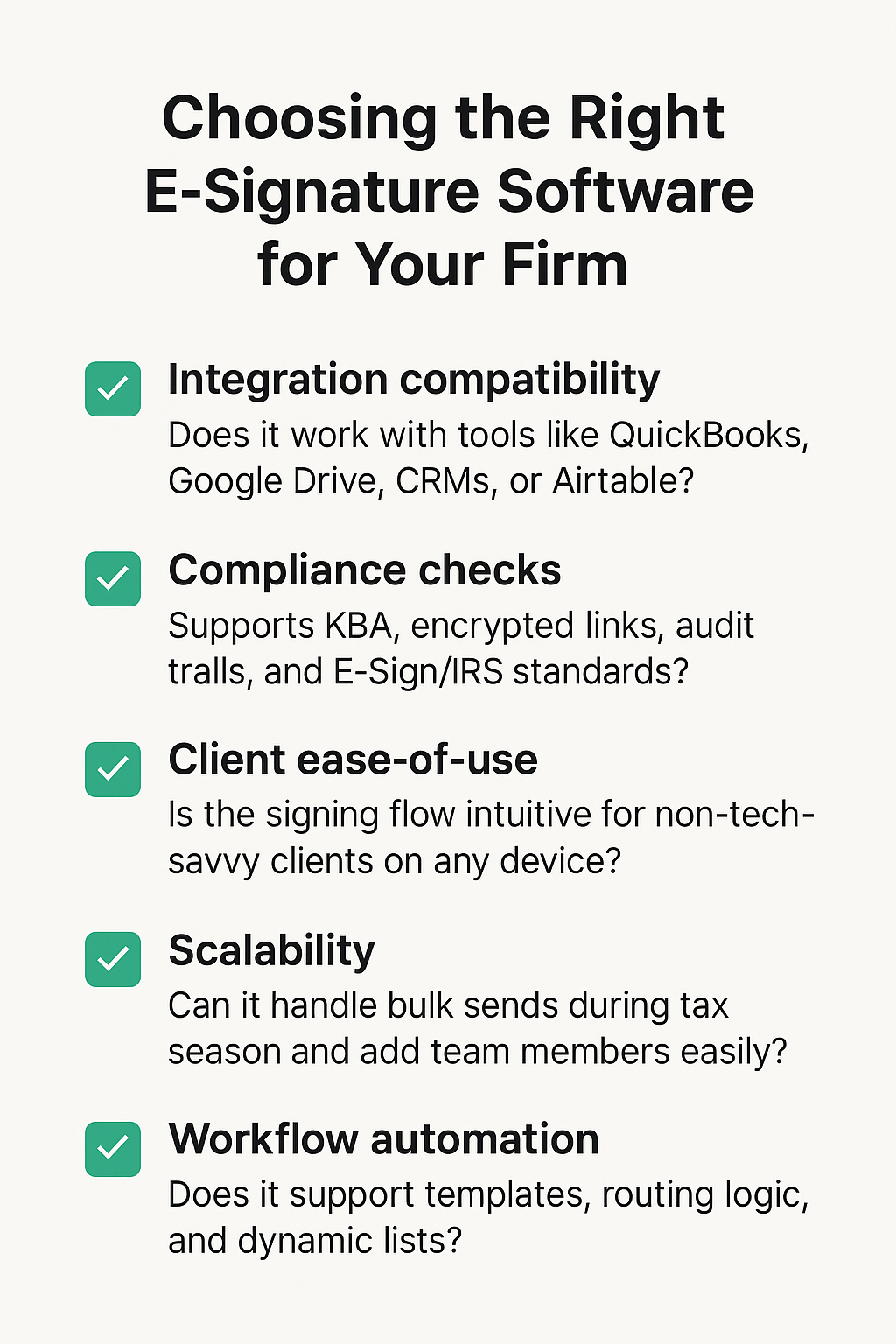
1. Security and access control: Encrypted signing links; multi-factor authentication; role-based access; compliance with IRS, ESIGN, and related regulations
2. Accuracy of completed documents: Error-free form filling; pre-validated fields; reduced back-and-forth on missing or incorrect information
3. Auditability for compliance reviews: Timestamped audit trails; signer identity confirmation; version-history tracking
4. Integration with accounting systems: Google Drive; QuickBooks; tax and document-management platforms
5. Scalability for growing practices: Support more workflows, document types, and use cases as services expand; reuse templates across clients without rework
Need to verify a signature?
Free Electronic Signature Verification Tool
Instantly verify the authenticity of electronic signatures on your documents. 100% free — no sign-up required.

What are the Benefits of using electronic signature software in accounting firms?
Here is what you gain by adopting e-signature for accounting:
- Avoid compliance headaches with tools designed to meet IRS, ESIGN, and other regulatory requirements
8 top electronic signature software for accountants in 2026 (quick overview)
Best electronic signature software for accountants in 20256 (detailed reviews)
1. Docupilot
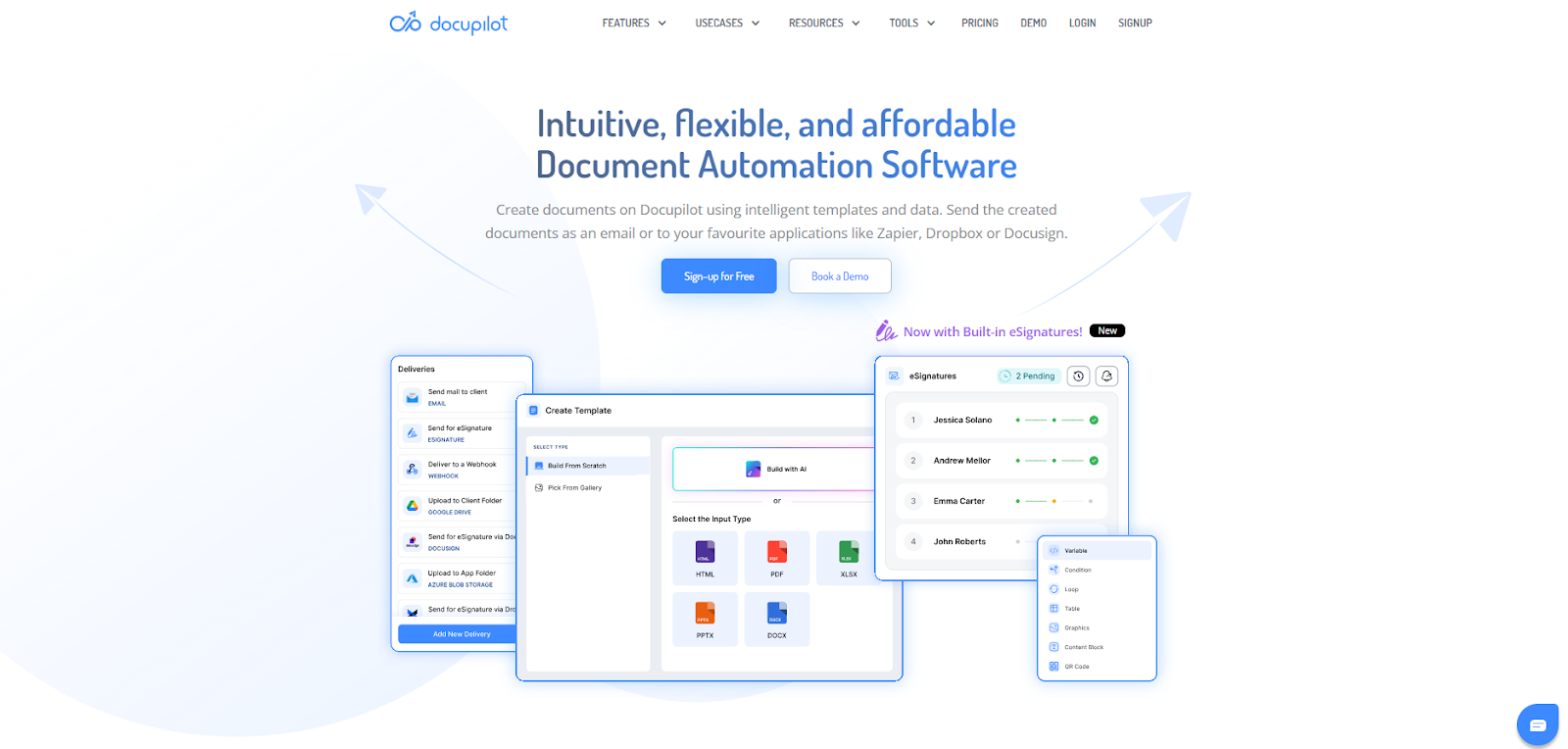
Docupilot is built for accountants who want automated, compliant, and customized document generation and e-signing workflows, minus the manual chasing. This tool combines secure digital signing with automated document creation, making it ideal for accountants juggling recurring templates.
With Docupilot, you can auto-generate tax forms, engagement letters, payroll agreements, or client summaries from accounting data using dynamic lists that populate repeating rows or data fields automatically.
Key Features
- Automatically generates documents from templates, fields, or integrations
- Secure digital signatures compliant with the E-Sign Act
- Multi-signer workflows with clear audit trails
- Google Drive + accounting tool integrations
- Encrypted storage and encrypted document exchange
- Role-based access controls
Pros
- Eliminates repetitive document creation
- Strong compliance and audit capabilities
- Client-friendly across desktop and mobile
- Scales well for high-volume document workflows
Cons
- Initial workflow setup may require learning
- Advanced automation is available in higher plans
Pricing

Docupilot offers transparent tiered pricing with a free 14-day trial. Plans scale from Starter for small teams to Business for high-volume automation.
2. Signeasy
Signeasy offers a clean, mobile-first signing experience, making it easy for accounting clients to sign documents from any device without extra steps.
Key Features
- Intuitive mobile app
- Client-friendly signing links
- Secure digital signatures
- Template library
Pros
- Extremely easy for clients to use
- Smooth mobile workflow
Cons
- Limited document automation
Pricing

Starts at $10.00 per month; tailored plans available.
3. Adobe Acrobat Sign

Adobe Acrobat Sign provides enterprise-level compliance, identity verification, and full PDF tools, which is perfect for firms handling sensitive financial documents or regulated work.
Key Features
- Advanced PDF editing
- Enterprise compliance framework
- Multi-factor authentication
- Rich workflows
Pros
- Powerful PDF capabilities
- Strong governance and compliance
Cons
- Heavy for small firms
- More complex setup
Pricing
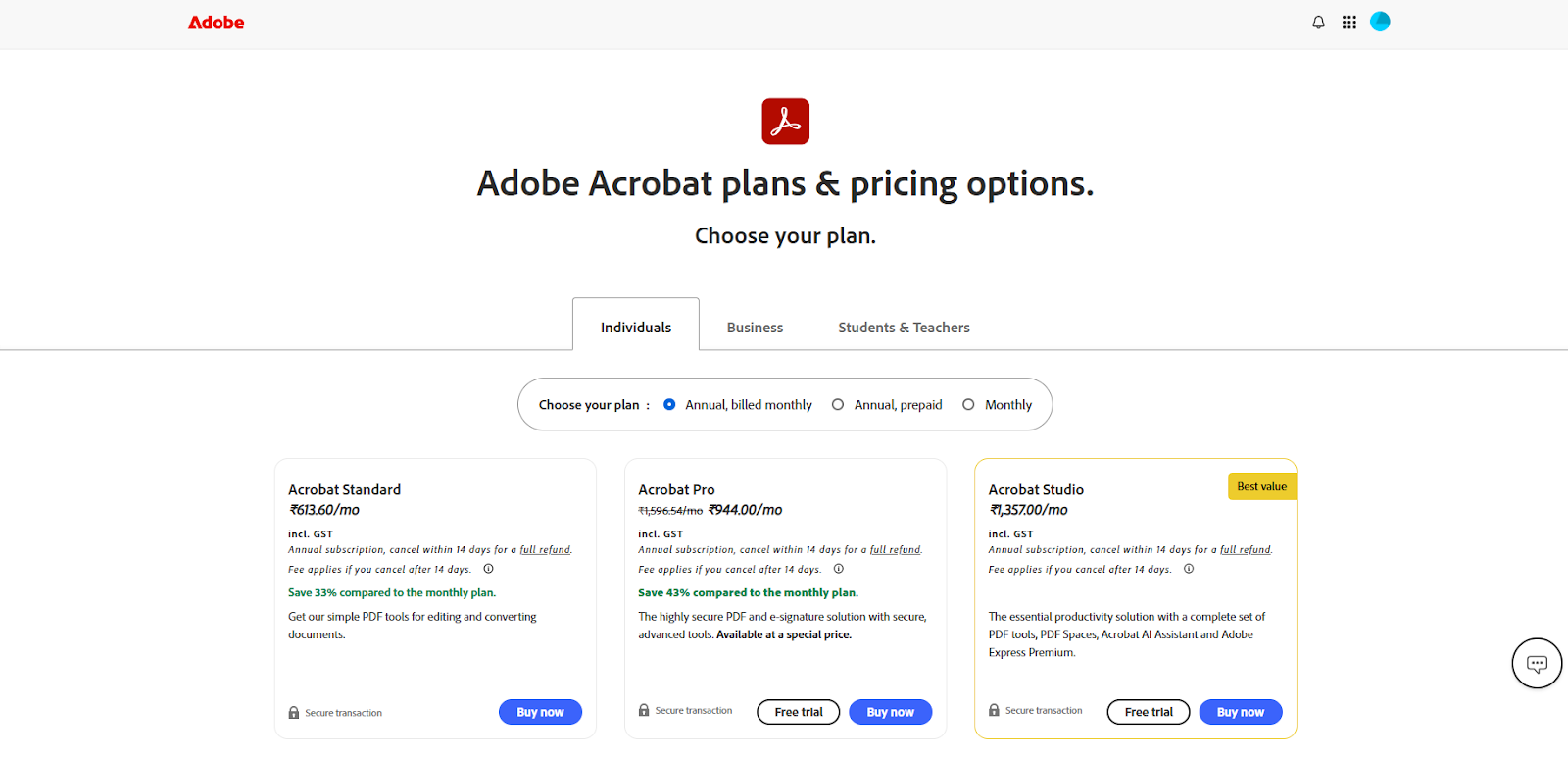
Standard plans begin at ₹613.00 per month, with additional options available for individuals, businesses, students, and teachers.
4. Dropbox Sign (HelloSign)
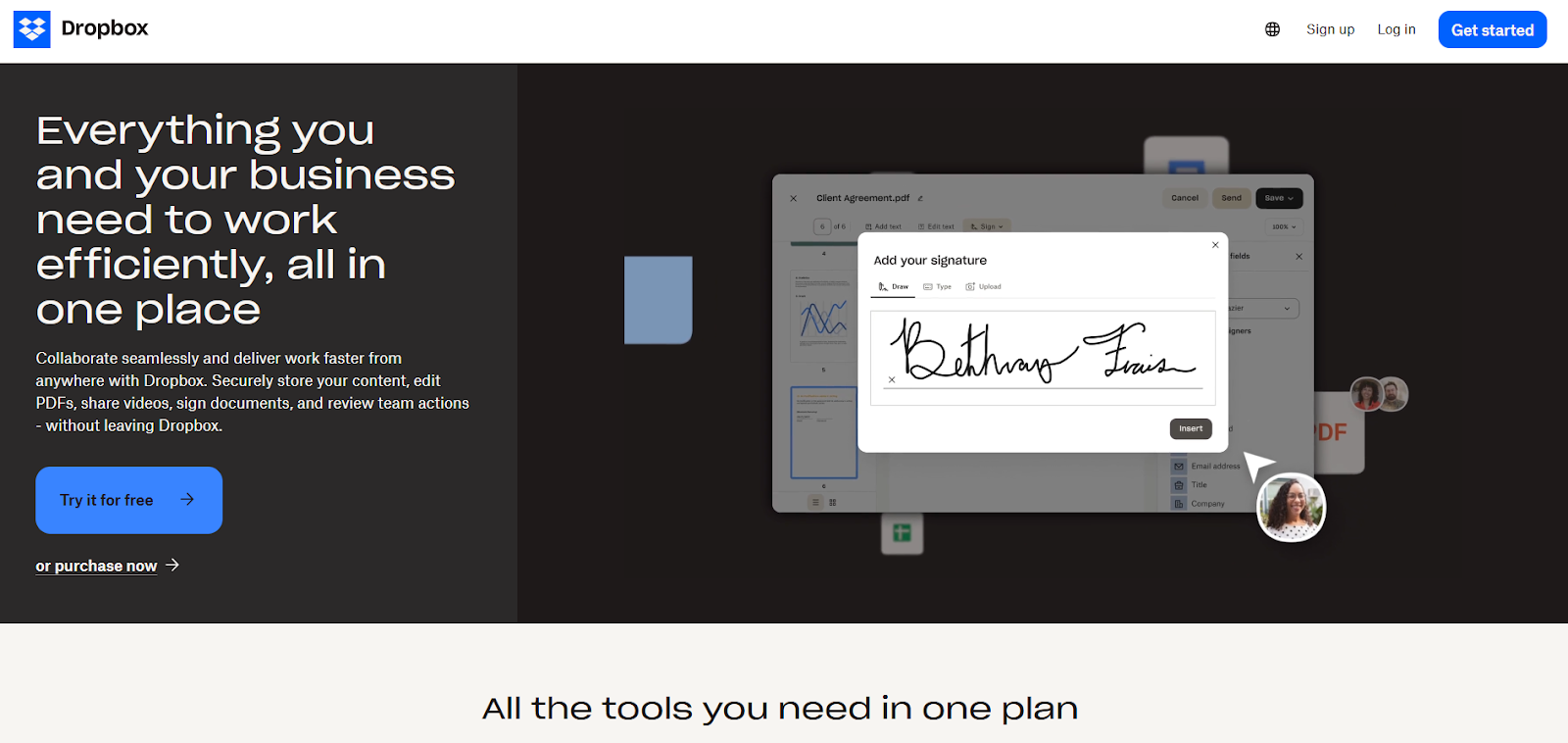
Dropbox Sign delivers a simple, lightweight signing experience with intuitive templates and seamless cloud storage integrations for fast, frictionless workflows.
Key Features
- Advanced identity verification
- Enterprise document governance
- Detailed audit reports
Pros
- Extensive compliance support
- Integrates with major cloud tools
Cons
- May feel limited for complex workflows
Pricing
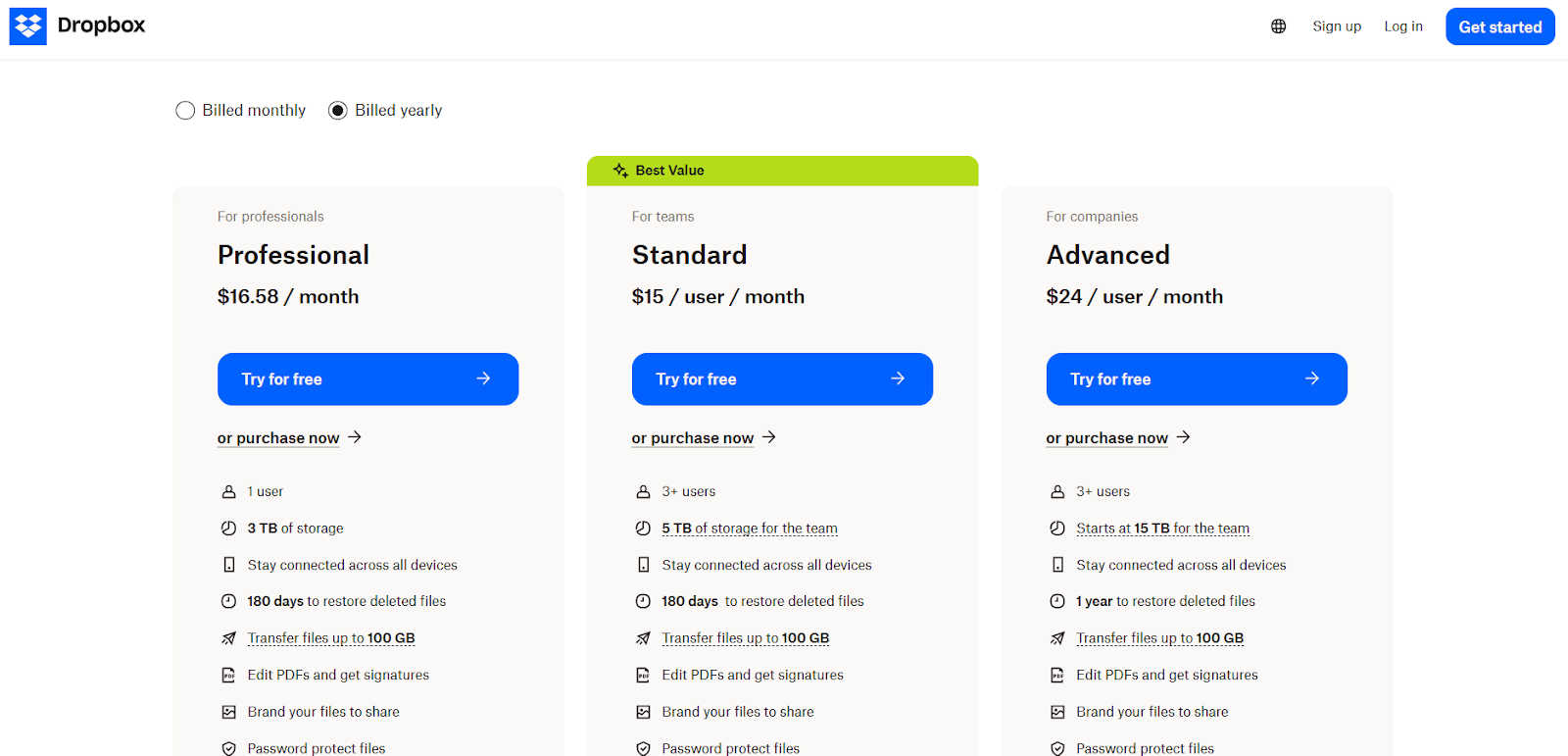
Plans start at $16.58 for the Professional tier and rise to $24 for the Advanced tier per user per month.
5. PandaDoc
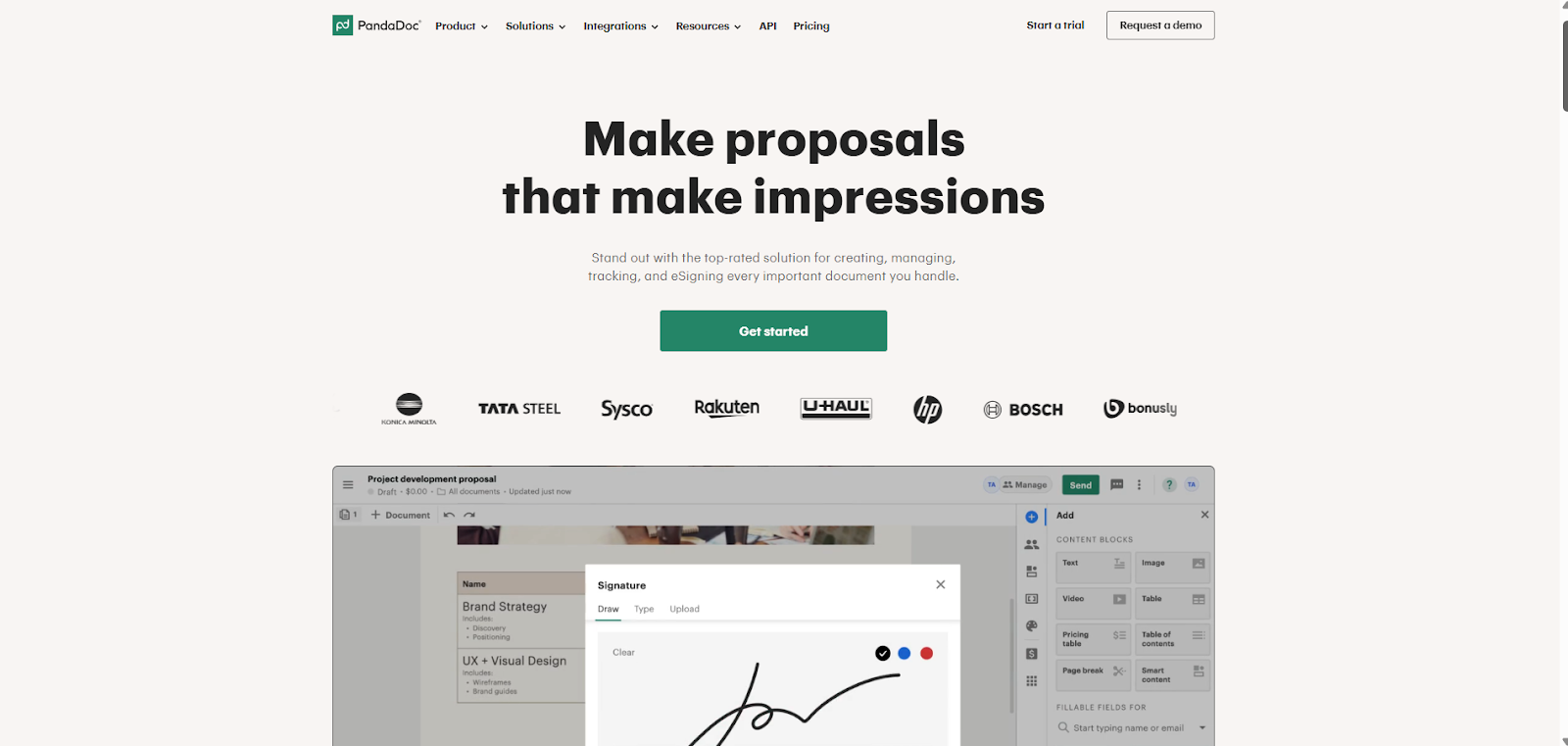
PandaDoc combines proposals, contracts, and e-signatures in one platform, helping firms manage onboarding documents and service agreements alongside tax forms.
Key Features
- Dynamic templates
- Proposal + contract builder
- e-Signing included in all tiers
Pros
- Ideal for firms selling multiple service tiers
- Great templates for proposals and agreements
Cons
- Less accounting-focused
- Can feel heavy if only need signatures
Pricing
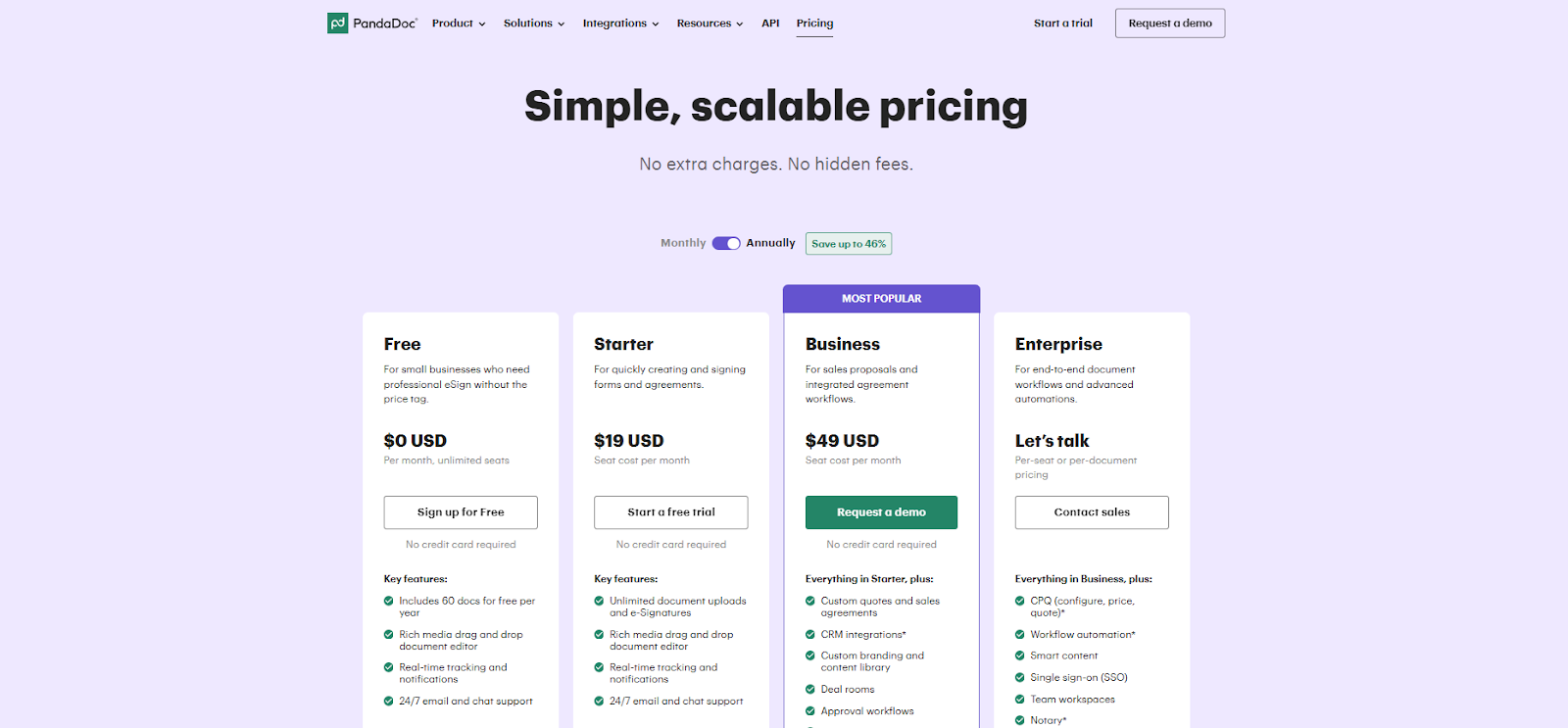
PandaDoc offers free pricing for small businesses who need professional e-signatures without the price tag ranging to enterprise level who need advanced automation.
6. Zoho Sign
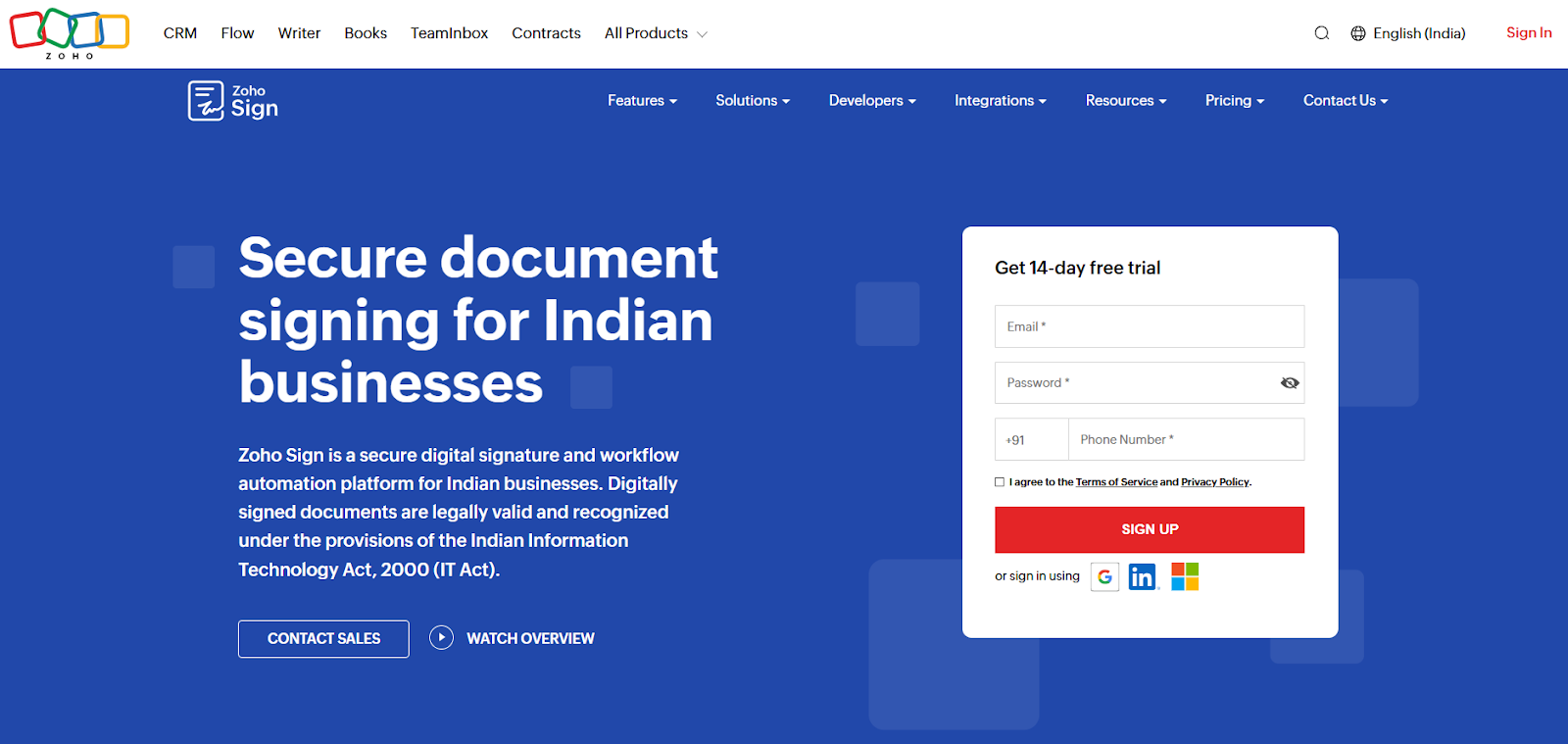
Zoho Sign integrates directly with Zoho Books and the Zoho Finance Suite, enabling smooth e-signature workflows inside your existing accounting processes.
Key Features
- Native Zoho workflow integration
- Automated signing inside accounting + HR modules
- API support
- Audit trails
Pros
- Seamless for Zoho users
- Affordable pricing in most regions
Cons
- Less flexible for firms not using Zoho software
Pricing
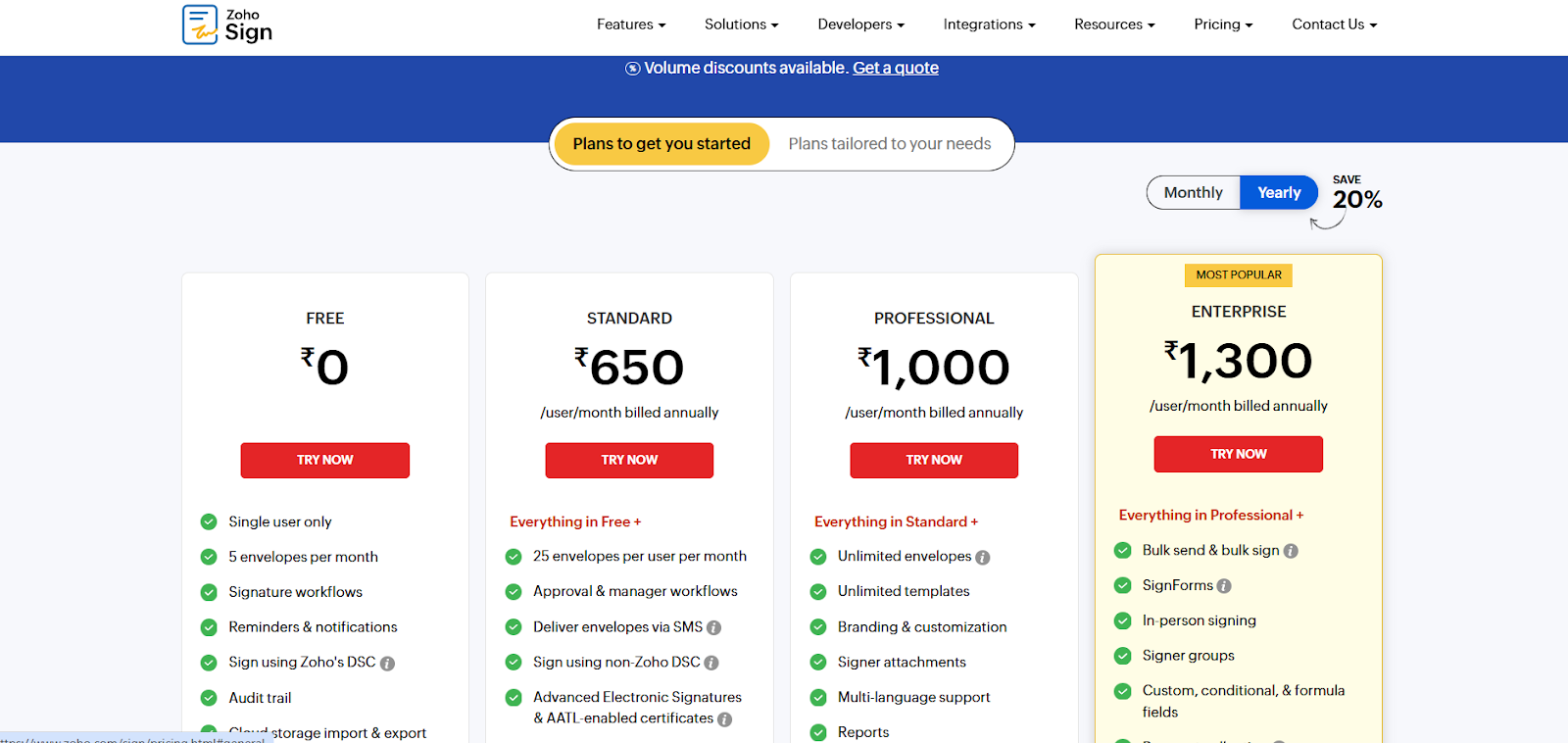
Zoho Sign offers a free/basic tier and tiered paid plans that vary by region.
7. OneSpan Sign
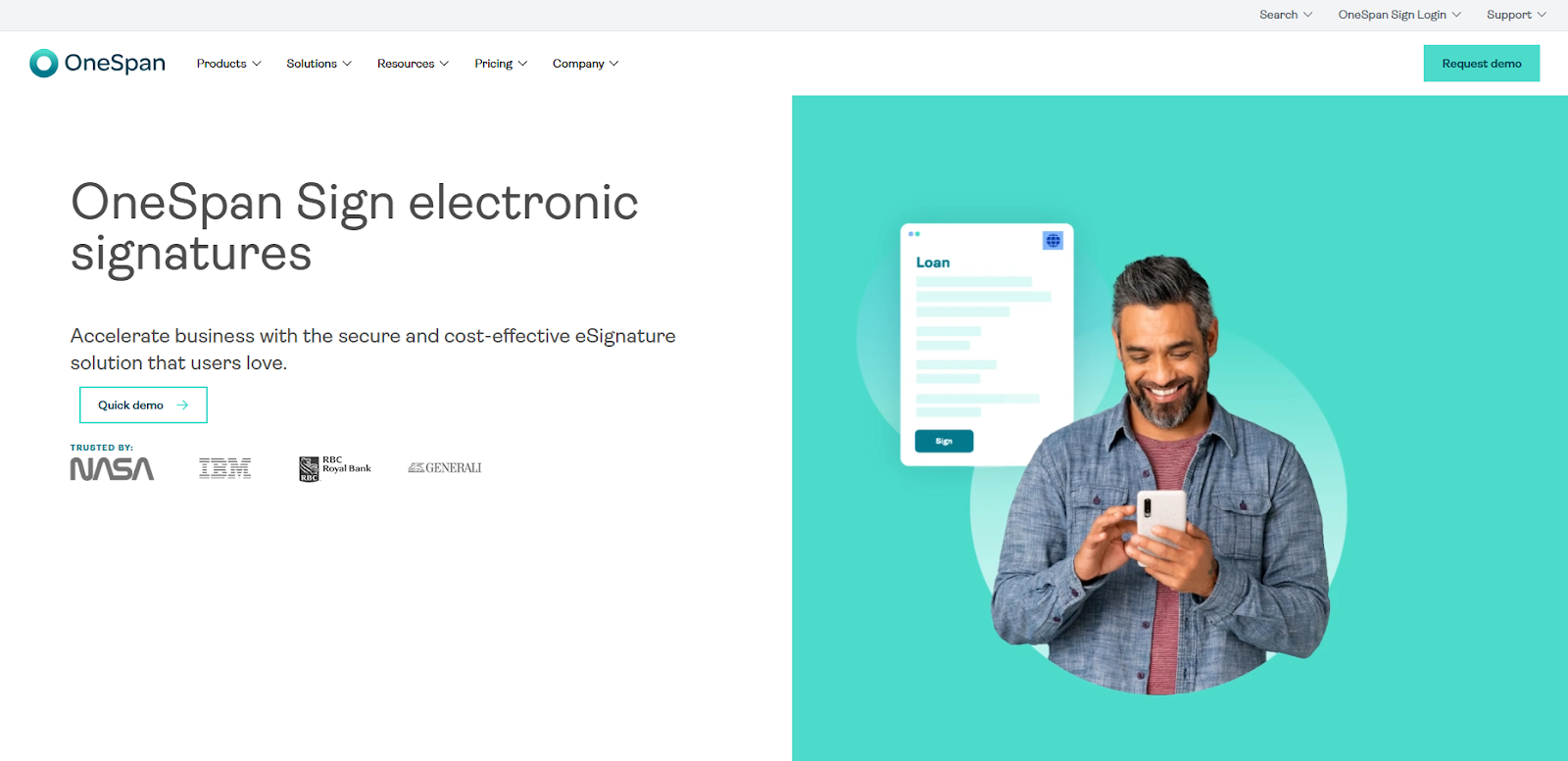
OneSpan Sign is designed for industries with strict regulatory needs (financial services, wealth management, insurance). Ideal for accounting teams handling highly sensitive KYC/AML documentation.
Key Features
- High-assurance identity verification
- Strong audit trails
- Enterprise encryption + tamper-proof storage
- Custom signing workflows
Pros
- Excellent compliance and security
- Trusted in financial institutions
Cons
- Complex for routine accounting workflows
- Higher cost
Pricing
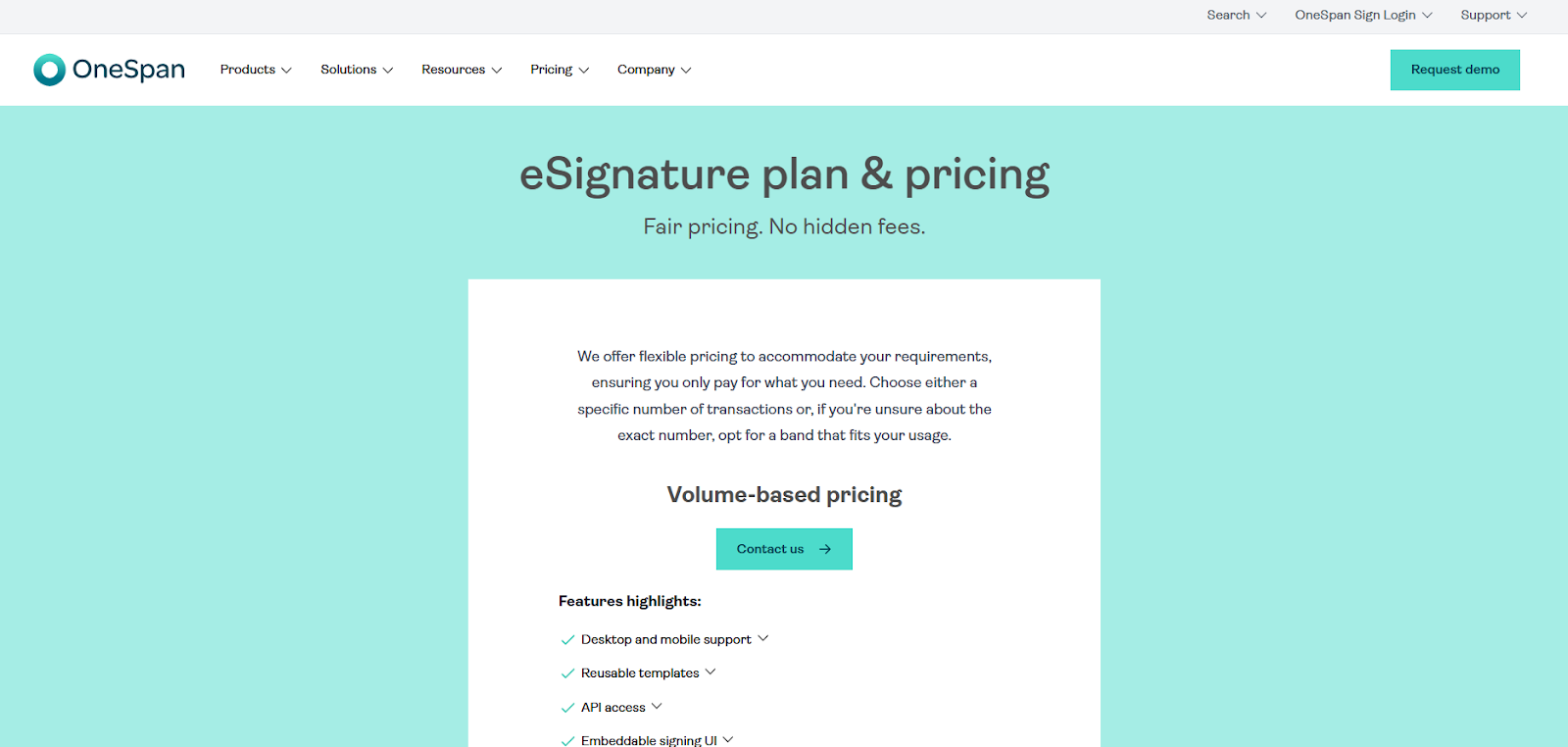
Volume-based custom pricing only.
8. DocuSign
DocuSign supports complex approval chains, large teams, and audit-heavy workflows, making it the preferred choice for big accounting firms with advanced compliance needs.
Key Features
- Global compliance frameworks
- Custom workflows and routing
- Multi-team approval chains
- Integrations with major ERPs and CRMs
Pros
- Highly secure and reliable
- Enterprise-scale capability
Cons
- More expensive
- Overkill for small firms
Pricing
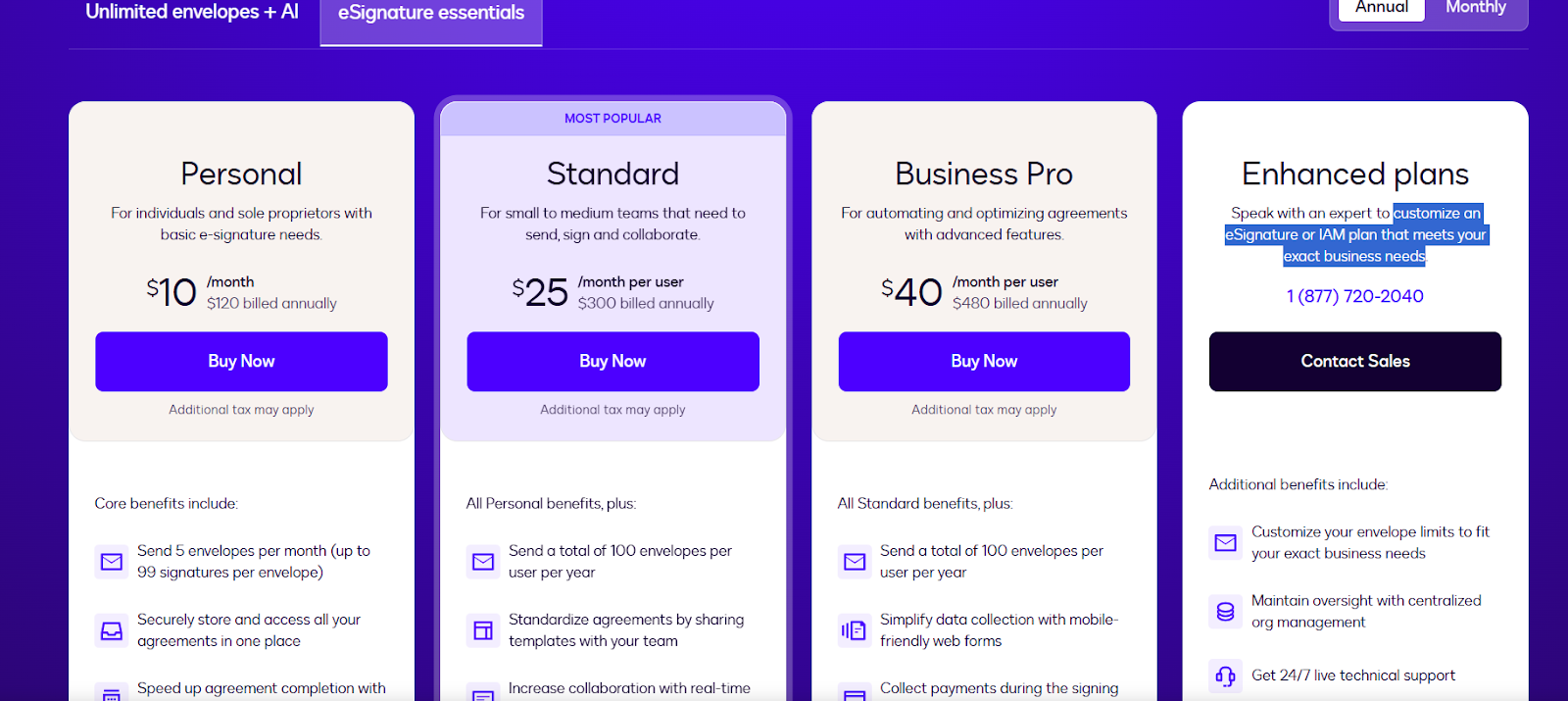
Personal plans start at $10.00 with customized e-signature or IAM plans that meet your exact business needs.
How to Choose the right e-Signature software for your firm?
Looking to convert? Try our PPT to PDF tool.
Why Choose Docupilot for Your Accounting Operations?
If your accounting firm is looking for faster processes, stronger compliance, and a better client experience, Docupilot is the most complete option. It goes beyond e-signing by streamlining document generation and reducing repetitive work for high-volume firms.
With compliance requirements increasing and client expectations rising, adopting a modern e-signature workflow is foundational to efficient accounting operations.
Start a free 14-day trial or book a personalized demo to see Docupilot in action.
FAQs
1. What features should I look for in e-signature software for accountants?
Compliance, identity verification, audit trails, unlimited signatures, strong integrations, and client-friendly signing.
2. How secure and compliant are electronic signatures for accountants?
Modern e-signature tools, like Docupilot, use encrypted links, authentication layers, and detailed audit trails to meet federal and regional standards.
3. Can it integrate with my existing accounting tools?
Most modern solutions, like Docupilot, directly integrate with popular accounting systems.
4. What are the cost benefits of switching to e-signatures?
Reduced admin time, no printing/scanning, fewer errors, and faster signing cycles during peak seasons.
Learn how to automate document creation with Docupilot


Contents
Stop rebuilding the same document by hand.

Generate and sign in one workflow.
Fifteen minutes back, per application.




