







Key takeaways
- DocuWare is powerful, but its complexity, performance issues, and inconsistent support can slow adoption and frustrate teams
- Alternatives like Laserfiche, M-Files, Square 9, and SharePoint address these gaps with clearer organization models, better usability, or stronger support
- If your main goal is automating document creation, Docupilot offers a more focused and easier-to-adopt solution
Here’s the shortlist of the best DocuWare alternatives:
- Docupilot — Best for fast document automation
- Laserfiche — Best for advanced workflow automation and regulatory compliance
- M-Files — Best for metadata-driven organization and searchable document storage
- Square 9 — Best for flexible workflow automation with strong support
- Microsoft SharePoint — Best for collaboration and seamless Microsoft 365 integration
DocuWare is a widely used document management system (DMS), but that doesn’t mean it’s the right fit for you.
Like many users, you may be struggling with a complicated setup process, performance issues with large document volumes, or limited support. Or maybe you’re just starting your search and want to explore your options before committing. Whatever your reason, you’re in the right place. The best choice depends on how your document management workflow actually runs, from capture and storage to approvals and delivery.
In this article, we break down the best DocuWare alternatives; key features, pros, cons, and pricing, so you can choose a solution that truly supports how your team works
Why should you look for a DocuWare alternative?
Before choosing a DocuWare alternative, it's helpful to consider where it falls short. Here are some recurring issues based on reviews on platforms like Capterra and G2
Complexity & steep learning curve
While Docuware is powerful, many users report that it feels overwhelming, especially for organizations new to document management systems; setting up workflows, metadata structures, and automation requires training and patience. A user said this:
“The thing I like the least with Docuware is learning how to use the program. I have slowly taught myself how to navigate the program, but I believe a lot of people are scared to use it because it can be confusing to learn how to navigate.”
If your team is new to using DMS, a steep learning curve can slow adoption, frustrate employees, and increase training time.
Performance and feature limitations
Poor performance under heavy workloads is another common concern. Searching large document repositories can be slow, and working with high document volumes may cause noticeable delays. Beyond speed, reviewers also point out that some features feel limited or require extra configuration to work as expected.
One Capterra reviewer noted that “some parts of the system feel clunky or are not optimized for any devices.”
Platforms that lag under load or require workarounds for basic functionality won’t scale well with your business, disrupt workflows at critical moments, and reduce overall productivity.
Limited customer support
Docuware’s customer support is a pain in the neck. Reviewers complain of slow response times, inconsistent support across regions, and limited documentation.
As this Capterra reviewer put it:
“A drawback is the absence of direct support from the vendor, coupled with the limited availability of technical documentation on the product.”
When support is delayed or documentation is lacking, internal teams often have to troubleshoot issues themselves or rely on external consultants. This can slow down workflows, increase downtime, and raise operational costs.
Top 5 Docuware alternatives to consider
1. Docupilot
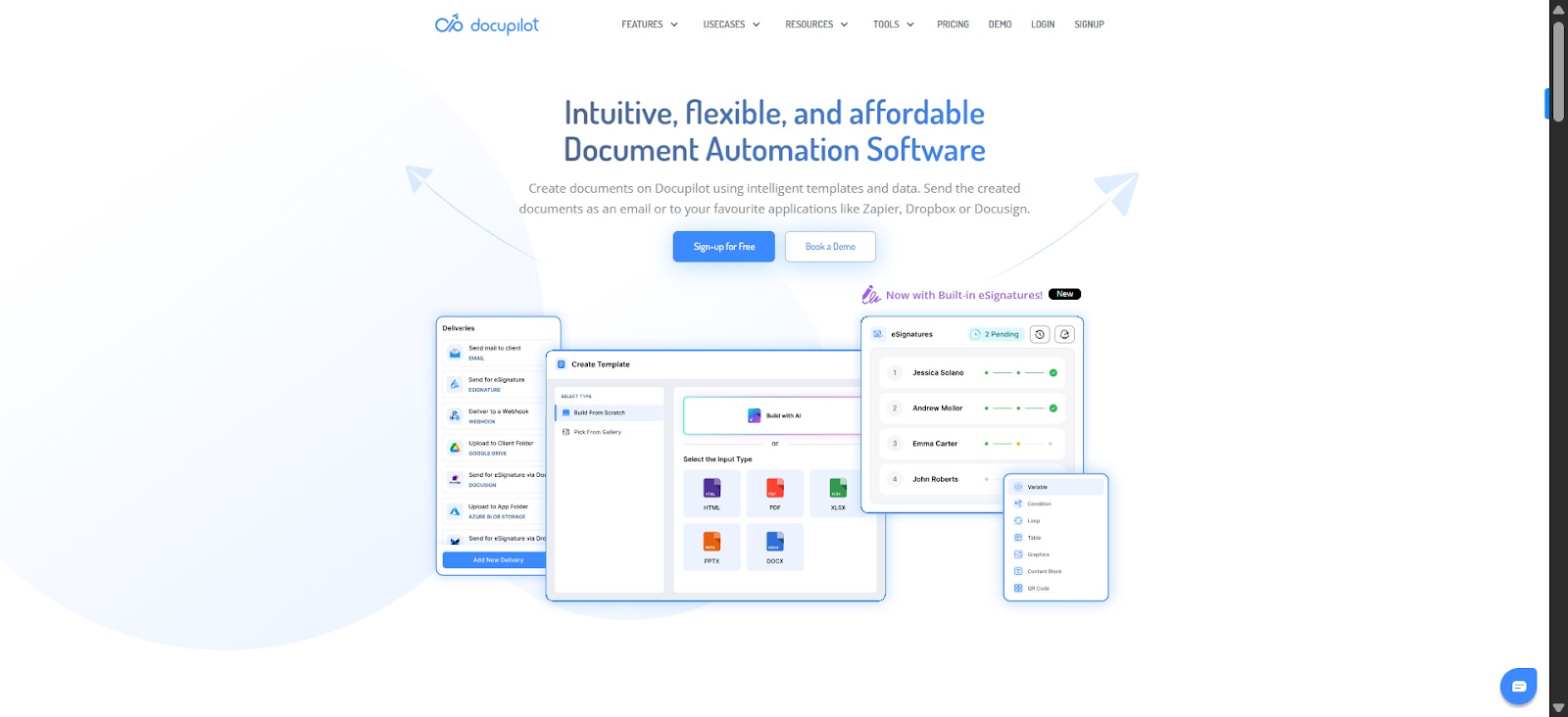
If you like DocuWare overall but struggle to find documents once your files pile up, Docupilot can work alongside it. It automates how you create, name, and store documents, to keep your repository organized from the start.
Instead of manually editing and saving multiple versions of the same contract or proposal with random or inconsistent names, Docupilot generates each document from a variable template. You can set dynamic naming rules, like Invoice_Sample_{{companyname}}_{{date}}, and it automatically saves the file to your DMS.
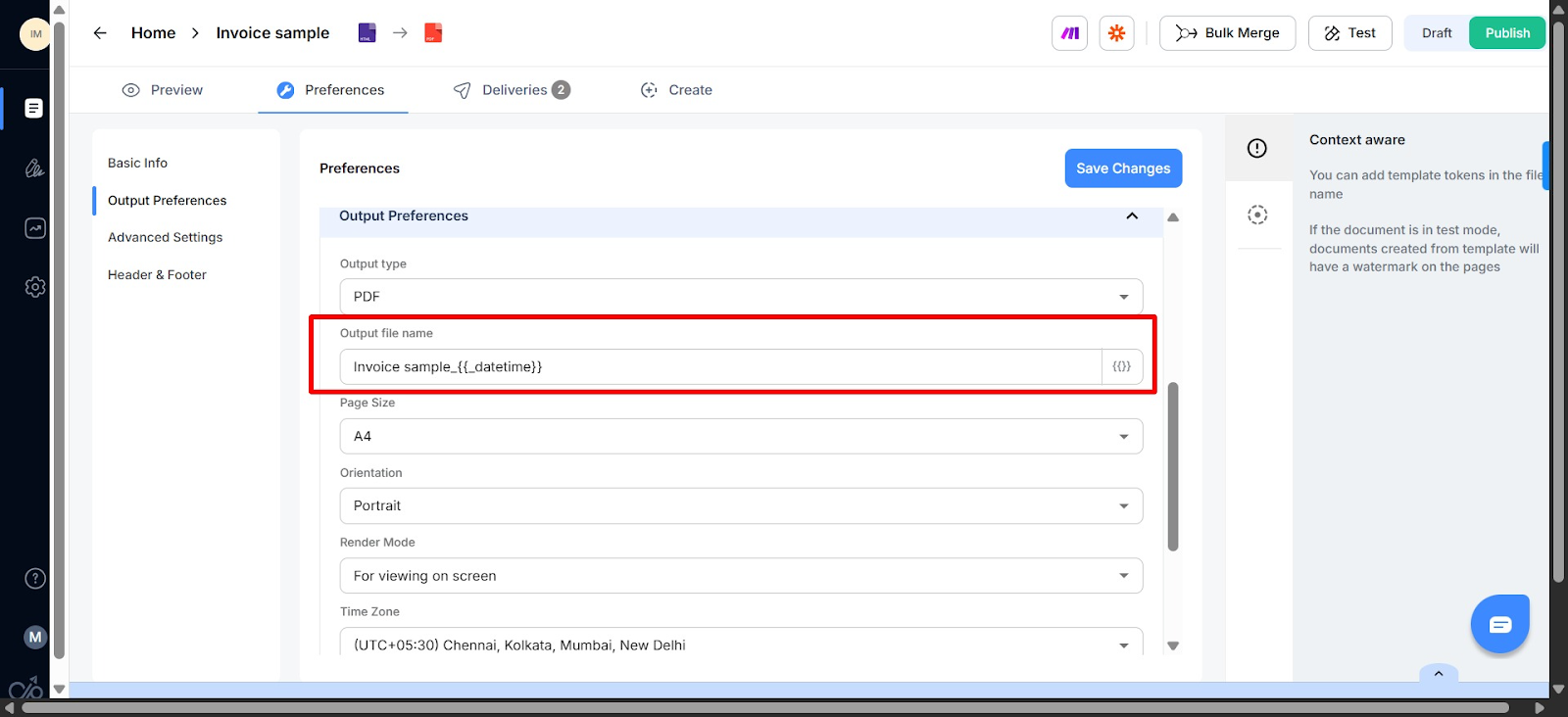
Each file follows the same structure, naming rules, and data logic. Variations exist, but they’re consistent and predictable. That means less clutter in your repository and far less time spent hunting for the right file.
Key features
- Template builder: Docupilot lets you create templates from scratch using its editor, generate them with AI, or upload existing Word, PowerPoint, or Excel files and turn them into smart content blocks that auto-fill with your data
- Merge fields: Instead of typing each client’s name, address, invoice details, or contract clauses manually, Docupilot pulls the data from a connected form, CRM, spreadsheet, or database and automatically merges it into your documents, creating personalized files in seconds
- Advanced conditional logic: Set rules in your template so content adapts automatically based on your data. For example, if an invoice has multiple line items, the template can generate a full table instead of a single row. This lets you use one template for many similar documents, saving time and reducing errors
- Automated delivery: Once a document is generated, Docupilot can automatically send it to the right recipients and save it to your storage platform. This creates a fully automated workflow, so your documents move from creation to distribution without any manual steps
- Preferences & output settings: Control how your documents are named, exported, and secured. You can define dynamic naming rules, export in multiple formats like PDF, Word, or Excel, automatically number invoices or contracts, and even set passwords to protect sensitive files
Pros
- Ensures consistent file naming and structure, which reduces errors and clutter
- Strong integration ecosystem with over 1000 apps through Zapier and Make
- Supports bulk document generation and automation
- Five-star Capterra support rating

Cons
- Has a learning curve, especially for less tech-savvy users; however, the in-app chatbot provides help on the spot
Pricing
Docupilot uses a tiered subscription model based on monthly document delivery limits and team size:
- Starter: $29/mo
- Plus: $99/mo
- Pro: $149/mo
- Premium: $199/mo
- Business: $399/mo
- Enterprise: $699/mo
All plans include unlimited templates, Zapier and API access, and multi‑format support; e-signature is available as an add‑on.
Want to see how it works? Sign up for a 14-day free trial of Docupilot and start automating your document workflows today.

2. Laserfiche
Compared to DocuWare, Laserfiche offers a more consolidated experience. With DocuWare, you often configure different components separately to manage documents, build workflows, capture data, and integrate with other systems. This can make even simple, end-to-end processes feel fragmented during setup and day-to-day use.
Laserfiche approaches this differently by bringing document management, workflow automation, and data capture together in one platform. You design workflows in a single visual interface and manage documents and processes without jumping between tools.
That said, this doesn’t mean Laserfiche is simpler overall. The platform is powerful, but building advanced workflows still requires time and technical understanding.
Key features
- Document repository & search: Laserfiche centralizes content with full‑text search and customizable metadata templates, making it easy to find files even in large archives
- Workflow automation: Process automation includes routing, approvals, task scheduling, and rule‑based triggers that eliminate manual handoffs
- AI assist & smart fields: AI tools automatically extract relevant information from documents and generate summaries or insights, reducing manual tagging
- Forms & data capture: Electronic forms let users capture structured data, automate approvals, and feed it directly into workflows
Pros
- Comprehensive enterprise content management capabilities covering content, workflows, and compliance
- Advanced automation and AI tools to drive efficiency
- Strong security and governance features for regulated industries
Cons
- Steep learning curve for new users due to the breadth of features
- Can be complex and costly for small businesses with simple needs
- Some users report performance slowdowns in large repositories
Pricing
Laserfiche offers a cloud subscription billed annually, with tiers that scale in capability:
- Starter: $53 per user/month
- Professional: $73 per user/month
- Business: $93 per user/month
3. M-Files
M-Files is another DMS that makes it easy to retrieve your files, using a different approach. Instead of relying on folders or cabinets, it organizes documents based on metadata, like type, client, project, or status, so you can find what you need without worrying about where it’s stored.
Though DocuWare offers features like Task Lists and Global Search, but its core structure is built around folders and cabinets. M-Files, by contrast, is built around metadata from the ground up, which can make searching, automation, and organizing documents more intuitive once your team adjusts.
Key feature
- Metadata-based organization: Documents are classified by properties rather than folders, making retrieval faster and more reliable
- Advanced search: Users can find documents using metadata, full-text search, or filters without knowing where the file is stored
- Workflow automation: Built-in workflows manage approvals, reviews, and document status changes
- Version control: Automatic versioning prevents overwrites and ensures users always work on the latest file
Pros
- Strong search and findability thanks to metadata-driven design
- Reduces document duplication and misfiling
- Excellent Microsoft ecosystem integration
- Solid workflow and compliance features
Cons
- Initial setup and metadata design require planning
- Can feel abstract for users who are used to folders
- Pricing may be high for smaller teams
- Advanced configurations may require admin expertise
Pricing
Custom quote
4. Square 9
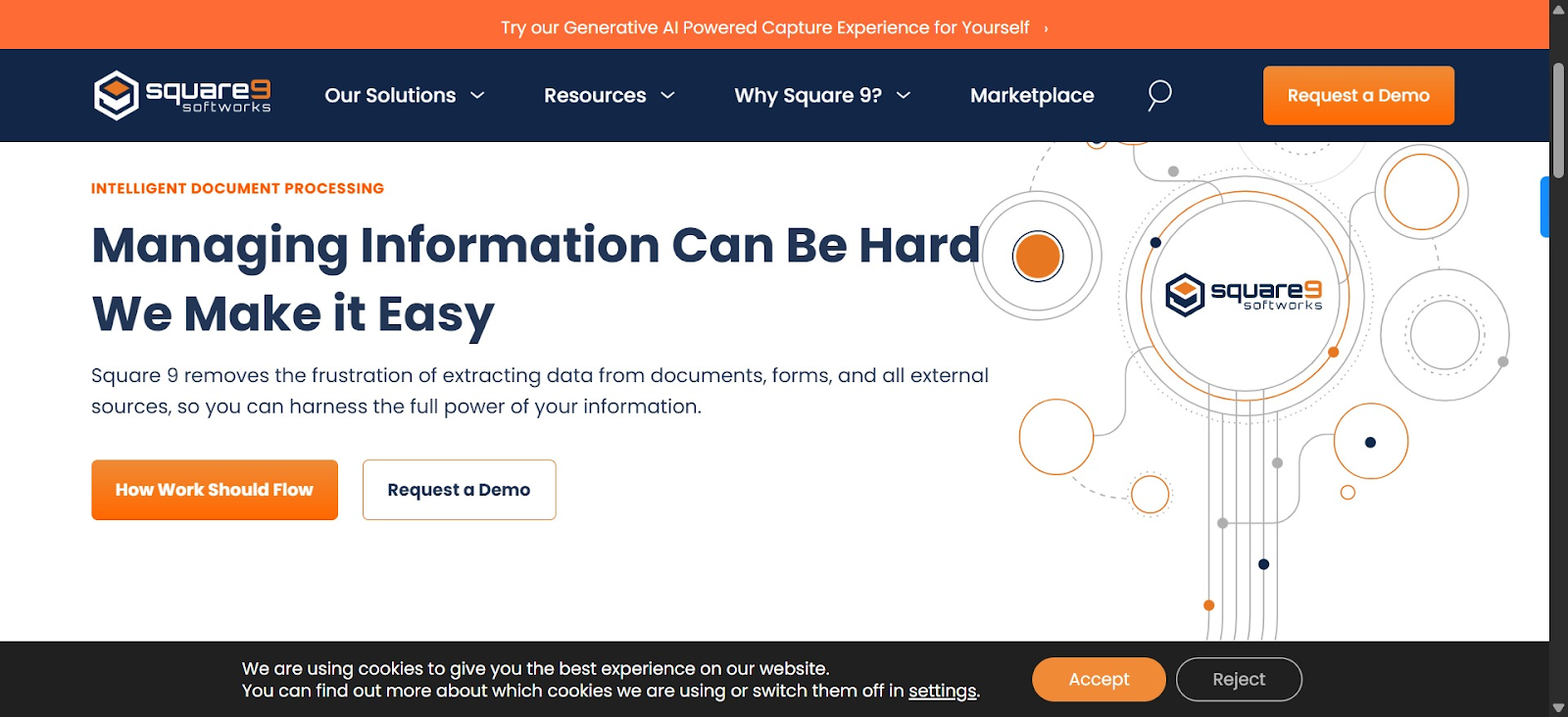
If DocuWare feels too complex or difficult, Square 9 is a better alternative. It’s designed for teams that want automation but don’t want to wrestle with a complicated platform. You can capture documents, organize them, and build workflows in one system, while still keeping things manageable for non-technical users.
One thing to keep in mind is that Square 9 still requires upfront configuration. You’ll need to invest time in setting up forms, indexing rules, and workflows before rollout. But once configured, many teams find it easier to use and easier to support than DocuWare.
Key features
- Document libraries & version control: Stores files centrally with automatic versioning, permissions, and activity history
- Collaboration & co-authoring: Multiple users can work on documents simultaneously, with comments and change tracking
- Search & metadata management: Supports metadata tagging and enterprise search across sites and document libraries
- Workflow automation: Power Automate enables custom workflows for approvals, routing, and notifications
- Security & compliance: Retention labels, audit logs, data loss prevention, and eDiscovery are managed via Microsoft Purview
- Extensibility: Power Apps, third-party integrations, and custom development extend SharePoint’s functionality
Pros
- Seamless Microsoft 365 integration
- Strong collaboration and co-authoring
- Familiar interface reduces training needs
- Highly scalable across organizations
- No separate platform required for M365 users
Cons
- Requires configuration to function as a true DMS
- Workflow automation depends on Power Automate licensing
- Metadata and governance need ongoing management
- Can become disorganized without a strong information architecture
Pricing
Square 9’s pricing per user, per month is:
- Process automation essentials: $50 per user/month
- Digital transformation essentials: $68 per user/month
- Enterprise essentials: $75 per user/month
5. Sharepoint
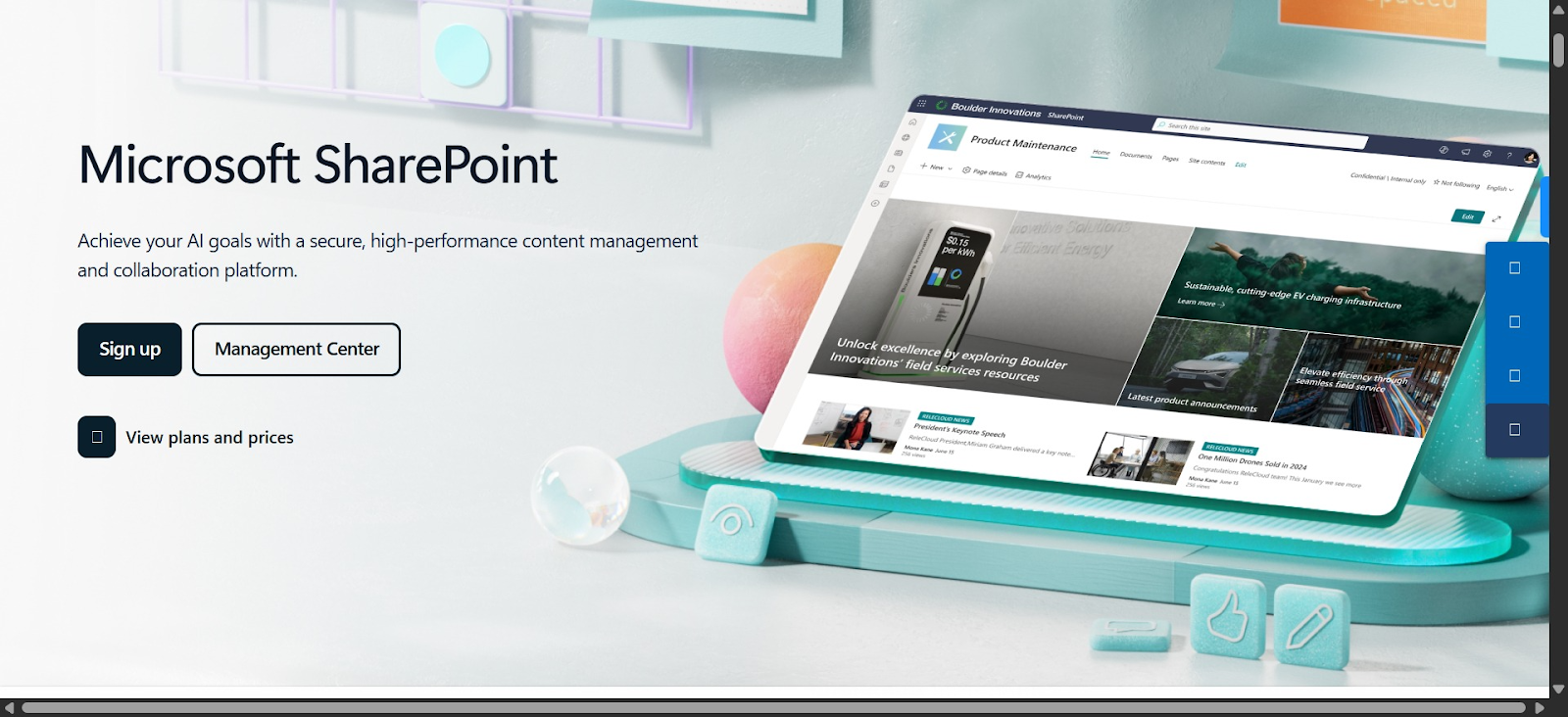
If your organization already lives inside Microsoft 365, SharePoint can feel like the most natural alternative to DocuWare. It lets you store, share, and collaborate on documents using tools your team already knows, like Teams, Outlook, and OneDrive.
SharePoint reduces the learning curve because it follows familiar Microsoft patterns. Version control, permissions, and real-time collaboration are built in, making it easier for teams to work together without extensive training.
That said, SharePoint is not a ready-made document management system out of the box. To replace DocuWare fully, you’ll need time to configure sites, permissions, and workflows, and in many cases, add third-party tools. If you don’t have IT resources or a clear governance plan, SharePoint can quickly become hard to manage.
Key features
- Centralized document storage and version control: SharePoint stores files in secure document libraries with version control, so you can track changes, restore previous versions, and avoid accidental overwrites. Metadata helps organize documents by client, project, or status
- Team sites: Act as shared workspaces where teams can store documents, manage tasks, share calendars, and post updates in one place, reducing reliance on email and disconnected tools
- Workflow automation with Power Automate: You can create simple, rule-based workflows that trigger actions when files are uploaded, edited, or approved, helping standardize reviews, notifications, and approvals
- Advanced search and metadata filtering: SharePoint makes it easy to find documents using search filters and metadata, even if you don’t remember where the file is stored
Pros
- Familiar Microsoft interface significantly reduces training needs and accelerates user adoption
- Starting at $5 per user per month, with many organizations already having access through existing Microsoft 365 subscriptions
- Strong governance and compliance features for managing structured content at scale
Cons
- Requires multiple add-ons and third-party integrations to function as a comprehensive document management system
- System effectiveness depends entirely on your team's discipline in applying metadata tags consistently
- Slow synchronization of documents sometimes results in duplicate files and causes confusion within the team
- Workflow automation depends on Power Automate licensing, which is an additional cost
Pricing
SharePoint comes with these common Microsoft 365 subscriptions:
- Microsoft 365 business basic: $6/user/month
- Microsoft 365 business standard: $12.50/user/month
- Microsoft 365 business premium: $22/user/month
- Microsoft 365 enterprise E3: $36/user/month
- Microsoft 365 Enterprise E5: $57/user/month
Find the right DocuWare alternative for your team
Choosing the right DocuWare alternative comes down to understanding your organization’s priorities. Some teams need to reduce complexity and improve team adoption, while others want flexible automation, stronger integrations, or more responsive support.
Tools like Laserfiche and M-Files offer advanced compliance control, Square 9 balances usability with customization, and SharePoint works well for teams already invested in Microsoft 365. Each has strengths depending on your workflows and technical comfort level.
If you want to speed up document creation, reduce storage clutter, and improve retrieval through automatic file naming, Docupilot can work alongside your DMS. Its automatic workflows make document creation and storage fast and error-free.
Sign up for a 14-day free trial of Docupilot today and start automating your document workflows in minutes.
DocuWare Alternative FAQs
What is the difference between DocuWare and M-Files?
DocuWare organizes documents using cabinets and workflows, while M-Files is metadata-driven, making search and automation more intuitive without relying on folder structures.
How much does DocuWare cost per month?
DocuWare does not publish fixed monthly pricing; costs depend on user count, deployment type, and required modules, so you need to contact the vendor for a quote.
What are the best DocuWare alternatives?
Top alternatives include Docupilot for document automation, Laserfiche for compliance and workflows, M-Files for metadata-driven management, Square 9 for flexible automation, SharePoint for Microsoft 365 teams, and eFileCabinet for simple secure storage.
Learn how to automate document creation with Docupilot


Contents
Stop rebuilding the same document by hand.

Generate and sign documents in one workflow
Save ~15 minutes per application




