



Key takeaways
- The document workflow automation platforms with APIs compared in this article are Docupilot, PandaDoc, Docusign, Anvil, Formstack Documents, Documint, and Carbone.
- The shortlist covers complete document workflows, signature-led processes, PDF automation, and focused document generation.
- We evaluated API coverage, data handling, failure recovery, template control, and pricing transparency.
- These platforms reduce the custom development required to create documents and complete the processes around them.
- Choose the platform that supports your required workflow while leaving template updates with operations and technical controls with developers.
Document APIs differ in the tasks they support. Some generate files from templates, while others handle signing, delivery, file processing, or status updates. The table below groups these capabilities by use case.
We compared seven platforms based on the document steps their APIs support, the data they can process, and who can manage templates after launch. We also reviewed how each platform reports failures and charges for production use.
** Docupilot publishes this guide and is one of the platforms reviewed. We explain our criteria and sources so you can assess the comparison.
Types of document APIs by function and use case
A REST API defines how your application sends a request and receives a response. It does not define which document tasks the platform can perform.
The platform may return a single generated file or manage a longer document workflow. The table below shows the main API categories and when each fits.
Best document workflow automation platforms with APIs: At a glance
How we evaluated the tools
We assessed each platform using five criteria that affect implementation and ongoing management:
- API coverage: Whether the API supports generation, processing, delivery, signing, and status updates.
- Data handling: How it manages nested data, repeated items, optional values, and dynamic tables.
- Failure handling: Whether it provides clear statuses, error messages, retry controls, webhook events, and recovery options.
- Template control: Who can update wording, branding, conditions, and recipients after launch.
- Pricing transparency: How the vendor charges for API access, document volume, eSignature, and add-ons.
Please note: Capability and pricing information comes from vendor documentation and public product pages reviewed on October 21, 2026. We did not run hands-on tests.
7 best document workflow automation tools: In-depth
1. Docupilot: Best for programmable end-to-end document workflows
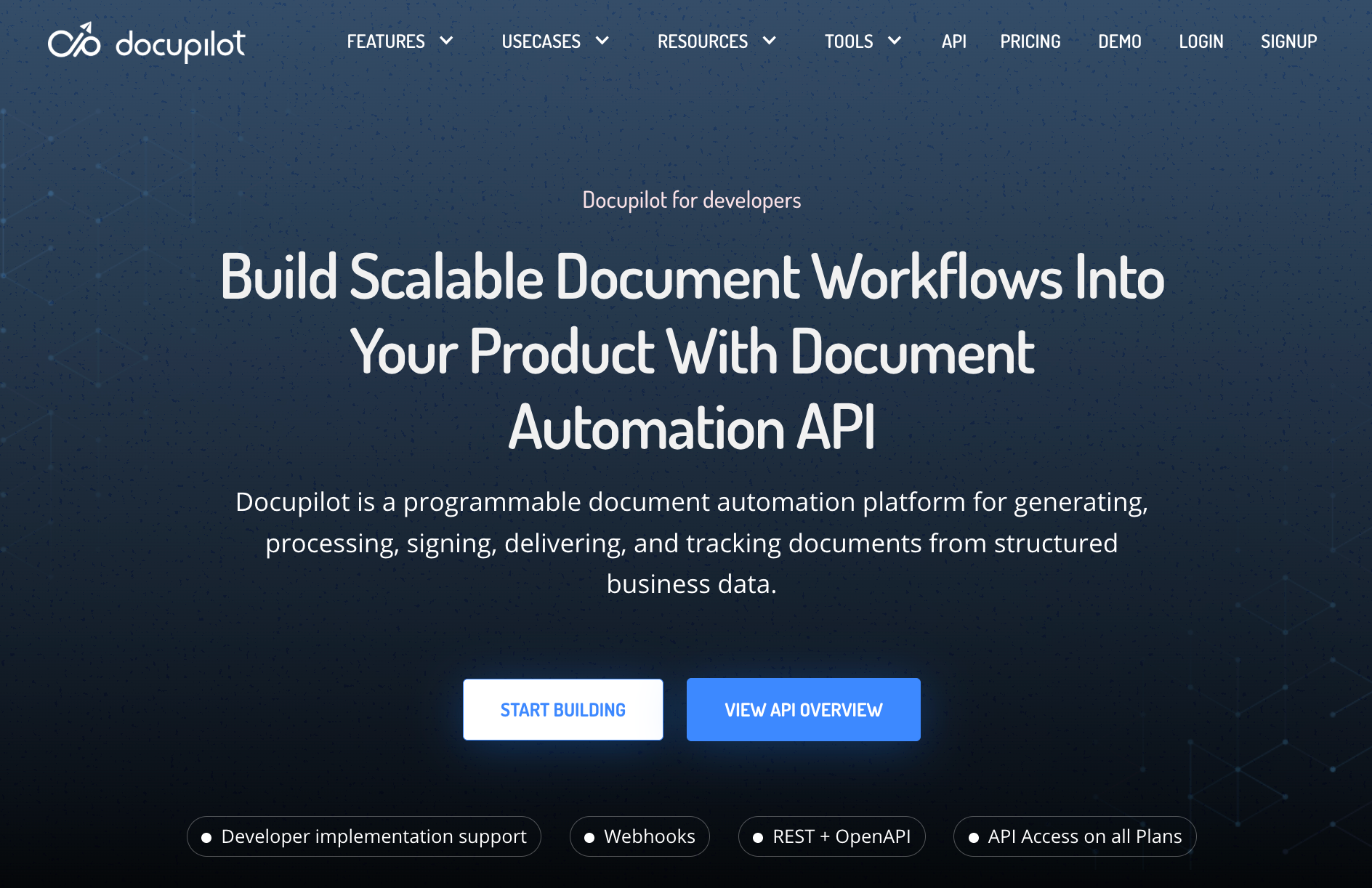
With Docupilot, you can turn business data into automated document workflows. We manage the document execution layer, while your developers control the technical setup. Your operations team can update templates and workflow rules after launch.
Key capabilities include:
- Flexible templates: Create documents using Word, Excel, PowerPoint, and PDF templates, or using our browser-based Document Builder.
- Structured data handling: Populate templates using nested data, repeating records, conditions, calculations, images, and QR codes.
- Workflow execution: Trigger configured workflows through an API to generate documents, process PDFs, and run signing or delivery steps.
- Document processing: Convert files, transform PDFs, and append documents.
- Delivery and tracking: Send outputs through configured email, webhook, storage, or SFTP destinations and return relevant workflow status information.
Before launch, your team maps business data to the templates and tests the workflow. After launch, we run the document process and return the result to your application.
You can explore our document automation API and review the available templates.
Key limitation/trade-off:
The number of documents you can generate depends on your plan. Setting up the templates and deciding where the finished documents go also takes some initial work.
Pricing and API access:
We offer six paid plans based on the number of documents delivered per month. All plans include API access, unlimited templates, unlimited testing, and integrations.
A 14-day free trial is available without a credit card.
We also offer eSignature as an add-on, starting at $1.50 per envelope, with volume discounts bringing the price down to $0.75 per envelope.
For Business and Enterprise plans, you can pay annually by invoice. If you hit your monthly document limit, you’ll need to upgrade your plan to keep generating documents.
You can review the complete Docupilot pricing here.
2. PandaDoc: Best for sales teams that want to create and sign documents within their existing apps
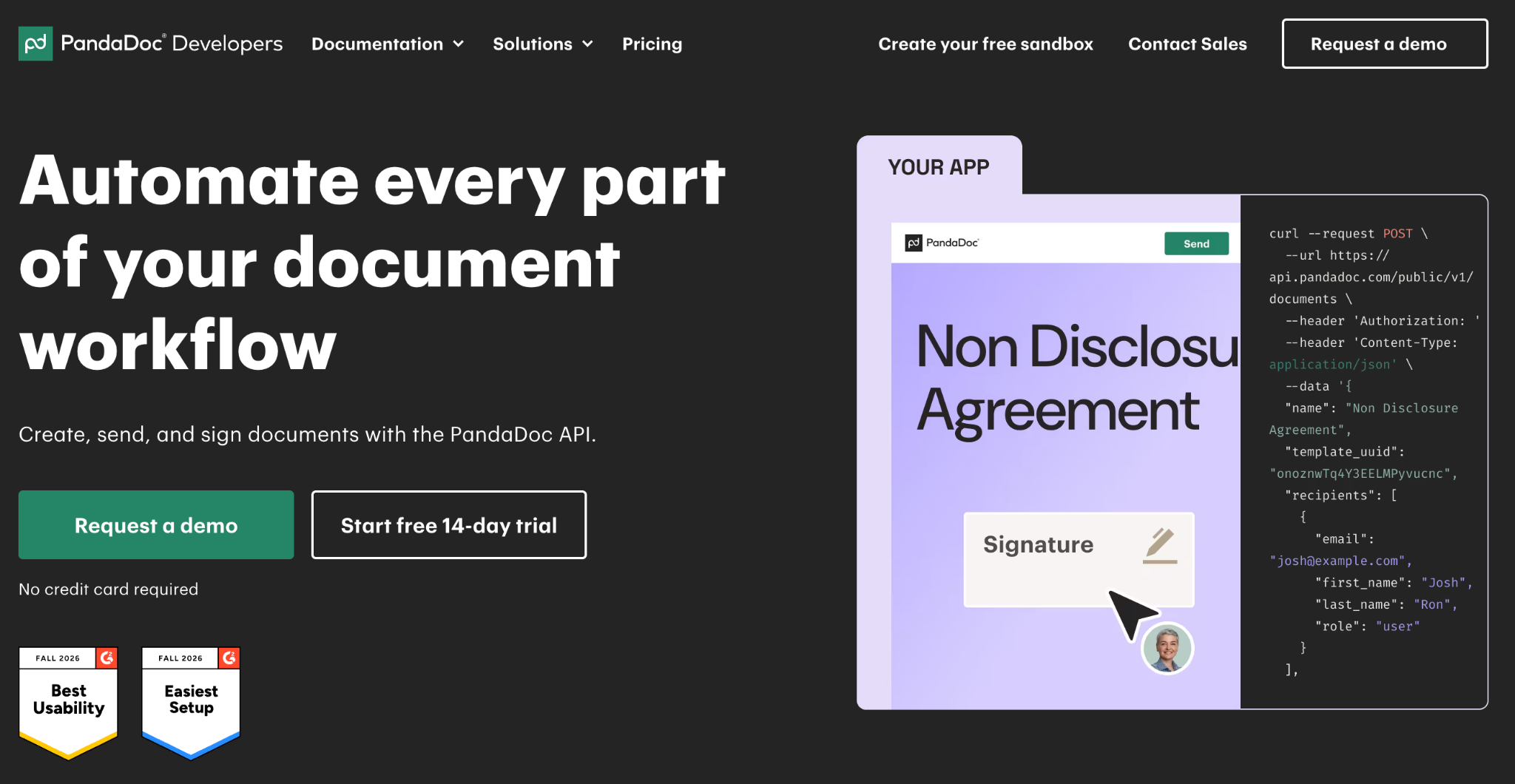
PandaDoc supports document workflows built around sales documents and agreements. Teams can create documents from templates using CRM data or other structured inputs.
Key capabilities include:
- Dynamic document generation: Create documents from templates, PDFs, CRM data, or custom application inputs.
- Signature workflows: Set signing roles and order, send signature requests, and manage the signing process.
- Status tracking and automation: Use webhooks or status checks to track document activity and trigger follow-up actions.
- Document and workspace management: Manage documents, folders, templates, and supported workspace resources through the API.
PandaDoc fits teams that want to create documents and send eSignature within a sales workflow. A sandbox is available for testing, while production use requires a plan with API access.
Key limitation/trade-off:
PandaDoc’s API doesn’t support editing a document after it has been created. If your application needs to update document content through the API, you’ll need to account for this constraint in your workflow.
Pricing and API access:
PandaDoc offers a free plan and three paid plans: Starter, Business, and Enterprise.
PandaDoc offers a separate API Developer plan for $40/month, following a 14-day free trial. It includes 40 documents per month.
The regular Free and Starter plans offer limited or credit-based API access, while the Business plan adds features such as CRM integrations, approval workflows, and bulk sending. Enterprise offers advanced workflow automation and other features for larger teams.
3. Docusign: Best for document generation and agreement workflows
DocuSign can generate personalized agreements from Word templates and application data, then send them for signature within the same workflow. Its document-generation API supports dynamic fields and conditional clauses, making it useful for agreements such as offer letters, loan offers, service requests and more. Its broader agreement-focused offering also includes workflow building and agreement management.
Key capabilities include:
- Template-based document generation: Merge data from internal systems into Word templates to create personalized agreements.
- Conditional clauses: Show or hide sections based on the data provided, reducing the need to maintain separate templates for every variation.
- eSignature workflows: Generate documents and send them for signing through the eSignature API.
- Agreement and workflow APIs: Access APIs for agreement management and workflow building.
Key limitation/trade-off:
Document generation requires compatible DOCX templates with configured data fields. The API also has limitations when adding data field values within a composite template API call.
Pricing and API access:
DocuSign has a free developer account for testing API integrations. Its Intelligent Agreement Management (IAM) plans bundle e-signatures with document management and workflow automation.
The Starter plan is a good entry point for teams that need basic agreement management. Standard and Professional include more workflows and unlimited envelope sending through the web app.
4. Anvil: Best for developers building PDF-heavy onboarding and form workflows
Anvil provides APIs for building PDF and form workflows inside an application.
Key capabilities include:
- PDF services: Populate existing PDFs or create documents from application data.
- Template management: Create and manage PDF templates, including field detection.
- Form-based workflows: Build webforms and multi-step workflows to collect structured information.
- Embedded signing: Create and send e-signature packets through Anvil Etch.
- Document operations: Merge PDFs and retrieve generated documents and signed files.
- Webhooks and event handling: Receive workflow and signing notifications, inspect webhook logs, and retry failed webhook deliveries.
Key limitation/trade-off:
Anvil's development API key has stricter rate limits than its production key, and PDFs generated in test mode carry a watermark. This can affect high-volume testing or previews that need to look like final documents.
Pricing and API access:
With Anvil, you pay based on usage.
Anvil also offers metered API pricing across plans: $0.10 per PDF fill or generation operation, $1 per workflow submission, and $1.50 per completed e-signature packet.
Free usage credits are available to get started, and bulk pre-purchased usage comes with discounted rates.
5. Formstack Documents: Best for organizations generating documents from forms and business applications
Formstack Documents generates documents from application data and sends the completed files into connected workflows.
Key capabilities include:
- Document generation: Create documents using submitted form data or data from another application.
- Suite coverage: Combine Documents with Formstack Forms and Formstack Sign.
- Salesforce support: Generate documents using data stored in Salesforce.
Key limitation/trade-off:
Formstack Documents doesn't save generated documents by default. If you need to access a document later, make sure you save a copy to your own storage system.
Pricing and API access:
Formstack offers a 14-day free trial, and paid plans start at $83/month, billed annually. API access is available through the Enterprise plan, which has custom pricing. Lower-tier plans focus on form creation, document generation, and e-signatures.
Formstack may be a good fit if you want to automate forms and document workflows without code. If API access is essential, you must contact its sales team for Enterprise pricing and details on API capabilities.
6. Documint: Best for lightweight, template-based document generation from application data
Documint turns application data into PDFs using reusable templates.
Key capabilities include:
- Template logic: Use variables and conditions to control document content.
- Dynamic content: Add repeated records and data-driven sections.
- REST API: Generate documents directly from an application.
- Connected workflows: Send documents to services such as Amazon S3 or Google Sheets through supported integrations.
Key limitation/trade-off:
Documint is primarily built for generating PDFs from templates and structured data. If your workflow involves complex document assembly, extensive file processing or coordinating multiple approval and signing stages, you may need additional tools or custom development.
Pricing and API access:
Documint offers a 14-day free trial on its Silver plan. REST API access is included in all three of its paid plans.
All three paid plans include unlimited templates and integrations with Airtable, Zapier, Make, Coda, and HubSpot. Add-ons are available for teams that need more documents or e-signature envelopes.
7. Carbone: Best for multi-format document generation with flexible deployment options
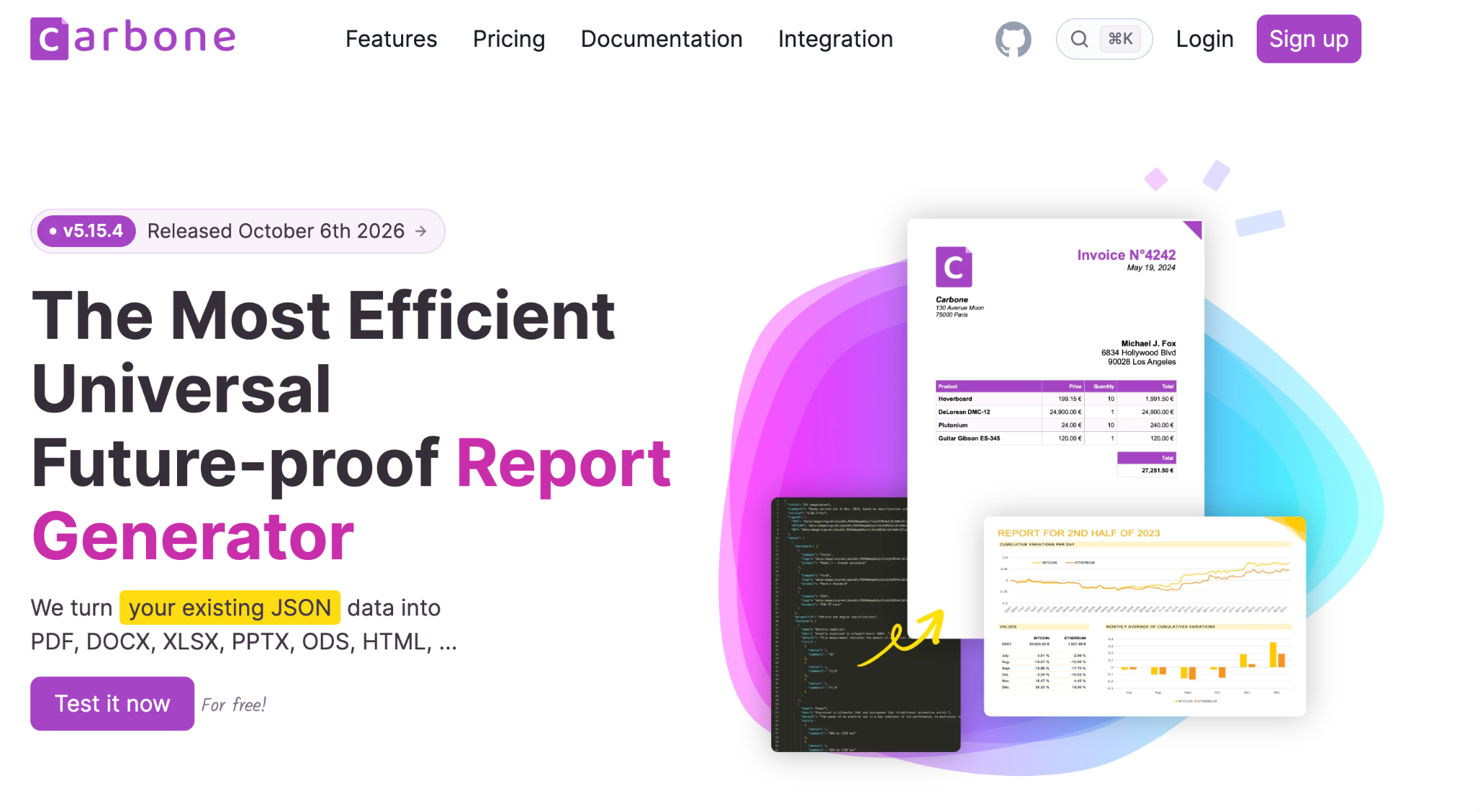
Carbone generates documents from JSON data and office-style templates.
Key capabilities include:
- Multi-format output: Generate in PDF, DOCX, XLSX, PPTX, HTML, CSV, and other supported formats.
- Office templates: Build templates using familiar document and spreadsheet applications.
- Deployment choice: Use Carbone Cloud or deploy the service in your own environment.
- Asynchronous processing: Run longer generation jobs and receive completion updates through webhooks.
Key limitation/trade-off:
Carbone is mainly built to generate and process documents, so you'll likely need another tool if your workflow also involves managing delivery or signing from start to finish. Features such as high availability and multi-tenancy are only included in higher-tier plans.
Pricing and API access:
Carbone's Free Community plan includes REST API access and unlimited document generation. Paid plans add higher document limits or enterprise features, depending on the plan.
Since Carbone is a French company, its on-premise plans are priced in euros on its website. We’ve converted the prices to US dollars using the approximate exchange rate of €1 = US$1.12. Please do note that these conversions may vary with exchange rate fluctuations.
How to test API failure handling
A document workflow must recover cleanly when a request or delivery fails. During your proof of concept, test scenarios such as:
- An invalid payload and a missing merge value
- An unavailable webhook endpoint
- A failed email or storage delivery
- The same request submitted twice
Pay attention to how the platform handles each failure. Does it retry automatically? Can you verify that a webhook came from the provider? If your application misses an event, can you retrieve it later? Not every provider supports these features, so check which ones are available.
Also, check whether the API supports idempotency. It helps prevent the same request from creating duplicate documents or signature envelopes. If it doesn't, you'll need to handle duplicate requests in your own application.
How to choose the right workflow automation platform with APIs
Start with the workflow your application must support.
- For generating documents inside a product, check whether the API accepts your data structure and allows the application to select templates. Confirm how it returns completed files.
- For preparing agreements for signature, review recipient controls and signing order. Check how the platform sends reminders and reports completion.
- For building document packets, look for conversion and merging support. Confirm whether you can add, remove, or rearrange pages.
- For giving operations teams control, confirm that authorized users can update content and workflow rules without changing the application.
Choose the platform that supports your required steps while allowing developers and operations teams to manage their respective work.
Book a demo with us and bring a sample template or API use case. We will map the workflow with you and show how Docupilot can generate the document, complete the configured steps, and return the outcome to your application.
FAQs
1. What is the difference between document generation and document workflow automation?
Generation creates a file from data and a template. Workflow automation can also apply conditions, assemble files, route approvals, send signature requests, deliver outputs, and notify other systems.
2. Who should manage templates after launch?
Operations teams should manage approved wording and workflow rules, while developers retain control over authentication and application logic. At Docupilot, we help you make routine template updates without code changes.
3. Can document workflow automation replace a document management system?
Usually not. A workflow platform creates and moves documents through a process. A document management system handles long-term storage and records governance. Our platform can send completed documents to the system you use for storage.
4. How much API coverage does your workflow need?
Map the process from the incoming request to the completed document. Your API should cover the steps that would otherwise require custom development or another service. You do not need capabilities your workflow will never use.
5. What determines the cost of a document workflow API?
Pricing may depend on delivered documents or API operations. Signature envelopes can carry separate charges. Calculate the cost of the complete workflow at your expected monthly volume, including any additional services it requires.
Learn how to automate document creation with Docupilot


Contents
Stop rebuilding the same document by hand.

Generate and sign documents in one workflow
Save ~15 minutes per application