







Key takeaways
- Foxit eSign starts affordable, but costs rise quickly as you add users, documents, workflows, or API usage
- Both tools scale in cost as your automation and integration needs grow, making long-term budgeting harder
- If you want cost clarity + document automation + eSignatures in one platform, Docupilot is the most value-efficient option
If you’re evaluating Foxit eSign pricing, you’re likely weighing two things: how much it will actually cost your team and whether it's worth choosing it over other tools.
Foxit eSign is a recognized name in the e-signature space, but its pricing can feel somewhat complicated. With tier limits, add-on modules, API fees, and those “contact us” enterprise plans, you might sign up thinking the price is simple, only to discover the actual cost much later.
In this post, we will break down Foxit eSign’s pricing, the features included in each tier, and the pros and cons highlighted in user reviews. In addition, we will explore more predictable and cost-effective alternatives for businesses that want clarity, control, and real value.
What is Foxit eSign: Key features and use cases
Foxit eSign is an electronic signature platform built to support document signing, template creation, and PDF-driven workflows.
Below is a clear breakdown of its main capabilities and where it fits best.
Summary
Foxit eSign works well for companies that rely heavily on PDF workflows or need a straightforward signing solution without advanced automation. While it covers the essential e-signature needs, several other features are tied to higher-tier plans. So, it is critical to evaluate long-term costs associated with this tool.
Foxit eSign pricing explained
Understanding Foxit eSign prices can feel challenging because several features, user limits, and automation capabilities shift across tiers.
Below is a simplified look at how Foxit structures its pricing and what each tier typically includes.
Note: Pricing can vary based on the billing cycle, user count, and regional adjustments. Add-ons such as advanced authentication, extra storage, or premium templates may incur additional charges.
Foxit eSign vs Docupilot: Pricing Comparison
Here is a clean side-by-side view of both the tools:
Docupilot prices are based on the number of documents delivered per month, while Foxit uses a per-user model with envelope limits in lower tiers and unlimited envelopes in the Business plan.
What this comparison really reveals
Foxit can handle signing or workflow tasks, but it doesn’t make budgeting easy. Prices climb fast when you increase automation, document volume, or integrations.
This is exactly why many teams start hunting for a tool that:
- Doesn’t bury pricing behind sales calls
- Doesn’t punish you for growth
- Includes automation without the surprise invoice
What are the Pros and Cons of Foxit eSign?
Foxit eSign is a capable platform, no question. It handles the essentials extremely well. But like any tool, it has its own pros and cons, especially when you move beyond basic signing and into real-world scaling.
Pros
- Strong PDF integration
Works naturally with Foxit’s PDF suite, making preparation and editing efficient for teams already in that ecosystem. - Simple signing experience
Clean signing interface that is easy for recipients to complete, even on mobile. - Reusable templates
Helpful for repeatable agreements such as HR onboarding forms, sales contracts, and compliance documents. - Legally binding audit trails
Timestamped activity logs support compliance, verification, and record-keeping requirements. - Bulk send capability
Useful when distributing the same document to many recipients at once.
Cons
- Pricing confusion and tier-based feature limits
Several users report uncertainty around how pricing scales, especially when adding more envelopes, users, or API needs. - UI and usability concerns
Mixed feedback on the interface, with some users describing it as dated or less intuitive compared to newer solutions. - Integrations require higher plans
API access and certain integrations are locked behind upper-tier plans. - Support response variability
Reviews say inconsistent support response times, especially during onboarding or troubleshooting.
Common Pain Points Foxit Esign Customers Face
User feedback gives a clearer picture of where Foxit eSign excels and where it falls short.
1. “Good for basic signing, but scaling becomes expensive.”
Patricia C. a reviewer on G2 notes cost concerns relative to features, mentioning pricing not matching value at times.
2. “Works well for PDF workflows, but automation features are limited.”
Multiple reviewers highlight ease of use for signing and PDF workflows, but the available feature set and workflow capabilities beyond fundamental signing needs are less emphasized.
3. “UI could be more modern or intuitive.”
A G2 reviewer describes the interface as less modern and requiring effort when working with large documents, suggesting UX challenges.
4. “Customer support is lacking.”
Customer service is often difficult to reach, and phone wait times can be very long. Every option to be transferred on the recorder prompts back to an initial menu unless you pick specific options.
Why Docupilot is a better alternative?
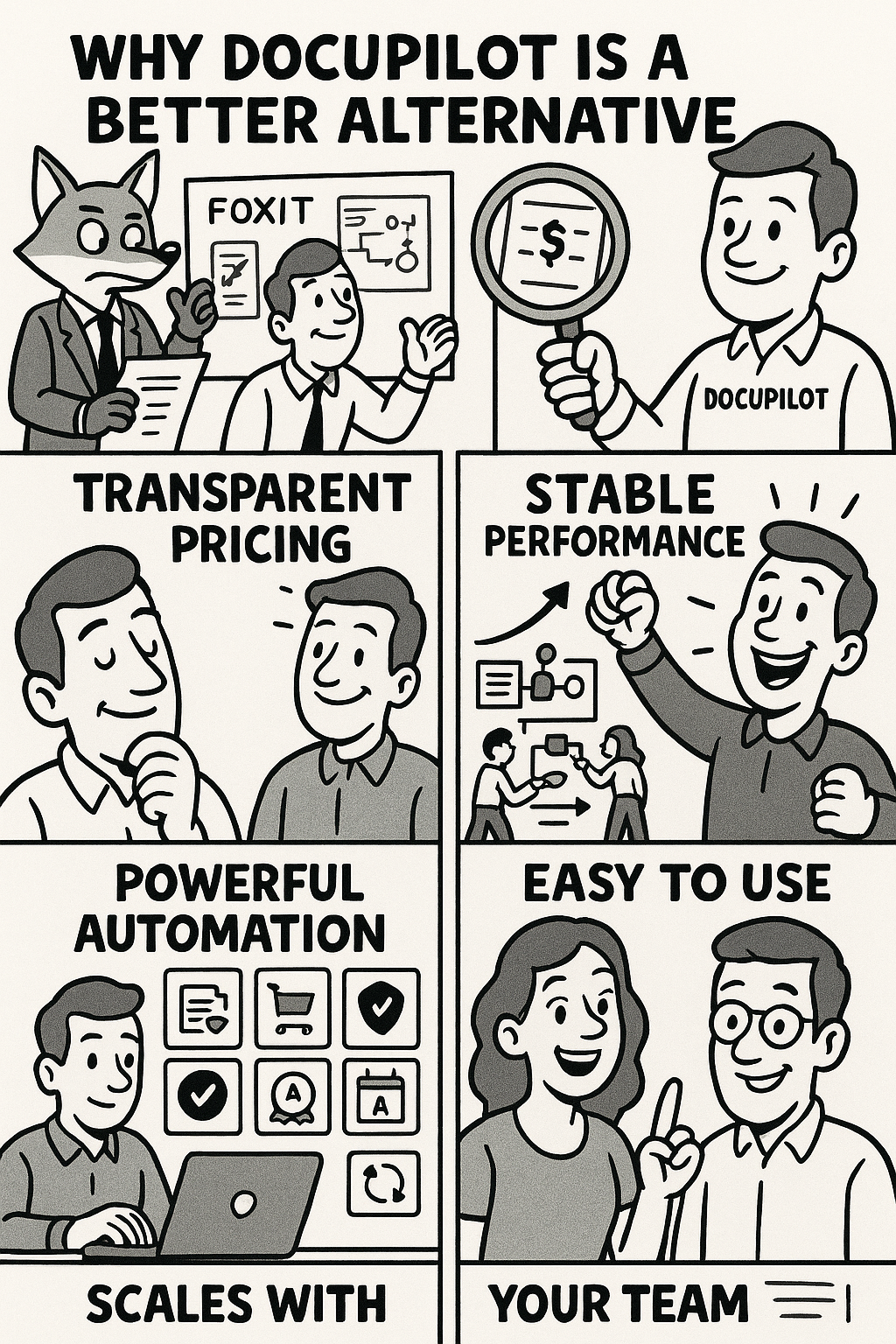
1. Transparent pricing with no hidden fees
Docupilot keeps pricing simple. You don’t have to track document limits, pay extra for workflow steps, or worry about API surcharges.
That means, what you see is what you pay.
2. Built for teams that want operational stability
As your usage grows, Docupilot stays fast, stable, and secure. With cyberattacks on SaaS apps, including eSignature tools, now making up 61% of all incidents, strong protection matters. Docupilot’s secure architecture and audit-ready controls support compliance from day one, helping teams avoid breaches and regulatory risks.
You get stable performance when your:
- Document volume increases
- Workflows expand across departments
- More teams adopt the tool
3. Automated bulk document generation + e-signatures in one platform
Docupilot combines document creation, sending, signing, and workflow automation, so teams don’t need multiple tools.
Businesses use it for:
- Contracts and agreements
- HR onboarding
- Procurement and vendor workflows
- Approvals
- Compliance documents
- Recurring templates and data-driven forms
4. Faster setup and easier adoption
Docupilot’s interface is designed to simplify adoption. Most teams can begin setting up workflows within a short time, supported by clear documentation and support.
5. Scales from small teams to enterprise workflows
Need simple electronic signatures or advanced automation? Docupilot scales with you, without jumping to enterprise pricing.
6. Better value for growing teams
Docupilot eliminates incremental charges that stack up in other tools.
You don’t pay more for:
- Additional templates
- More workflow steps
- Department-wide adoption
- Higher document volume
Why Partner With Docupilot As Your Foxit E-sign Alternative?
Foxit eSign is a capable, budget-friendly tool for simple signature collection needs. But if you evaluate long-term value, it can get expensive as your usage, automation, and integrations grow.
Docupilot offers a more straight path. You get powerful document creation, secure eSignatures, and flexible automation, all in one platform, built for growth and clarity.
Ready to simplify document workflows without hidden costs?
Start your free trial or book a personalized demo with Docupilot today.
FAQs
1. Is Foxit eSign free to use?
Foxit eSign offers a free plan for basic signing, but advanced features,like bulk sending, workflow routing, and integrations, require paid tiers. Costs increase as you add users or automation.
2. Is Foxit eSign worth it compared to competitors?
Foxit eSign is a good fit for simple, PDF-driven signing workflows.
However, if you need structured automation, predictable costs, or advanced templates, alternatives like Docupilot may offer better value.
3. What is the most transparent alternative to Foxit eSign?
Docupilot is a leading alternative for teams that want simple, upfront pricing with no hidden fees, volume-based surcharges, or paid add-ons for automation. It combines document creation, signing, and workflows in one clean platform.
Learn how to automate document creation with Docupilot


Contents
Stop rebuilding the same document by hand.

Generate and sign documents in one workflow
Save ~15 minutes per application




