





Key takeaways
- Each lease automation software has its own use case: some generate documents in bulk, some handle signing, and some manage rental operations.
- Docupilot works best to bulk generate many leases from data sources such as spreadsheets or CRM systems.
- DocuSign and PandaDoc are mainly used to send and sign leases, not to generate them in bulk.
- Property tools like DoorLoop and Buildium manage the full rental process while legal tools handle complex lease drafting.
Lease management is more complex than it looks. Every lease has its own clauses, amendments, renewal dates, escalation terms, and tenant obligations, and that data ends up scattered across spreadsheets, drives, and inboxes.
Creating each new agreement means manually pulling together the same tenant, property, and term details, one field at a time. It works until the portfolio grows. Then a basic question like "which leases renew this quarter?" turns into an afternoon of digging, and a wrong figure or a missing state-required clause carries real legal and financial risk.
The problem isn't where leases are stored. It's how they get built, assembled manually from data the business already has.
That's what lease agreement automation software fixes: it turns your tenant, property, and term data into a finished, compliant, signature-ready lease, then handles signing, delivery, and renewals. The tools that do this aren't interchangeable, spanning document generation engines, property-management platforms, e-signature tools, and legal automation software.
This guide compares 8 of them, with verified pricing, real G2 ratings, and honest pros and cons, so you can match the right one to how you actually produce leases.
Quick comparison: 8 lease agreement automation tools at a glance
How we compiled this list
To make this list useful, our focus stayed on real-world fit. Pricing pages tell you what a tool costs. Feature lists tell you what it does. Neither tells you whether it actually handles your invoice workflow once the data gets messy, the client list grows, or the tax rules change.
So we used Capterra and G2 reviews to surface recurring issues around template flexibility, integration reliability, and support quality. Pricing was verified directly from each tool's current pricing page.
Five ideas guided our evaluation:
- How well the tool handles proposal generation from live data sources such as CRM records, deal stages, and databases
- Whether you can upload your own proposal format or are limited to the tool's built-in editor
- Whether the tool triggers proposal generation automatically from your CRM or requires someone to initiate the process each time
- Accessibility for non-technical users alongside capability for technical ones
- Pricing transparency and value at different proposal volumes
The goal is to help you match the right tool to your specific workflow, your data sources, and the volume you are building toward.
The 8 lease agreement automation tools in depth
1. Docupilot
Best for: Teams that generate lease agreements in bulk from CRM deal data, spreadsheets, or database records, with conditional logic for state-specific clauses and automated delivery.
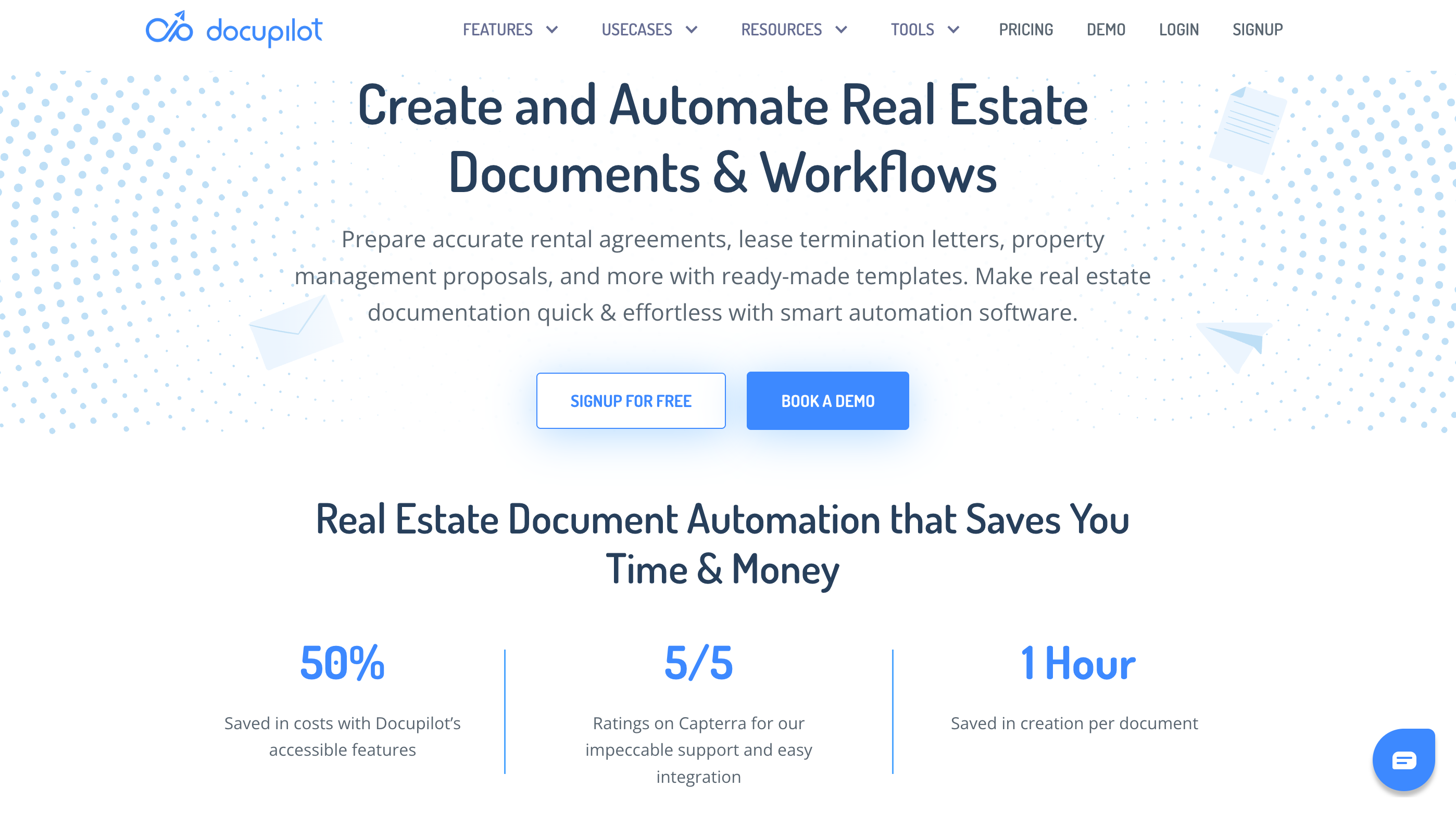
Docupilot is a document generation and automation platform that turns the data you already hold into finished, formatted lease agreements automatically. You can build a lease template with the native editor or you can upload a Word, Excel, PowerPoint, or PDF, and then connect a data source such as a spreadsheet, CRM, or database, set a trigger. Docupilot produces the completed lease and delivers it by email, to cloud storage, or straight into e-signature.
What makes it a strong fit for leases specifically is variation at scale. A single template can apply different clauses, escalation schedules, deposit rules, and tax treatments by state, property type, or tenant tier using conditional logic, so one template replaces the folder of near-duplicate lease versions most teams maintain by hand.
For real estate and property teams, equipment-leasing books, or any business issuing many agreements, Docupilot can generate every document in one run, each populated individually from the data.
Docupilot's pricing
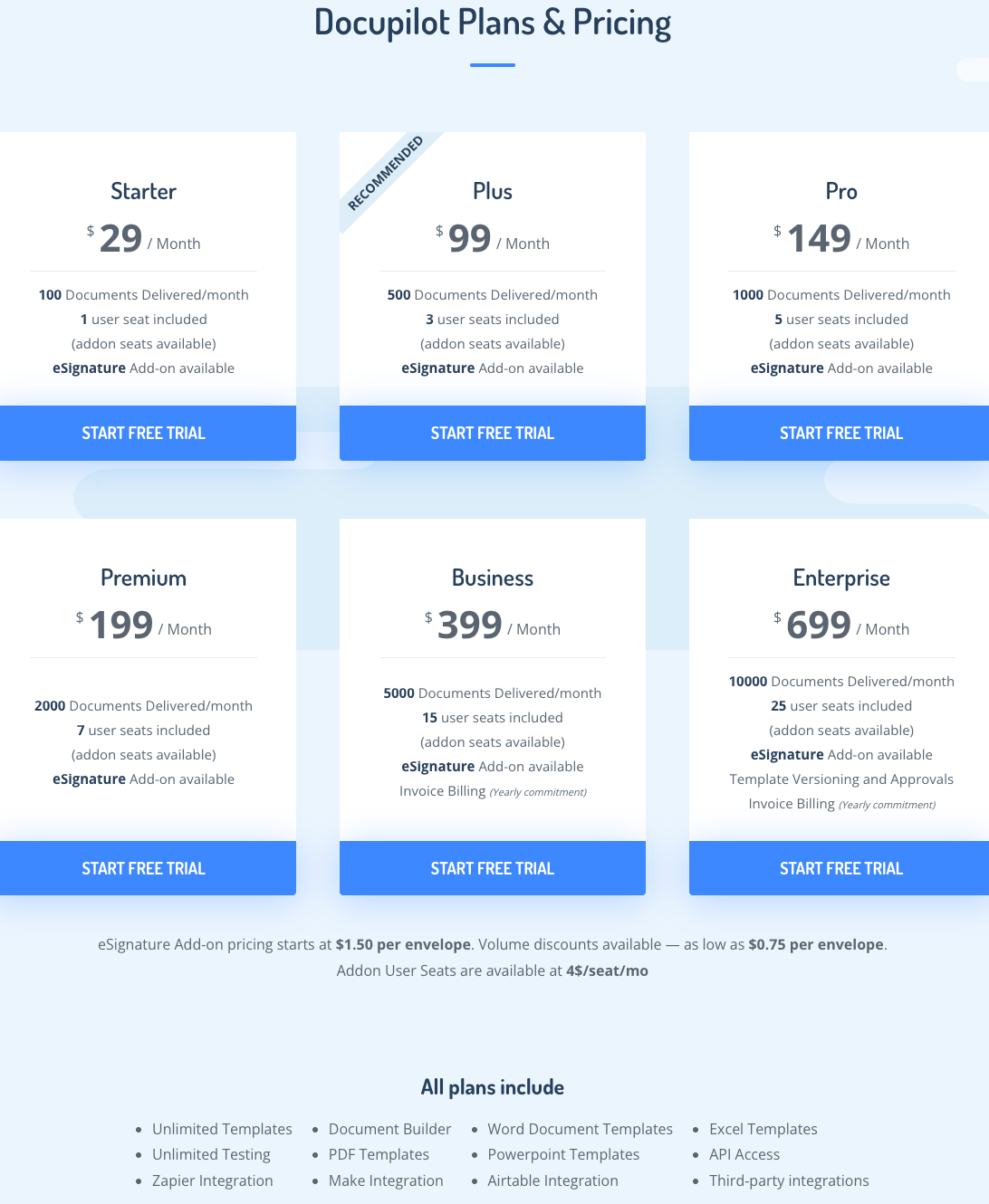
Docupilot prices by document volume. Plans start at $29 per month for 100 delivered documents and one user. Higher tiers scale to 10,000 delivered documents and 25 users. A 14-day free trial is available without a credit card. eSignature starts at $1.50 per envelope, with volume discounts.
All plans include unlimited templates, unlimited testing, API access, and integrations with Zapier, Make, and Airtable.
Key features of Docupilot
- Bulk document generation: Upload a CSV or connect a database trigger to generate hundreds of documents in a single batch, each populated individually from your data with no manual intervention.
- Conditional logic and dynamic tables: Apply different tax rates, payment terms, and line-item structures inside one template, so variation across client types is handled automatically.
- Multi-format template support: Build or upload templates in Word, Excel, PowerPoint, or PDF, with HTML supported too, and add dynamic fields, conditional statements, and calculations to your existing design.
- AI-powered template builder: Describe the document format in plain language and the AI-powered builder generates the structure, fields, and logic, removing much of the first-time setup effort.
- Built-in e-signature: Send generated documents for signature without leaving the platform (add-on at $1.50 per envelope), with multi-party signing supported.
- 70+ integrations: Connects with Salesforce, Shopify, WooCommerce, Airtable, Google Drive, BambooHR, Zapier, Make, Stripe, and DocuSign, among others, so generation triggers automatically on events from any connected platform.
- Event-triggered delivery: Set a trigger and the finished document is generated and delivered automatically by email, Google Drive, Dropbox, or an e-signature provider.
- Enterprise-grade compliance: SOC 2 Type II, GDPR, and HIPAA compliant, with encryption in transit and at rest and role-based access controls and audit logs on higher tiers.
What users like in Docupilot
- Responsive engineering team: Easy to reach and quick to address queries
- Accurate document generation: Formats specific information into correctly presented Word documents and gathers all necessary data, with the end product client-ready and no additional manual work needed
- Cost-effective vs alternatives: Considerably more affordable than HotDocs, a document automation tool the reviewer used previously
If you're evaluating a switch, see our roundup of HotDocs alternatives.

- Billwerk+, a subscription management platform, used Docupilot to eliminate manual document assembly from their sales workflow. Templates now auto-populate from CRM data and flow into DocuSign for signature automatically without any manual intervention. (Docupilot case study, 2025)
Key Results
- ~15 Minutes Saved per Application: Manual steps eliminated, cutting processing time by around 15 minutes each.
- Fully Streamlined Process: From data entry to e-signature, the workflow now runs automatically.
- Improved Accuracy: Automated data binding removed the errors inherent in manual entry.
- More Focus on Strategic Work: The team can now dedicate time to product innovation instead of admin tasks.
Source: https://www.docupilot.com/case-study/billwerk
Docupilot’s limitations
- Initial learning curve: Setting up the first few documents takes some time, though most users find their footing quickly and the initial friction reduces once the workflow clicks

2. PandaDoc
Best for: Businesses that create commercial or corporate leases alongside contracts and want signing and payment in the same flow.
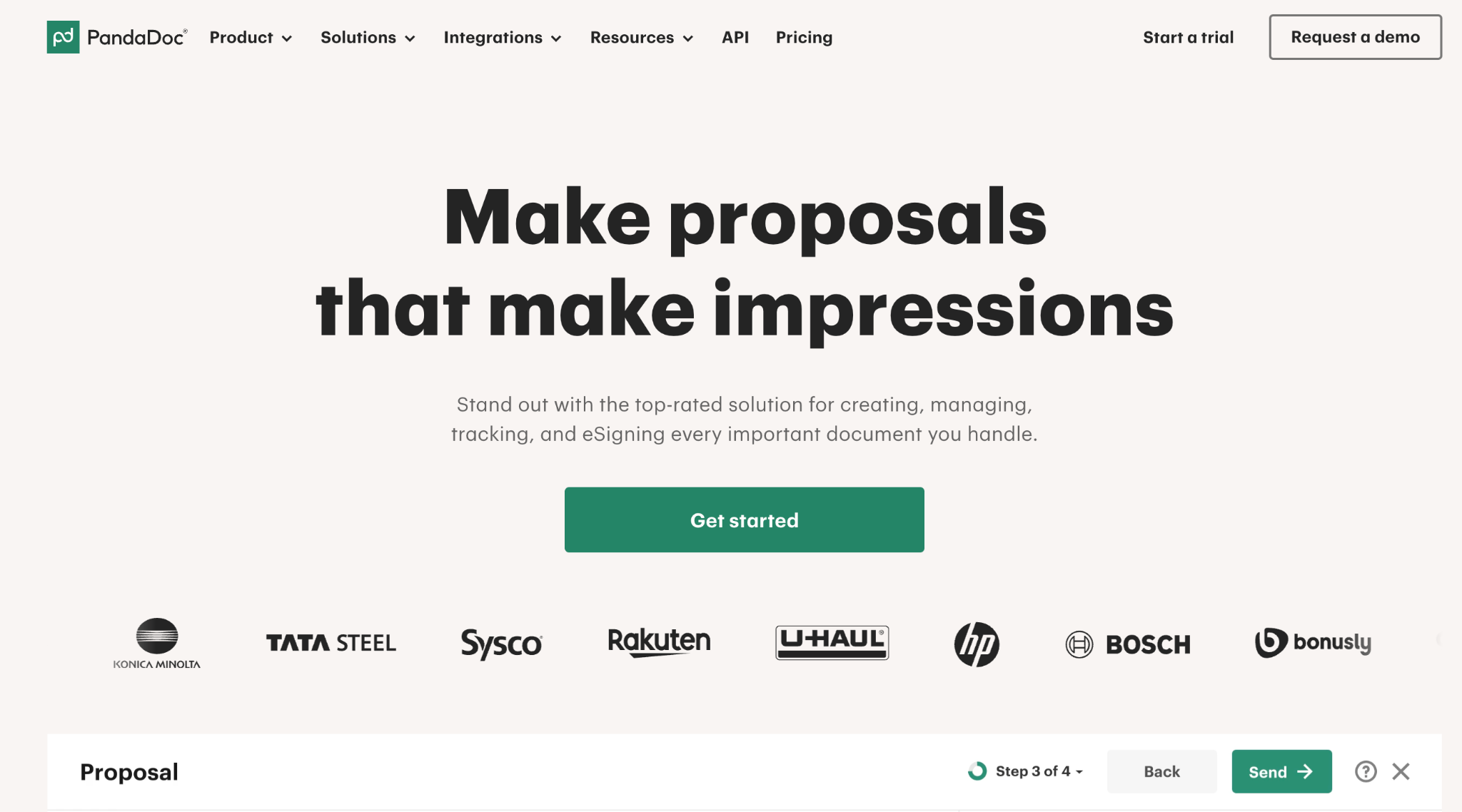
PandaDoc is built around the create-send-sign motion for business documents. For commercial leases, equipment leases, or any agreement that lives next to your contracts, you can build a lease from a template, pull in data from a CRM, send it for signature, and collect payment through one interface. It is a strong fit for sales-led and B2B teams; it is less suited to high-volume residential lease generation from external data, where per-document pricing fits better than PandaDoc's per-seat model. If you are weighing it against pure generation tools, Docupilot maintains a comparison of PandaDoc alternatives.
PandaDoc's pricing
- Starter: from $19 per user per month (annual billing)
- Business: around $49 per user per month, adding CRM integrations and content locking
- Enterprise: custom pricing
Key features of PandaDoc
- Template-based document creation with a large template library
- Built-in e-signature and approval workflows
- CRM integrations with Salesforce, HubSpot, Pipedrive, and Zoho
- Payment collection via Stripe, PayPal, and Square
- Document analytics: view tracking, time-to-open, and time-to-sign
What users like in PandaDoc
- Intuitive, drag-and-drop building that non-designers pick up quickly
- Creation, signing, and payment on a single platform
- Strong template library that gets a professional document out fast
Limitations
- Editing a document after it is sent can mean rebuilding it
- CRM integrations sit on the Business plan, which some buyers discover only after signing up
- Per-seat pricing gets expensive for high-volume, back-office lease generation
3. DocuSign
Best for: Getting leases signed, with the broadest recipient recognition and compliance ceiling.
DocuSign is the most recognized name in e-signature, and that recognition matters for leases: tenants and counterparties know the envelope and sign without hesitation. With reusable templates, automated reminders, and status tracking, it handles the signing and agreement layer of a lease workflow well. What it does not do is generate the lease from data the way a document engine does, so it is best paired with a tool that builds the document. Docupilot keeps a rundown of DocuSign alternatives for teams that need generation as well as signing.
DocuSign's pricing
- Personal: $11/user/month (annual billing), 5 envelopes per month, single user
- Standard: $30/user/month (annual), up to 100 envelopes per user per year
- Business Pro: $45/user/month (annual), adds bulk send, payment collection, and advanced fields
- Enterprise / IAM: custom Envelope caps and per-envelope overage fees make DocuSign expensive for high-volume, generation-heavy use.
Key features of DocuSign
- Market-leading e-signature with the broadest recipient recognition
- Reusable templates, automated reminders, and real-time status tracking
- Deep compliance ceiling (ESIGN, eIDAS, UETA, HIPAA)
- 1,000+ integrations including Salesforce and Microsoft 365
- CLM and AI contract analytics in higher tiers
What users like in DocuSign
- Effortless, universally trusted signing that recipients complete without friction
- Quick to implement for everyday signing, with a clean mobile experience
- Reliable audit trails and broad integration coverage
Limitations
- Premium pricing and envelope limits that frustrate high-volume teams
- Limited document generation compared with a dedicated engine
- Advanced features sit behind higher tiers and paid add-ons
4. Formstack Documents
Best for: Merging form and CRM data into finished lease documents, especially for Salesforce users.
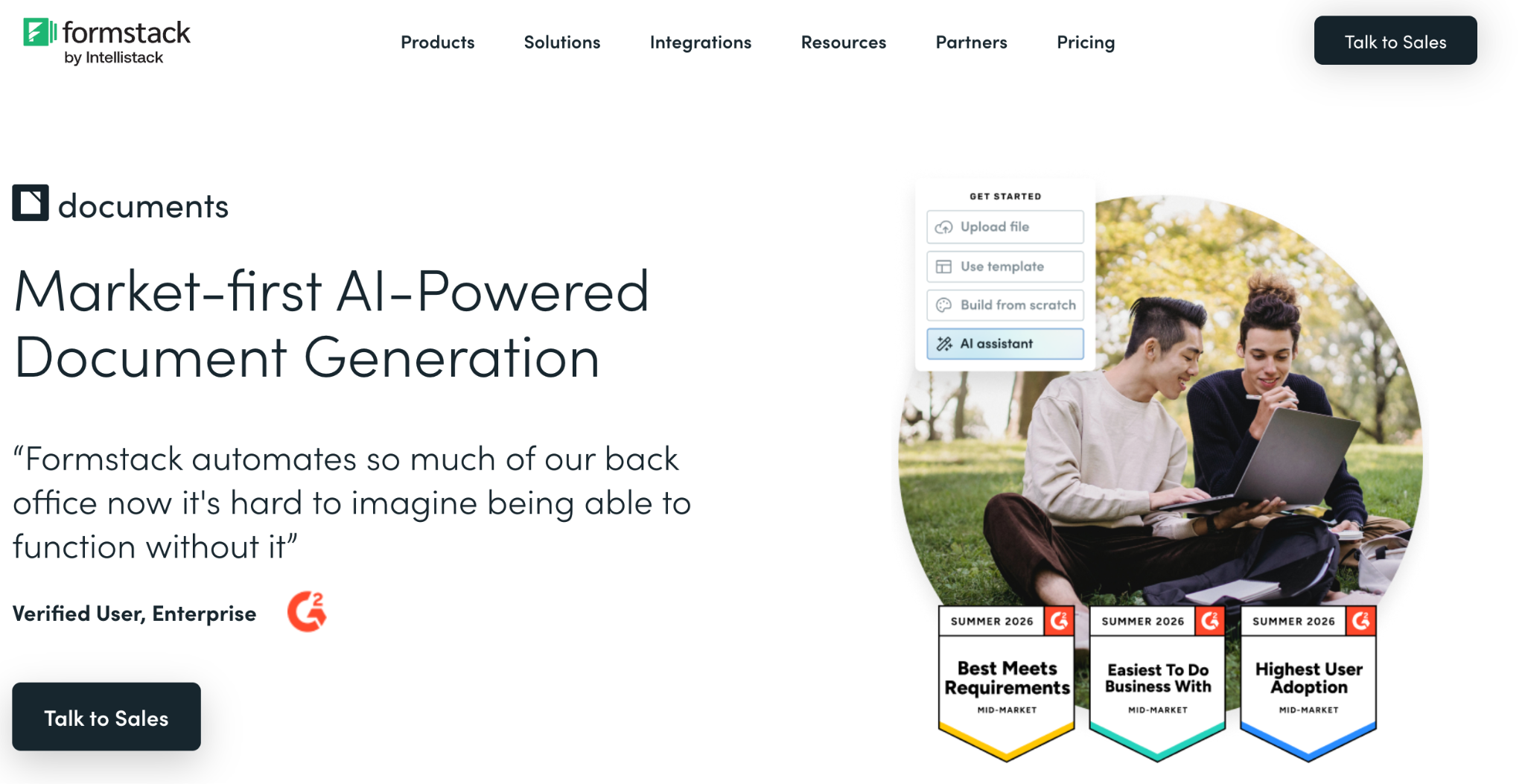
Formstack Documents (formerly WebMerge) helps you build or upload a template, merge data from a connected source into it, and deliver the output via email, cloud storage, a webhook, or e-signature. It is especially popular with Salesforce teams and in regulated industries like legal, insurance, and financial services, and it integrates with more than 150 products.
Formstack Documents' pricing
- Starter: $83/month (150 document merges, 2 users, 10 templates)
- Teams: $250/month
- Enterprise: custom (adds HIPAA-compliant options) A free trial is available.
Key features of Formstack Documents
- Upload your own PDF, Word, Excel, or PowerPoint lease template
- Data merge from Salesforce, form builders, databases, and Zapier
- Conditional logic and dynamic content
- Flexible delivery: email, cloud storage, webhooks, and e-signature partners
- 150+ integrations
What users like in Formstack Documents
- Deep customization and conditional logic
- Strong Salesforce integration for pulling in a wide range of fields
- Responsive, knowledgeable support
Limitations
- Pricing is widely described as high for the merge volume you get
- A real learning curve for advanced templates, and no native mobile app
5. DoorLoop
Best for: Landlords and property managers who want lease generation, e-signature, and renewals inside a full rental platform.
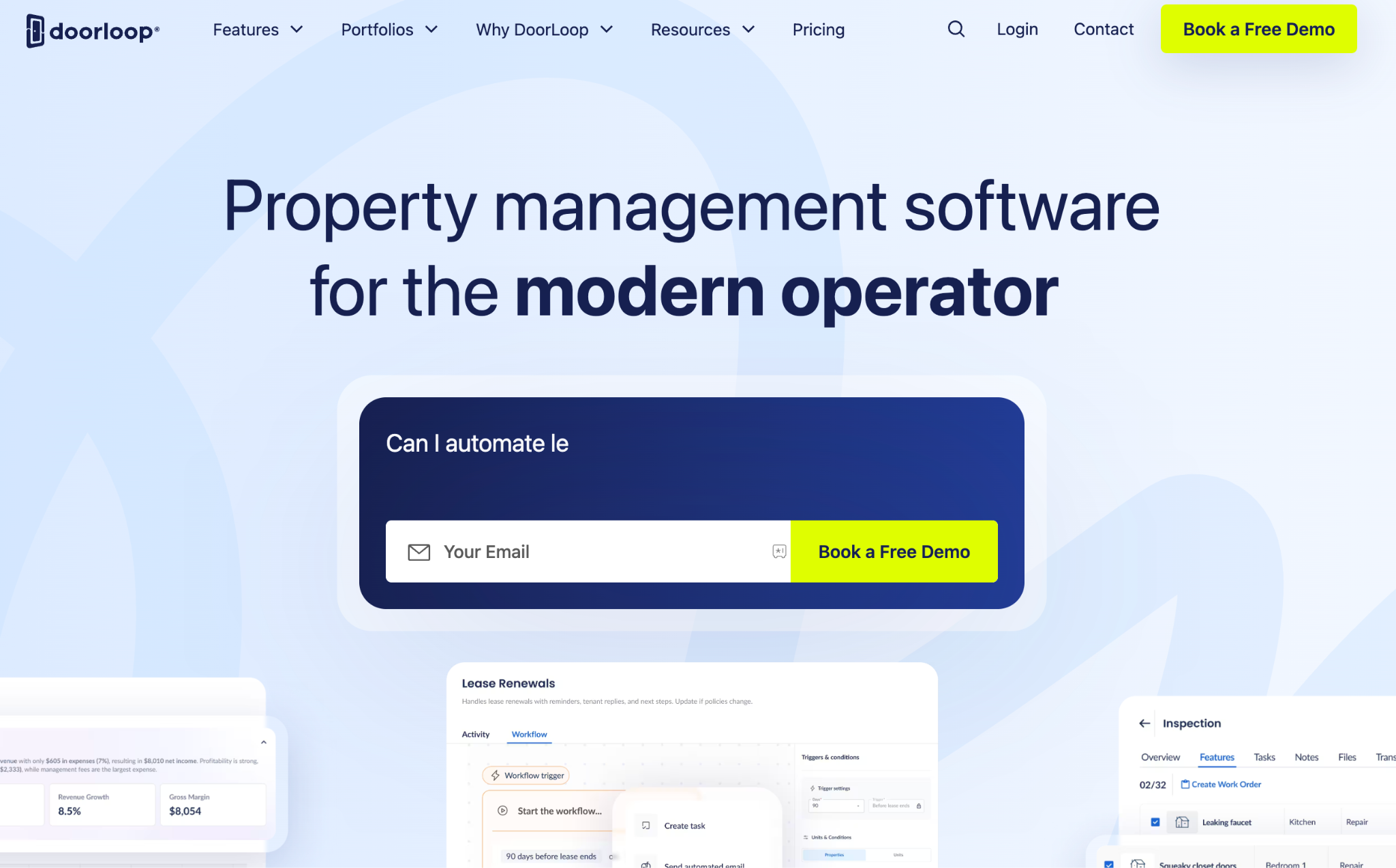
DoorLoop is a modern property-management platform where lease automation is one part of a wider rental operation. You can upload your own lease agreements as templates that auto-fill from the tenant and property data already in DoorLoop, send them for e-signature, and let the system flag and handle renewals, alongside rent collection, screening, maintenance, and accounting. For teams that want the lease created and managed inside the same place they run the rest of the portfolio, it is a strong fit; for pure document generation from external data, a generation engine is leaner.
DoorLoop's pricing
- Starter: around $69/month
- Starter: around $69/month
- Pro: around $149/month
- Premius: $299/month
Key features of DoorLoop
- Lease templates that auto-populate from tenant and property data
- Built-in e-signature for lease execution
- Renewal tracking and automation
- Online rent collection with automated reminders and late fees
- Tenant screening, maintenance, accounting, and listing syndication
What users like in DoorLoop
- Clean, intuitive interface that new users adopt quickly
- Genuinely all-in-one, consolidating leasing, accounting, and maintenance
- Fast, highly rated customer support
Limitations
- Cost feels steep to landlords with only a few units
- A younger platform, so some advanced features are still maturing
- Occasional reports of payment processing speed and reporting flexibility
6. Buildium
Best for: Larger residential portfolios that need lease automation plus professional-grade accounting.
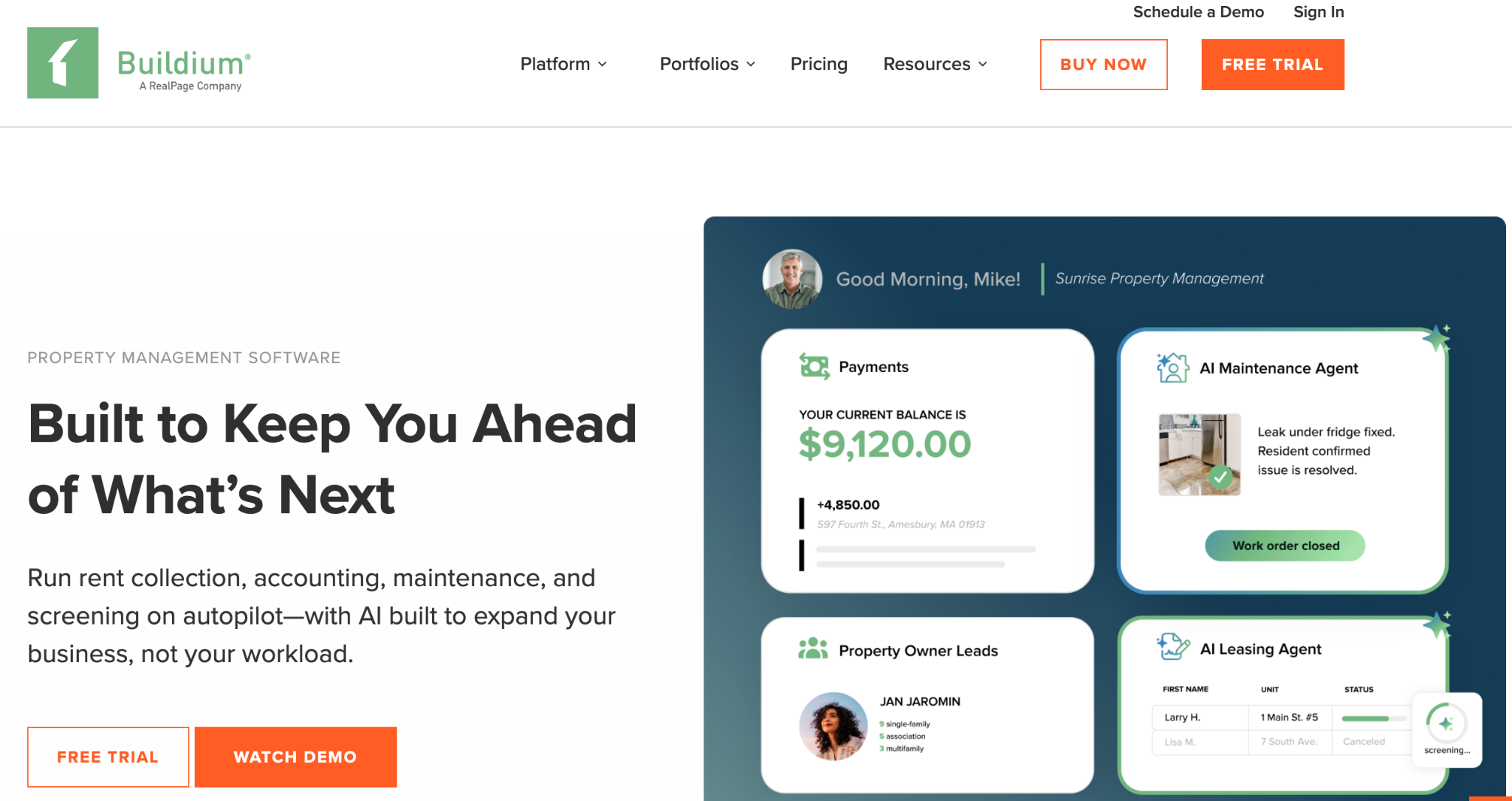
Buildium is a long-established property-management platform built for professional managers running larger portfolios. It handles the full leasing lifecycle, including custom lease agreements, e-signature execution, and automated renewals, alongside trust accounting, owner reporting, screening, and maintenance. It is more of a business-operations platform than a document tool, so lease automation comes bundled with everything else a management company needs.
Buildium's pricing
- Essential: $62/month
- Growth: $192/month (adds unlimited e-signatures, inspections, and custom reporting)
- Premium: $400/month (adds open API and dedicated support)
- 14-day free trial. Payment processing and screening fees are pass-through, and pricing scales with door count.
Key features of Buildium
- Custom lease agreement creation with e-signature execution
- Lease tracking and automated renewals
- Online rent collection and trust accounting
- Tenant screening and listing syndication
- Owner and resident portals with an integrations marketplace
What users like in Buildium
- All-in-one functionality that centralizes leasing, accounting, and maintenance
- Reliable, professional-grade accounting non-accountants can navigate
- Time-saving automation across the full lifecycle
Limitations
- Can feel expensive for smaller landlords
- Report customization and some accounting functions can get complex
- Better suited to residential than complex commercial lease structures
7. TurboTenant
Best for: Independent landlords who want free, state-specific lease agreements with e-signature.
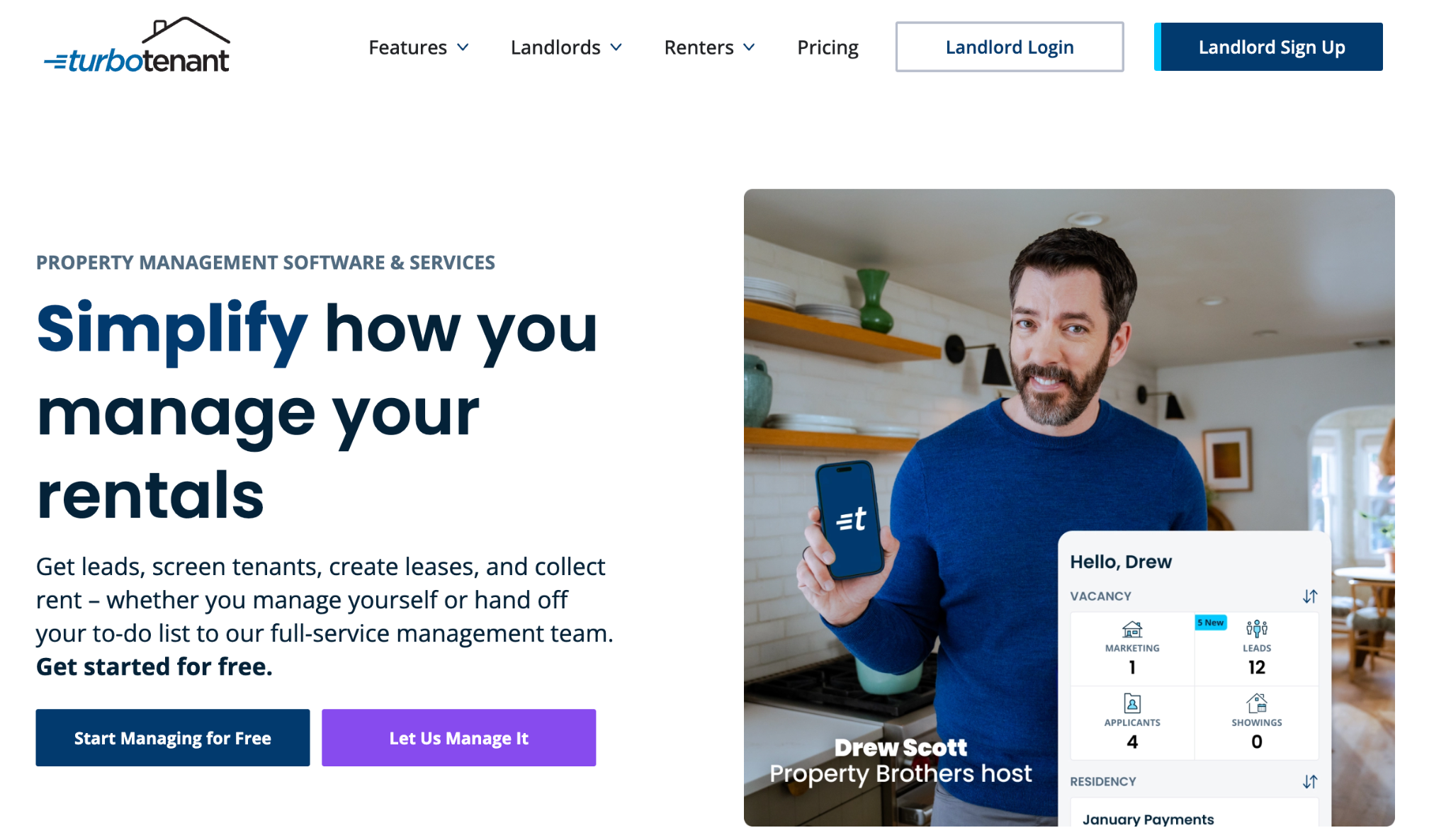
TurboTenant is an all-in-one platform built for independent landlords, and its lease feature is a standout: more than 50 state-specific, lawyer-maintained lease agreements that you customize, add addenda to, and send for e-signature, with the templates kept current by an in-house legal team. It covers the rest of the rental lifecycle too, and its core plan is genuinely free because it earns revenue from tenant-paid screening and payment fees.
TurboTenant's pricing
- Free: $0 (advertising, applications, screening, rent collection; individual leases can be purchased)
- Paid plans (Essentials and Pro): under $200 per year for unlimited properties, adding unlimited state-specific leases and e-signatures, accounting, and phone support Tenant screening fees are paid by applicants, not landlords.
Key features of TurboTenant
- 50+ state-specific, lawyer-maintained lease agreements with e-signature
- Customizable terms and addenda
- Listing syndication to major rental sites
- Tenant screening (credit, criminal, eviction) and rent collection
- Highly rated mobile app
What users like in TurboTenant
- Genuinely free entry point with a generous feature set
- State-specific legal leases that remove a major source of stress
- Flat-rate paid pricing that does not balloon as you add units
Limitations
- Slower ACH payout windows than some competitors
- Limited built-in accounting on lower tiers
- Fewer customization options for lease documents than a dedicated generator
8. Gavel
Best for: Law firms and legal teams drafting complex, custom lease agreements from client intake.
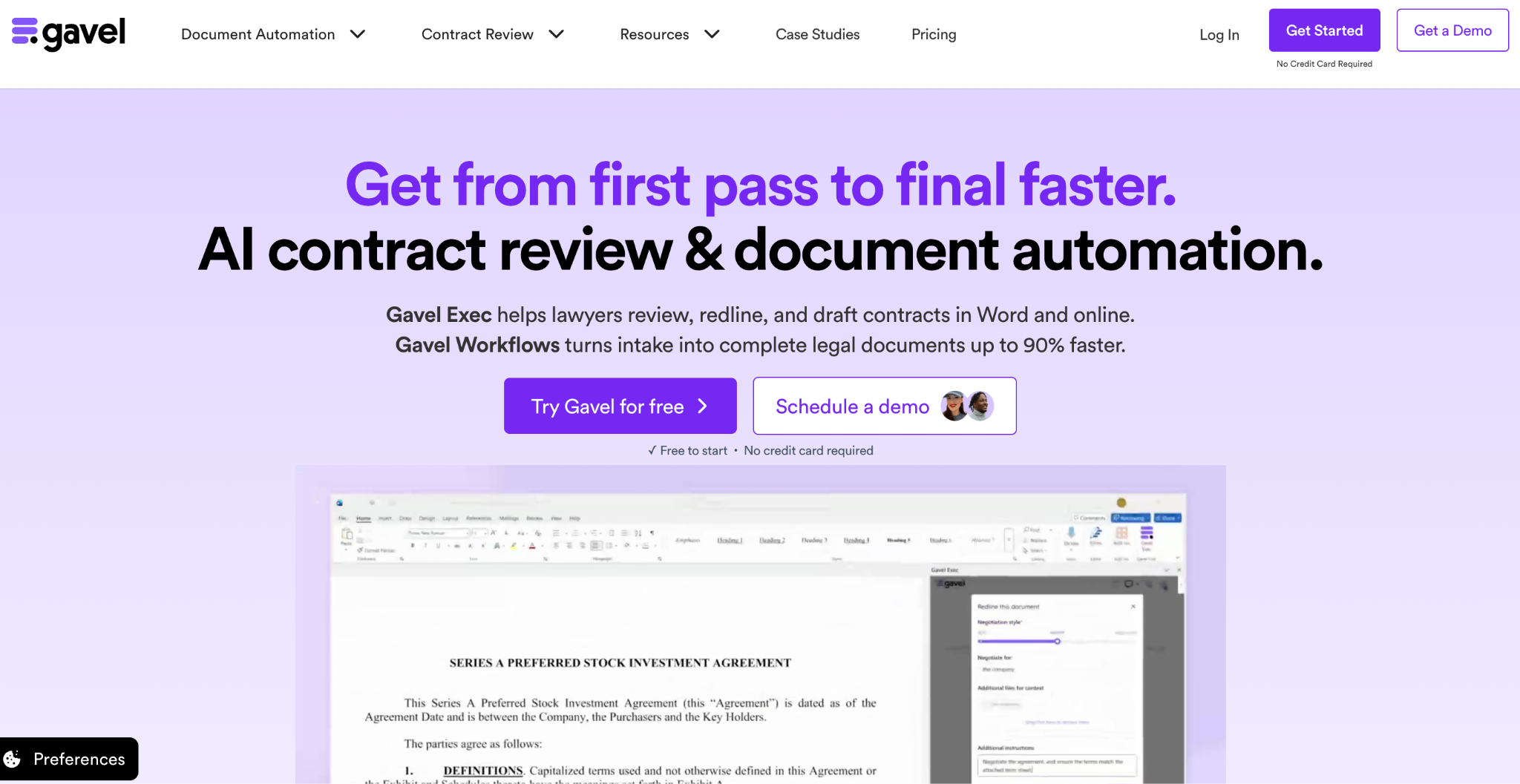
Gavel (formerly Documate) is a no-code legal document automation platform. You turn a lease into a smart template with conditional logic, build a guided questionnaire, and Gavel assembles a finished, correctly formatted lease from the answers, adding or removing clauses based on the responses.
It handles deeds, leases, and transaction forms across practice areas and integrates with Clio, DocuSign, and Zapier. It is the right tool when leases are complex, clause-heavy, and legally sensitive rather than high-volume and uniform. Docupilot maintains a list of Gavel alternatives for teams comparing options.
Gavel's pricing
- Lite: $99/month (about $83/month billed annually) — 1 builder seat, 10 templates
- Standard: $250/month
- Pro: $350/month
- Scale: $417/month (adds API access, SSO, unlimited storage)
- 7-day free trial, no credit card required
For a full breakdown of what each tier costs, see our Gavel pricing review.
Key features of Gavel
- No-code document automation for Word and PDF, with a Microsoft Word add-in
- Nested conditional logic, calculations, and complex document sets
- Guided, white-labeled client intake portals
- Integrations with Clio, DocuSign, and Zapier
- SOC 2 and HIPAA-compliant, with AES-256 encryption
What users like in Gavel
- Powerful conditional logic for complex, high-stakes documents
- No-code builder plus a marketplace of consultants to help set it up
- Responsive, knowledgeable support
Limitations
- Pricing feels steep for solo practitioners, and several reviewers report mid-contract price changes
- Built for legal workflows specifically, so it is overkill for simple, uniform leases
- Entry tier's template and session limits can be restrictive
Choosing the right lease agreement automation software
A property-management platform runs your rental operation. An e-signature tool signs the lease. A legal automation tool handles complex custom drafting.
Start your 30-day free trial and see how Docupilot automatically turns your data into finished, signed leases.
FAQs
1. What is the difference between lease agreement automation and property management software?
Lease agreement automation focuses on creating the lease document itself: pulling data, applying the right clauses, and producing a signature-ready agreement. Property management software (DoorLoop, Buildium, TurboTenant) is broader, handling rent collection, screening, maintenance, and accounting, with lease creation as one feature. Many teams use a generation tool like Docupilot to mass-produce the documents and a property platform, or nothing else, to run operations.
2. Can I use my own lease template, or am I stuck with built-in ones?
It depends on the tool. Generation tools like Docupilot and Formstack Documents let you upload your existing lease agreement in Word, Excel, or PDF, so you keep your exact format and branding. Property-management tools like DoorLoop and Buildium let you upload templates too, while TurboTenant leans on its own library of state-specific leases. Gavel converts your own documents into guided templates.
3. Can lease automation software handle state-specific clauses and requirements?
Yes, in different ways. TurboTenant provides 50+ lawyer-maintained, state-specific templates out of the box. Docupilot and Gavel use conditional logic so a single template inserts or removes the right clauses based on the property's state or type. This is one of the biggest reasons to automate leases, since it reduces the risk of sending a non-compliant agreement.
4. Which lease tools are most affordable at high volume?
Per-document and flat-rate models scale most predictably. Docupilot's volume-based plans (from $29/month) suit bulk generation, and TurboTenant's flat annual pricing covers unlimited properties. Per-seat tools (PandaDoc), per-envelope tools (DocuSign), and per-door property platforms (DoorLoop, Buildium) can get expensive as your lease volume or portfolio grows.
5. Do I need technical skills to automate lease generation?
Not usually. Landlord and property tools (TurboTenant, DoorLoop, Buildium) and e-signature tools (DocuSign) are built for non-technical users. Generation tools like Docupilot and Formstack Documents need some initial template setup but offer no-code integrations through Zapier and Make, and Docupilot's AI-powered template builder reduces first-time effort.
Learn how to automate document creation with Docupilot


Contents
Stop rebuilding the same document by hand.

Generate and sign documents in one workflow
Save ~15 minutes per application