





Key takeaways
- OpenSign alternatives vary in scope: Some focus only on signing, while others support full document creation and workflow automation. Choose based on real usage, not feature lists.
- When signing is part of a larger process, automation matters: Teams generating contracts at scale benefit from tools that automate drafting, routing, and execution together
- Pricing clarity matters as volume increases: Predictable plans help teams control costs and avoid surprises tied to usage growth
- Docupilot supports end-to-end document workflows: Dynamic document generation, built-in e-signatures, and structured signer routing reduce manual work and speed execution
If OpenSign starts feeling heavier than expected, whether due to pricing complexity, workflow workarounds, or too many clicks, it’s usually a sign that your needs have outgrown basic e-signatures.
Modern teams expect documents to generate themselves, approvals to move automatically, and signatures to fit seamlessly into larger workflows. When a tool adds friction instead of removing it, switching becomes inevitable.
In this post, we’ll break down the best alternatives to OpenSign, compare their features and pricing, and help you identify which platform fits your workflow best.
Why consider an OpenSign alternative in 2026?
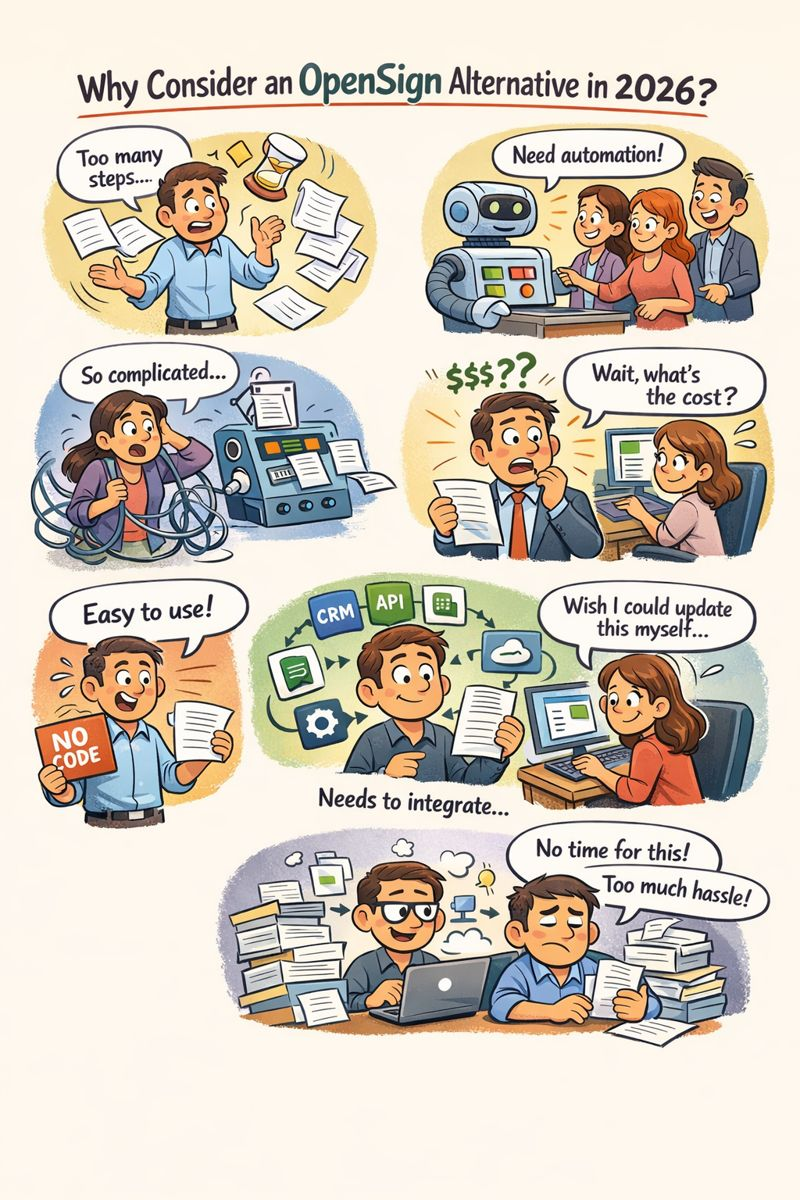
In 2026, teams don’t have time to babysit tools that slow them down. What worked a few years ago now feels clunky, manual, and outdated, especially when document volume increases. If OpenSign feels like it’s adding steps instead of removing them, that’s not user error, but a product stuck in an older workflow mindset.
Here’s why more teams are actively looking for an OpenSign alternative:
- E-signatures alone no longer solve the problem: Teams need documents to generate, route, approve, and sign automatically
- Speed matters more than bloated feature sets: Tools that require heavy setup or constant management slow teams down
- No-code flexibility is a baseline expectation: Business users want to update templates and workflows themselves without relying on developers
- Document automation needs to be native: Relying on multiple tools to generate, edit, and sign documents introduces delays and complexity
- Pricing transparency affects buying decisions: Teams want clearer visibility into how costs scale with usage
- Documents need to integrate with the rest of the stack: Modern tools should connect seamlessly with CRMs, spreadsheets, APIs, and automation platforms
- Lean teams want control without operational overhead: The ideal alternative delivers power without forcing teams to manage software
Common limitations of OpenSign
While OpenSign works for basic e-signature use cases, many teams start running into constraints as their document workflows become more demanding.
This often includes:
- Limited document automation depth: OpenSign centers on signing. Teams that require data-driven document generation, conditional clauses, or reusable logic often need additional tools or manual work.
- Rigid workflows: Approval and signing flows support standard use cases but offer limited flexibility for role-based, multi-step, or cross-team workflows.
- Complexity for smaller teams: Smaller teams often experience friction during setup and ongoing management, especially when workflows need frequent updates.
- Pricing scalability concerns: As usage grows, teams closely examine OpenSign pricing plans and notice feature access tied to higher tiers, making cost forecasting harder.
- Limited customization options: Advanced control over document layout, branding, and dynamic content is limited for teams with complex document requirements.
Sales teams especially feel these gaps: proposals need data-driven generation, SMB vs enterprise clauses must apply conditionally, and signature routing needs to sync back to the CRM. Sales process automation solves this by combining document generation, conditional logic, and integrated eSignature in one workflow.
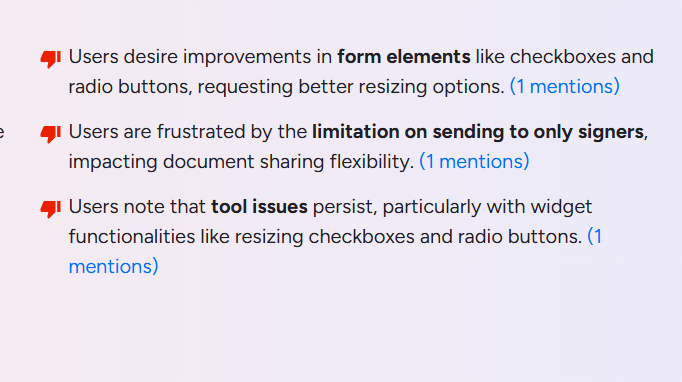
Top 5 OpenSign consider in 2026 (Comparison table)
Below is a side-by-side view of leading OpenSign alternatives, compared on the criteria buyers care about most:
Top OpenSign alternatives (Detailed overview)
1. Docupilot: Best all around modern alternative
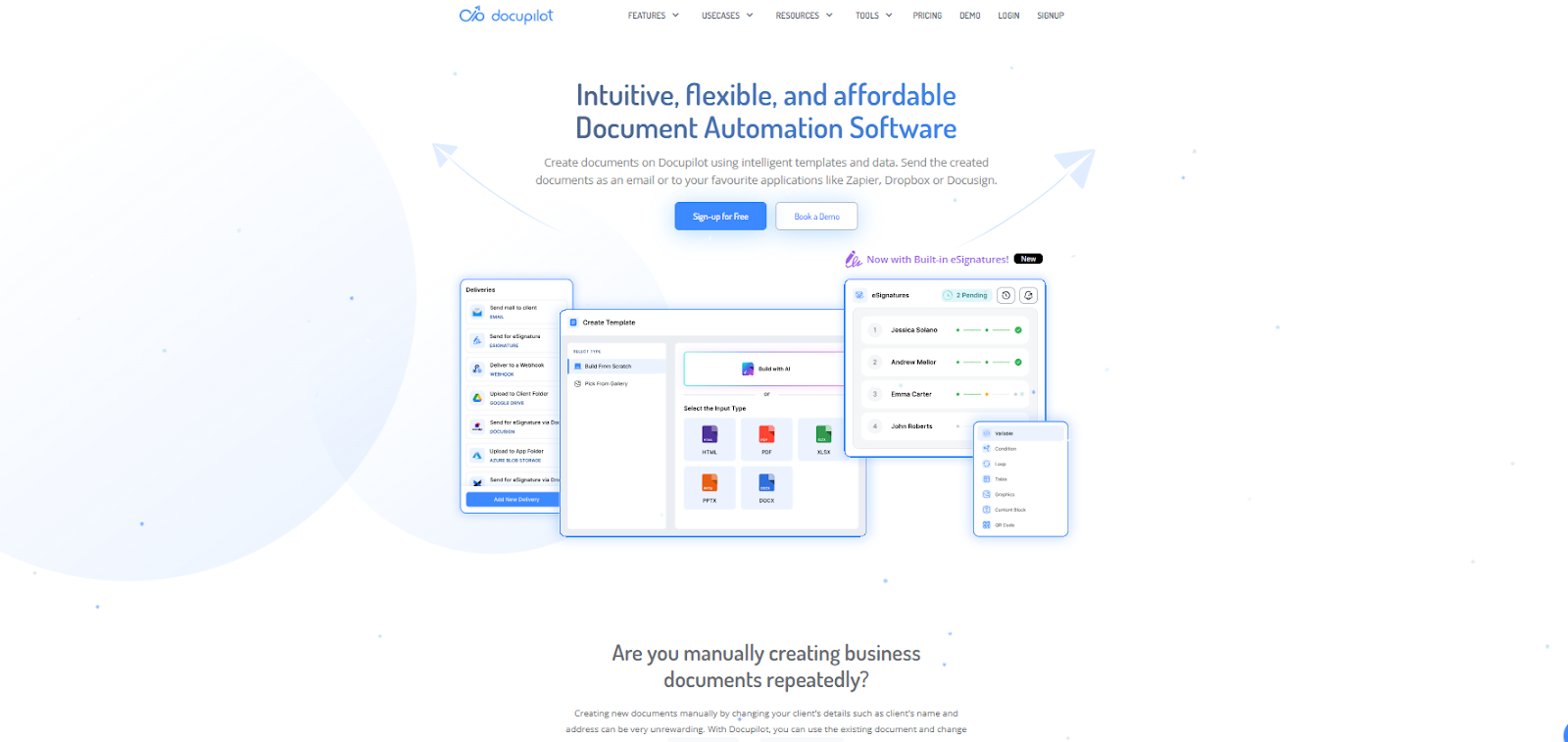
Docupilot combines powerful bulk document generation with built-in electronic signatures with a no-code approach. It’s designed for teams that need dynamic, reusable templates, conditional logic, and automated approvals in addition to signing.
Key strengths
- Dynamic document generation: Merge data from forms, spreadsheets, CRM systems, or APIs directly into reusable templates with conditional logic and smart content blocks
- End-to-end workflows: Create, send, approve, and sign documents within the same platform
- No-code editor: Teams can build and update templates and workflows without developer support
- Integrations: Prebuilt connectors with tools like Google Sheets, Zapier, and more, with integrations to over 1000+ apps through platforms like Zapier and Make, improve automation without the need to build integrations from scratch
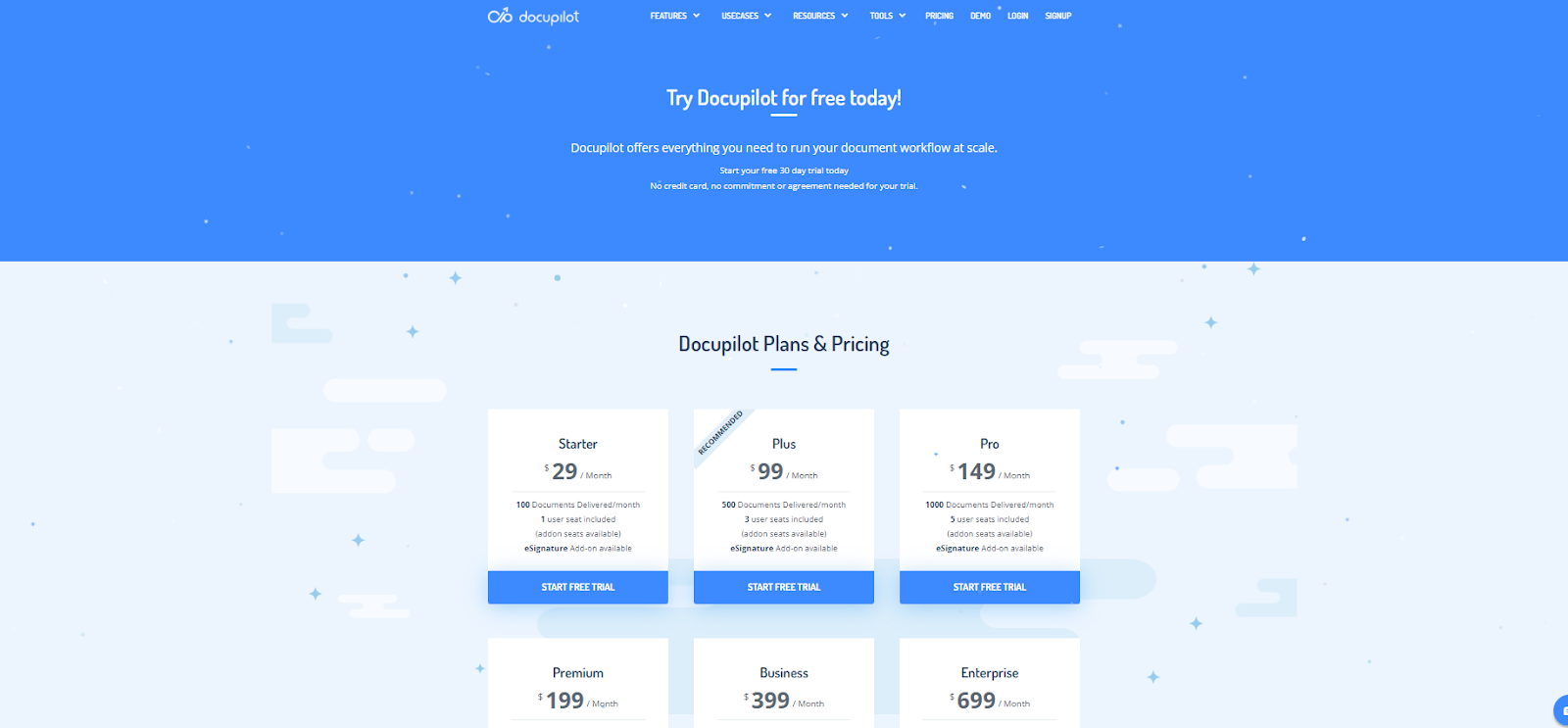
- Pricing transparency: Clear tiers designed to scale with usage and feature needs
Best for: Sales ops, HR teams, legal + finance, and teams that want automation and signing in a single flow without heavy setup
Where it doesn’t fit: Small teams that only need basic e-signature capabilities without automation or document generation may find Docupilot’s feature set more complex than necessary.
Why it beats OpenSign: Docupilot gives you document generation and workflow control, with signatures built in, that scales with your needs, reducing manual work before and after signing
In practice, this kind of automation delivers measurable results. For example, Billwerk+ reduced manual contract steps using Docupilot, saving roughly 15 minutes per application by automating document generation and approvals.

2. PandaDoc: Best for sales and proposals
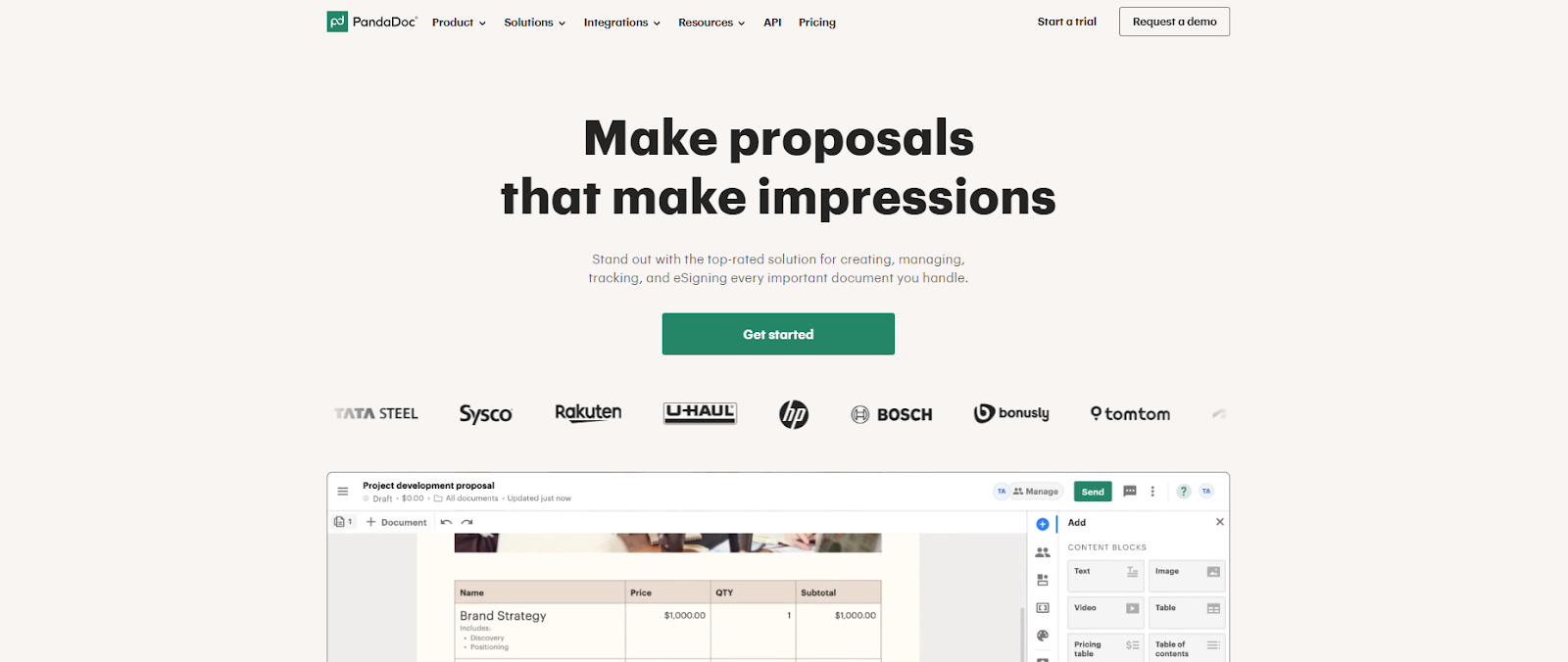
PandaDoc is a popular choice for teams that build and send proposals, quotes, and contracts with branding, pricing tables, and interactive content. It pairs document creation with e-signatures and workflow tracking.
Key strengths
- Rich content editor: Easily create polished proposals and contracts with visuals, pricing tables, and brand elements
- eSignatures included: Signers can sign documents without separate tools
- Collaboration: Commenting and real-time editing help teams co-create documents
Limitations
- Core automation features are limited compared to purpose-built document generation platforms
- Pricing can escalate with added features
Best For: Sales and revenue teams focused on proposal efficiency
3. DocuSign: For enterprise-level compliance
DocuSign is one of the most widely adopted e-signature platforms globally, with a strong reputation for security, compliance, and enterprise support. It’s often chosen where legal and regulatory requirements are stringent.
Key strengths
- Market leader: Deep expertise in e-signature compliance and legal validity
- Advanced controls: Supports complex signing flows, authentication methods, and audit trails
- Ecosystem integrations: Connects with enterprise systems, CRMs, and business platforms
Limitations
- Document automation is limited. Teams often need separate tools for complex templates and data merges
- Higher cost for advanced features, which may be overkill for small or midsize teams
Best For: Large enterprises with complex compliance requirements.
4. Dropbox Sign: For simple, entry-level eSignatures

Dropbox Sign (formerly HelloSign) is a straightforward e-signature tool that integrates tightly with Dropbox and other productivity apps. It’s ideal if your need is primarily obtaining signatures with minimal setup.
Key strengths
- Very simple interface: Easy to use for basic signing workflows
- Integrations: Works seamlessly with Dropbox, Google Workspace, and storage platforms
- Affordable: Clear pricing and entry-level plans
Limitations
- Minimal support for document automation and advanced workflows
- Not tailored for complex data-driven template generation
Best For: Small teams or individuals needing a lightweight signing solution
5. SignNow: For Budget-Friendly eSignatures
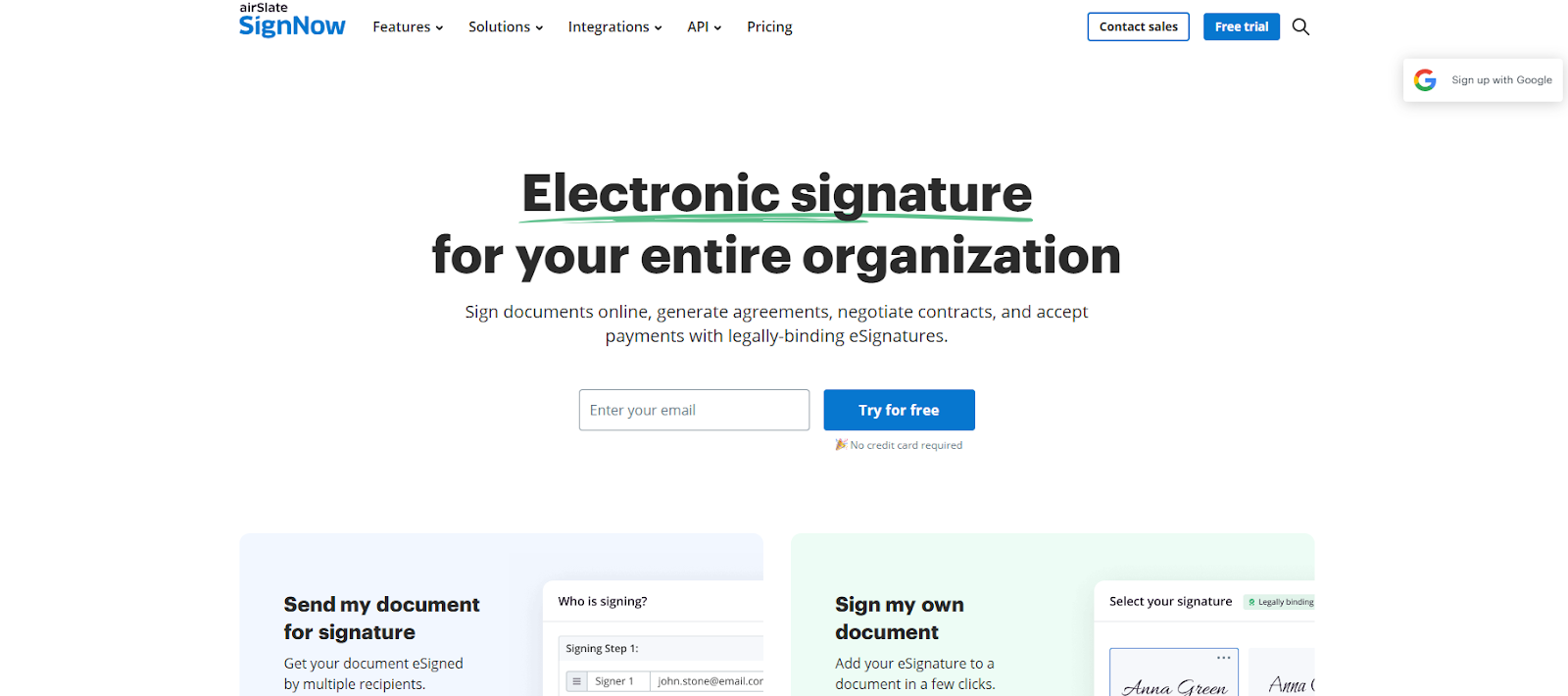
SignNow offers essential e-signature functionality with predictable pricing. It's a practical choice for teams that want affordable signing capabilities without complex workflow requirements. For the full tier-by-tier SignNow pricing picture, including signature caps and overage fees, check before you commit.
Key strengths
- Affordable plans: Designed for cost-conscious teams
- Simple signing experience: Core signature features are reliable and easy to adopt
- Basic templates: Reuse simple templates for recurring documents
Limitations
- Lacks deep document automation and advanced workflow features found in more robust platforms
- Less ideal for use cases that involve pre-signing data generation or post-signing tasks
Best For: Teams with straightforward signing needs and tight budgets
6 key features to look for in an OpenSign alternative
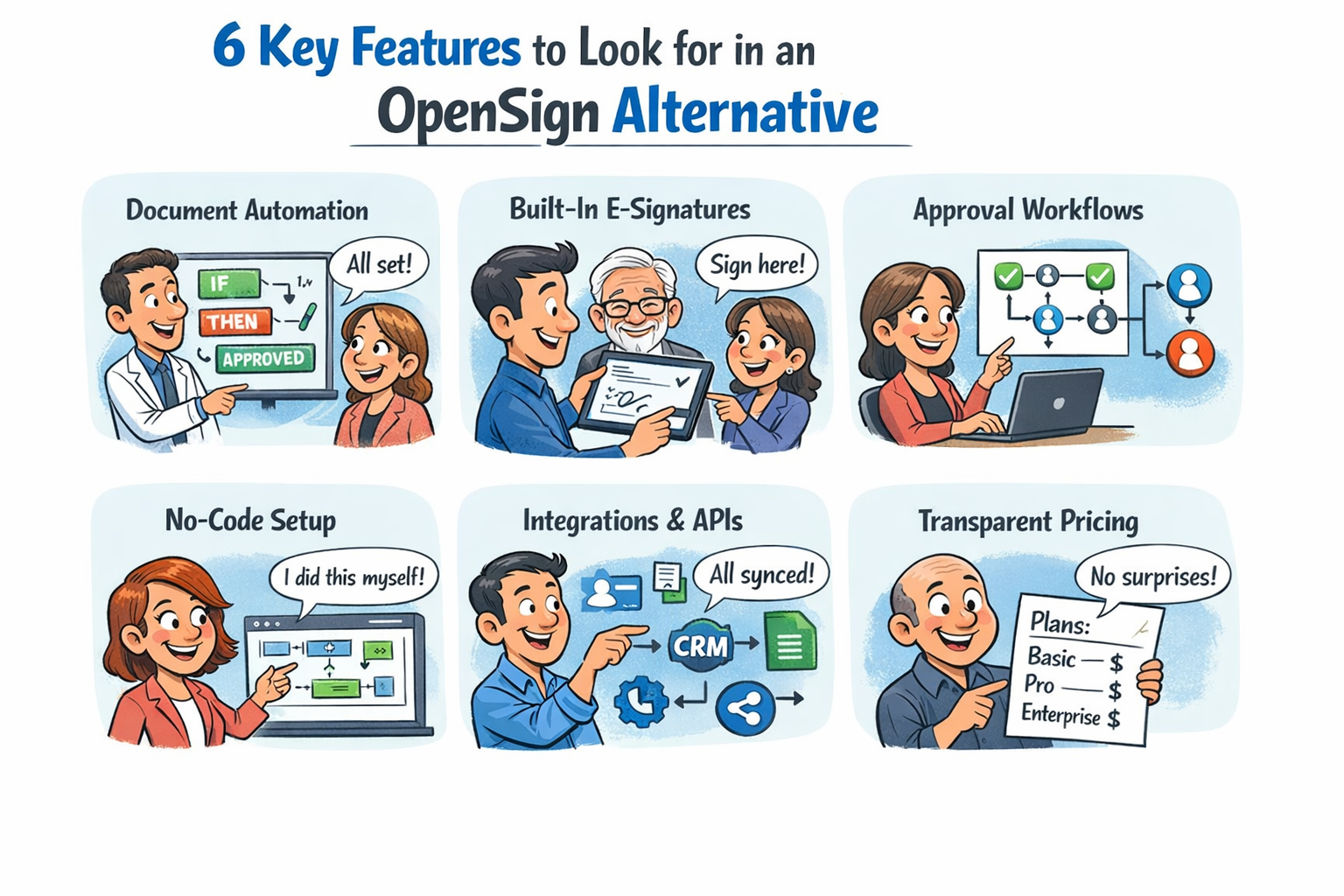
When evaluating an OpenSign alternative, teams should focus on features that remove manual effort and scale with real business workflows, not just signature collection.
1. Document automation with logic
Look for tools that allow you to generate documents dynamically using data from forms, spreadsheets, CRMs, or APIs. Features like conditional logic, reusable templates, and automated approvals help eliminate repetitive manual work before a document is even sent for signing.
2. Built-in electronic signatures
E-signatures should be native to the platform. The tool should support multi-signer flows, role-based signing, and automated routing without requiring external tools or complex configurations.
3. Flexible approval workflows
Support for multi-step, role-based approvals allows documents to move smoothly across teams without custom workarounds.
4. No-code configuration
Business teams should be able to update templates, rules, and workflows without relying on developers. This flexibility allows organizations to adapt quickly to changing legal, operational, or compliance needs.
5. Integrations and APIs
Look for alternatives that connect seamlessly with tools like Google Sheets, CRMs, HR systems, Zapier, and internal databases. Open APIs can further extend automation across your tech stack.
6. Clear pricing structure
Transparent pricing and clearly defined feature access make it easier to plan costs as document volume increases. The best OpenSign competitors offer pricing models that are easy to understand and scale logically, without hidden costs tied to basic functionality.
How Docupilot stands out as an OpenSign alternative
While most OpenSign competitors focus on signatures alone, Docupilot automates your entire document workflow.
1. End-to-end document workflows in one platform. Create, route, approve, and sign documents within a single system instead of stitching together multiple tools.
2. Dynamic document generation powered by data. Automatically generate documents using data from forms, spreadsheets, CRMs, or APIs, with conditional logic that adapts content based on context.
3. Built-in electronic signatures, not a bolt-on. Signature fields are embedded directly into templates, enabling smooth handoff from document creation to signing without exporting or re-uploading files.
4. Structured signer routing and approvals. Define roles, signing order, and approval steps upfront so documents reach the right stakeholders automatically.
5. No-code control for business teams. Templates, logic, and workflows can be updated by non-technical users, reducing dependency on developers or IT.
6. Automation that continues after signing. Completed documents can be automatically stored, shared, or used to trigger follow-up actions through integrations.
7. Native integrations and open APIs. Connect Docupilot with tools like Google Sheets, Zapier, CRMs, and internal systems to keep document workflows in sync with the rest of your stack.
8. Transparent pricing that scales predictably. Clear plans make it easier to forecast costs as document volume increases, without hidden fees tied to basic functionality.
9. Designed for lean teams and growing operations. Delivers advanced automation and control without adding setup complexity or ongoing operational overhead.
Why Docupilot is the right OpenSign alternative?
Choosing an OpenSign alternative in 2026 comes down to one simple question: Do you want a tool that only collects signatures, or one that actually runs your document workflows?
If your team deals with repetitive contracts, approvals, or documents that change based on data, signing is only a small part of the process. The real time drain happens before the document ever reaches the signature stage, like manual edits, version confusion, approval delays, and follow-ups.
That’s where Docupilot quietly pulls ahead. This tool focuses on automation, no-code control, and built-in e-signatures that align well with modern operational and legal workflows.
Sign up or book a demo to see how Docupilot compares for your specific workflows.
FAQs
1. Why do teams look for an OpenSign alternative?
Teams often look for an OpenSign alternative when they need stronger document automation, flexible approval workflows, or clearer pricing as document volume increases.
2. What features should I prioritize in an OpenSign alternative?
Prioritize document automation with logic, built-in eSignatures, configurable approval flows, integrations, and transparent pricing that scales with usage.
3. Which OpenSign alternative is best for global compliance?
Docupilot offers great document automation and flexibility, specifically in compliance-heavy environments, making it the ideal choice for businesses requiring robust global compliance capabilities.
Learn how to automate document creation with Docupilot


Contents
Stop rebuilding the same document by hand.

Generate and sign documents in one workflow
Save ~15 minutes per application