





Key takeaways
- Qwilr allows you create impressive proposal designs; however, pricing, customization limits, and learning curve push many teams to evaluate practical alternatives
- Docupilot, PandaDoc, Proposify, Nusii, and Better Proposals differ mainly in automation depth, flexibility, and total cost per user
- Choose Docupilot when you want to create proposals faster through automation instead of manual editing for every client
If you're here, there's a good chance you started with high hopes for Qwilr and then ran into its limits.
The promise of beautiful, web-based proposals is appealing, until you hit the steep pricing, the learning curve that slows your team down, or formatting limitations that make simple customizations frustrating.
At this point, it makes sense to explore tools that may better fit how you actually work.
This guide breaks down the best Qwilr alternatives. Instead of generic feature lists, you will see what each platform truly does well, where it falls short based on real user feedback, who it is built for, and whether it will solve your current challenges.
Why should you consider a Qwilr alternative in 2026
Before committing long-term, it is worth understanding where Qwilr falls short and why many companies look for an alternative.
1. Pricing concerns
Qwilr’s pricing structure can be difficult for small businesses and growing teams. The platform offers only two tiers: the Business Plan at $35 per user per month and the Enterprise Plan at $59 per user per month. With just these two options, there is little room to scale gradually as your needs change.
Upgrading to the Enterprise Plan also requires a minimum of 10 users. That requirement can quickly push costs far beyond what a small team actually needs. For example, a three-person company that needs Salesforce integration would still have to pay for 10 seats, even if seven of them go unused. The additional licenses add up fast and can feel disconnected from real usage.
As one verified user stated:
"Its pricing is a bit expensive for a single-person business. I really appreciate the product, but when looking to cut costs, I've been considering other options."
2. Limited customization
Despite Qwilr's focus on beautiful design, users consistently hit customization walls. The proposal builder isn't updated frequently and doesn't offer many fonts or style customizations. Users find it difficult to add new sections to templates and face formatting limitations, especially with the estimate portion and timeline sections.
See one of many similar complaints:
"The formatting needs to be improved. There needs to be more resizing options. More flexibility with moving image and text blocks around… Also, having more color options, more fonts… formatting is not as easy as it should be."
3. Steep learning curve
Qwilr has a powerful editor, but this comes at the cost of performance and a steep learning curve. Designing new templates and understanding how to edit content blocks can feel overwhelming.
The irony is that Qwilr markets its editor as making proposals faster to create. Yet, users consistently report spending significant time learning the platform before they can create their first professional proposal. As this reviewer put it:
"There's a long learning curve, which is kind of discouraging”
4. Technical issues
Content blocks and drag-and-drop functionality can be buggy and difficult to use. The UI is sometimes unresponsive, and rearranging blocks isn’t always intuitive. As one user noted:
“UI bugs in many places. Frustrating lack of functionality. Inconsistent experience and clunky management of templates.”
These issues are not isolated; they represent consistent friction points in daily use. For teams collaborating on high-stakes proposals, such UI limitations can slow productivity, create frustration, and make proposal preparation more error-prone.
Top Qwilr alternatives to consider in 2026
Here are the alternatives at a glance:
Docupilot
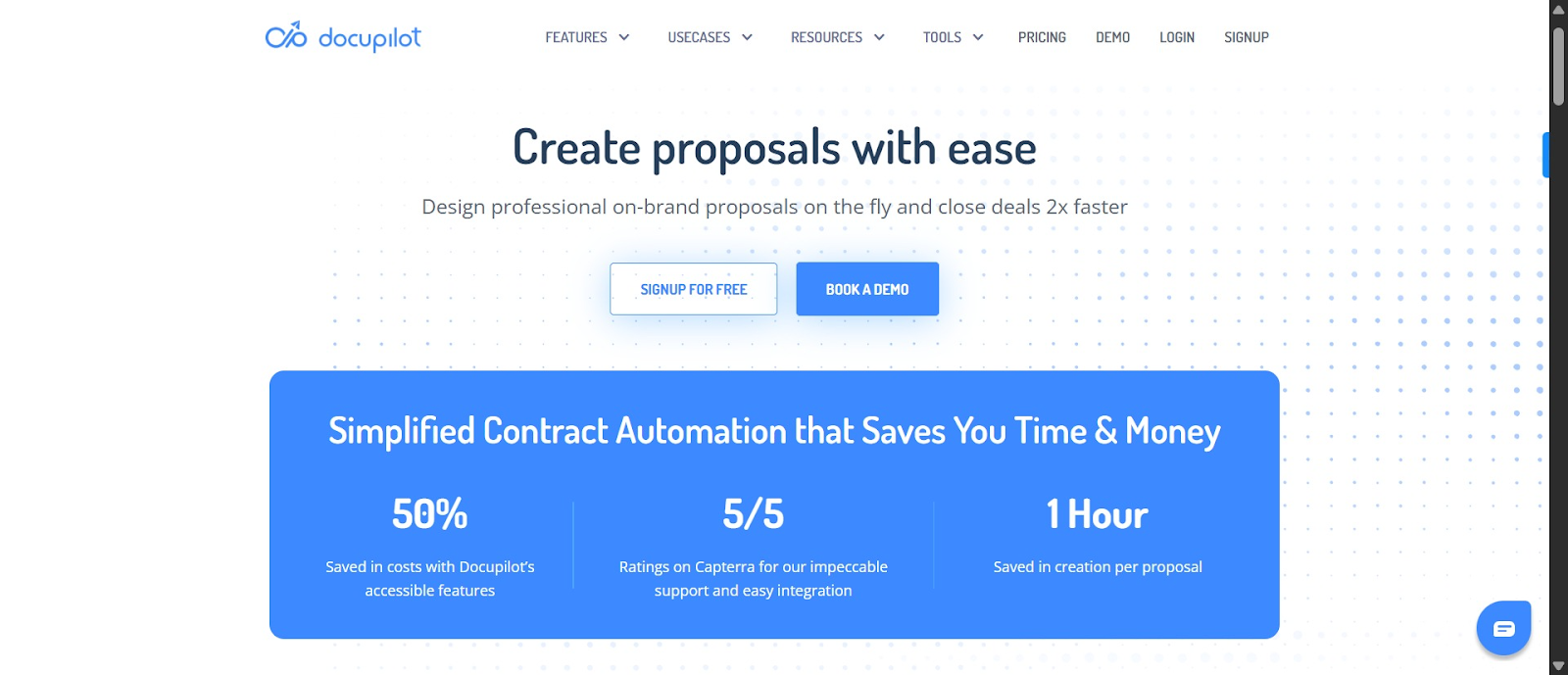
Docupilot doesn’t just create proposals; it automates them. This makes it a strong alternative if Qwilr feels too time-consuming or if you need to generate proposals faster and at scale.
It allows you send repetitive proposals that only need dynamic data changes, such as client name, pricing, or scope. This makes it ideal for standard deliverables like marketing retainers, IT support packages, cleaning services, and consulting engagements.
Most of the effort happens upfront. You create proposal templates with dynamic fields and conditional logic, connect them to your data sources (spreadsheets, CRMs), and set triggers, such as when a new record is added or at specific time intervals. Once configured, Docupilot generates proposals with minimal manual work, which makes the initial time investment worthwhile.
If you encounter challenges during setup, use the in-app chatbot to get assistance from our responsive customer support in under eight minutes, like this user testified:
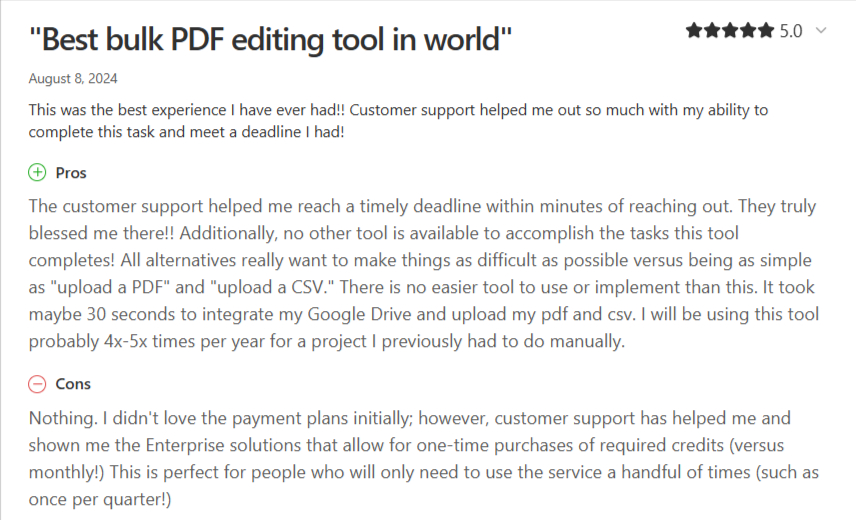
Docupilot offers six flexible pricing tiers, and if the standard plans don’t meet your needs, just like the reviewer noted in the cons section, customer support can help create a custom plan tailored to your business.
Key features
- Intelligent template builder: Easily create and tweak templates. You can upload your Word, PowerPoint, or Excel files, pick from ready-made designs, or use the AI generator and edit everything without losing control over formatting
- Dynamic data mapping & advanced conditional statement: Docupilot can pull data from multiple sources (CRMs, forms, spreadsheets, databases) to dynamically update template fields. You can even set rules so content changes depending on client type or pricing tier
- Document delivery & e-signature workflow: Documents are automatically sent to clients for signing through built-in workflows. Once signed, completed documents can be sent to storage tools like Google Drive or trigger next steps without extra integrations
- Multi-format Export: Export in PDF, DOCX, HTML, or other formats depending on workflow needs, making sharing, archiving, and integration seamless
- Security & compliance: Supports encryption, role-based access, and password protection to ensure documents are secure at scale
Pros
- Reliable customer support. Users say they get timely help, even on the free plan
- Budget-friendly and flexible pricing options that work for businesses of all sizes
- Easy template formatting and editing features help you create proposals faster
- Strong integrations with Zapier, Swipe, Airtable, Google Drive, and HubSpot
Cons
- Not focused on interactive web proposals
- Some learning curve for complex setups
Pricing
If you want to try Docupilot before committing, you can sign up for a 14-day free trial. Paid plans are based on the number of documents created and delivered per month, with higher tiers giving you more documents and user seats. All plans include e-signature support.
- Starter: $29/month for 100 documents and 1 user seat
- Plus: $99/month for 500 documents and 3 user seats
- Pro: $149/month for 1,000 documents and 5 user seats
- Premium: $199/month for 2,000 documents and 7 user seats
- Business: $399/month for 5,000 documents and 10 user seats
- Enterprise: $699/month for 10,000 documents and 15 user seats
PandaDoc
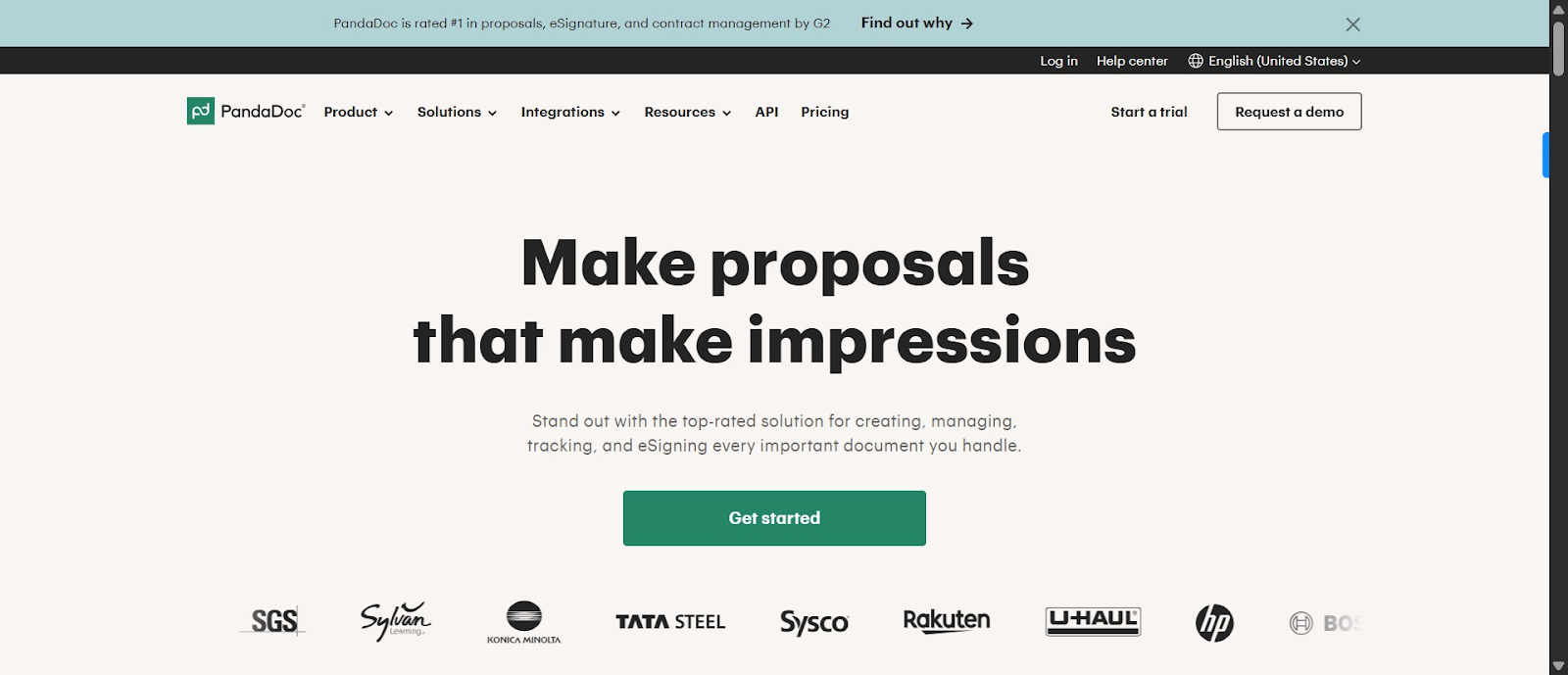
If you do not mind a Qwilr alternative that is not strictly focused on proposals, PandaDoc is worth considering. It is built for creating business proposals, contracts, quotes, and agreements with strong tracking, approvals, and payment collection. The pricing plans are generally more affordable, and the ability to manage multiple document types in one platform makes it a cost effective option compared to Qwilr.
PandaDoc focuses on structured, traditional business documents rather than the highly visual, interactive format that Qwilr is known for. In return, you get better tracking, deeper CRM integrations, stronger approval workflows, and enterprise-level security.
Some users have reported concerns about billing practices, including unexpected charges or difficulty canceling, along with mixed experiences with customer support responsiveness. Reviewers also mention occasional technical and formatting issues when working with complex templates
Key features
- Library of 1,000+ templates for proposals, quotes, contracts, and payments
- Advanced analytics showing how recipients interact with documents, tracking pauses, page visits, downloads, and reading time
- Automated reminders for signers and payment reminders for invoices
- Electronic signatures with audit trails, including timestamps, signer details, and IP addresses for complete transparency
- Payment collection through Stripe, PayPal, Square, and others
Pros
- Easy to get started and enables quick document creation and sending
- Ease of use rated at 4.4 out of 5 on Capterra, with many praising its intuitive interface and straightforward document creation process
- Integrates seamlessly with major CRMs and business tools
Cons
- Technical issues and formatting problems
- Billing and cancellation nightmares
Pricing
PandaDoc offers a 14-day free trial and a free plan. Paid plans billed annually include:
- Starter: $19/user/month
- Business: $49/user/month
- Enterprise: custom pricing
Proposify
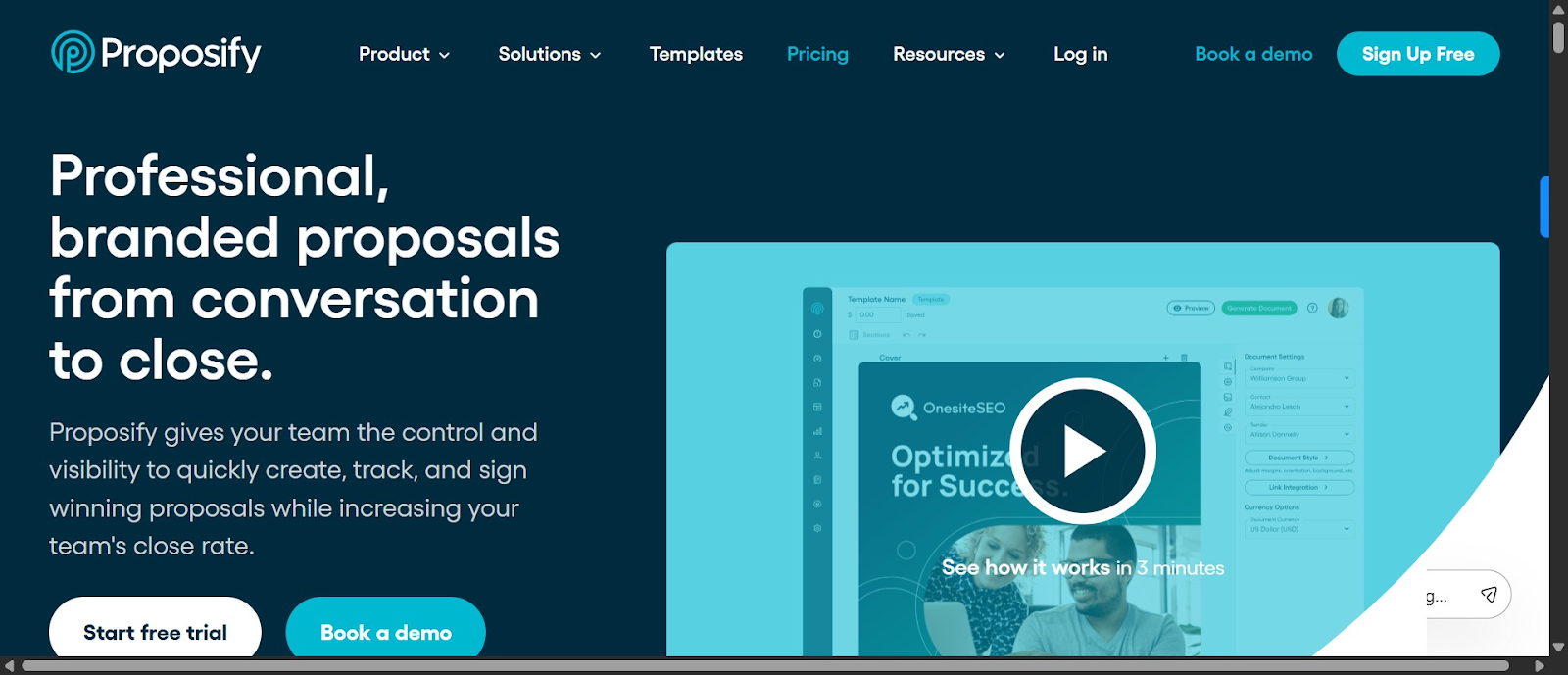
While Qwilr emphasizes highly visual proposals, Proposify feels closer to a traditional business document. If your clients prefer something that looks like a familiar proposal or contract instead of a marketing page, Proposify can be a better fit.
Where Proposify really shines is in analytics and insight. Unlike basic view tracking, it shows exactly which sections a prospect spends time on, in what order, and for how long.
That said, it’s not a cure-all for Qwilr frustrations. Users still report formatting challenges, especially with Word content, and customization can feel limited outside the templates. If your main pain point with Qwilr is awkward editing, Proposify can help, but it may eliminate all the challenges. If Proposify falls short too, compare the top proposify alternatives.
Key features
- Flexible and user-friendly editor with customizable templates
- Interactive quoting with quantities and add-ons that simplify the sales cycle
- Real-time insights into prospect engagement with notifications and detailed analytics on document views
- Electronic signatures and payment processing integrations (Stripe)
- Content library and reusable snippets
- Built-in approval workflows for team collaboration
Pros
- Several reviewers specifically call out responsive support during onboarding or when troubleshooting complex templates
- Users often say the final proposals look professional and are easier for clients to navigate and sign
Cons
- Text editing can be clunky and unreliable, especially when copying and pasting from Word
- Users note concerns about proposal export or data handling after cancellation
Pricing
Proposify offers a 14-day free trial. Paid plans billed annually include:
- Basic: $19/month
- Team: $41/month
- Business: $65/month
Nusii
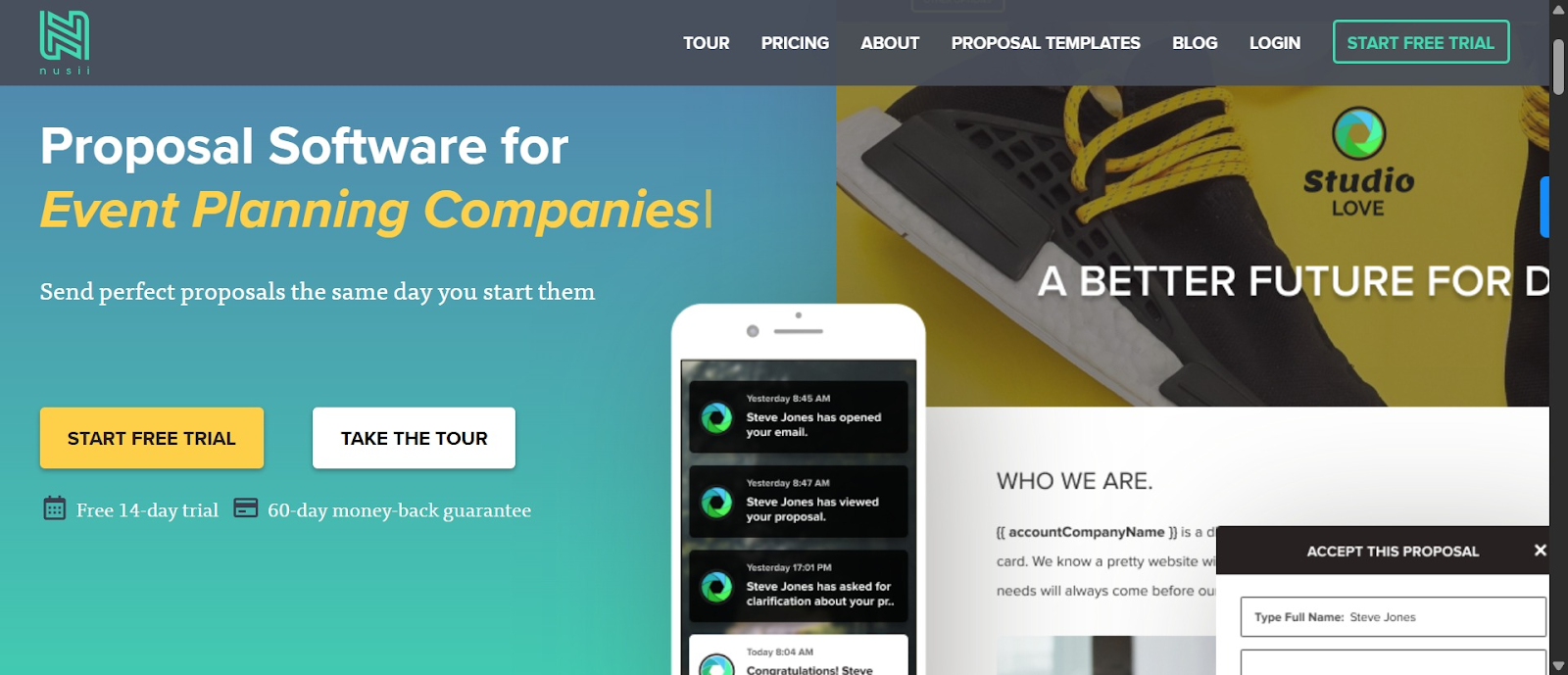
Nusii is a cost-effective alternative to Qwilr, particularly for teams that need more users on higher-tier plans. The founders created Nusii after years of working to build a tool that was fast, simple, and easy to manage. And rightly so, many Nusii users report they can start and send a proposal on the same day, without spending hours learning the software.
Like Qwilr, Nusii presents proposals as web pages instead of static PDFs and supports custom domain redirection, so proposals feel like a natural extension of your own website.
Nusii templates are clean and structured, which keeps creation fast but results in a fairly uniform look across proposals, unlike Qwilr with more web-style layout options such as columns, dropdowns, and accordions, which allow greater design flexibility and more unique presentation.
Key features
- Variables feature that acts as placeholders for client information. When you assign a client to a proposal, those variables auto‑populate throughout the document so you don’t have to manually replace details each time
- Save reusable content and insert it into future proposals with a click to speed up proposal creation
- Real-time notifications when clients open emails, open the proposal, download PDFs, or sign
- Built-in clarification feature where prospects can ask questions directly in the proposal
Pros
- Users often describe Nusii as simple, quick, and easy to learn
- The dashboard is user-friendly and eye-friendly
- Affordable and great value for small teams
Cons
- Limited design and template variety
- Engagement tracking is basic
- Some users comment that new features and updates are slow
Pricing
Nusii offers a 14-day free trial. Total yearly cost is:
- Freelancer: $290/year
- Professional: $490/year
- Business: $1290/year
Better Proposals
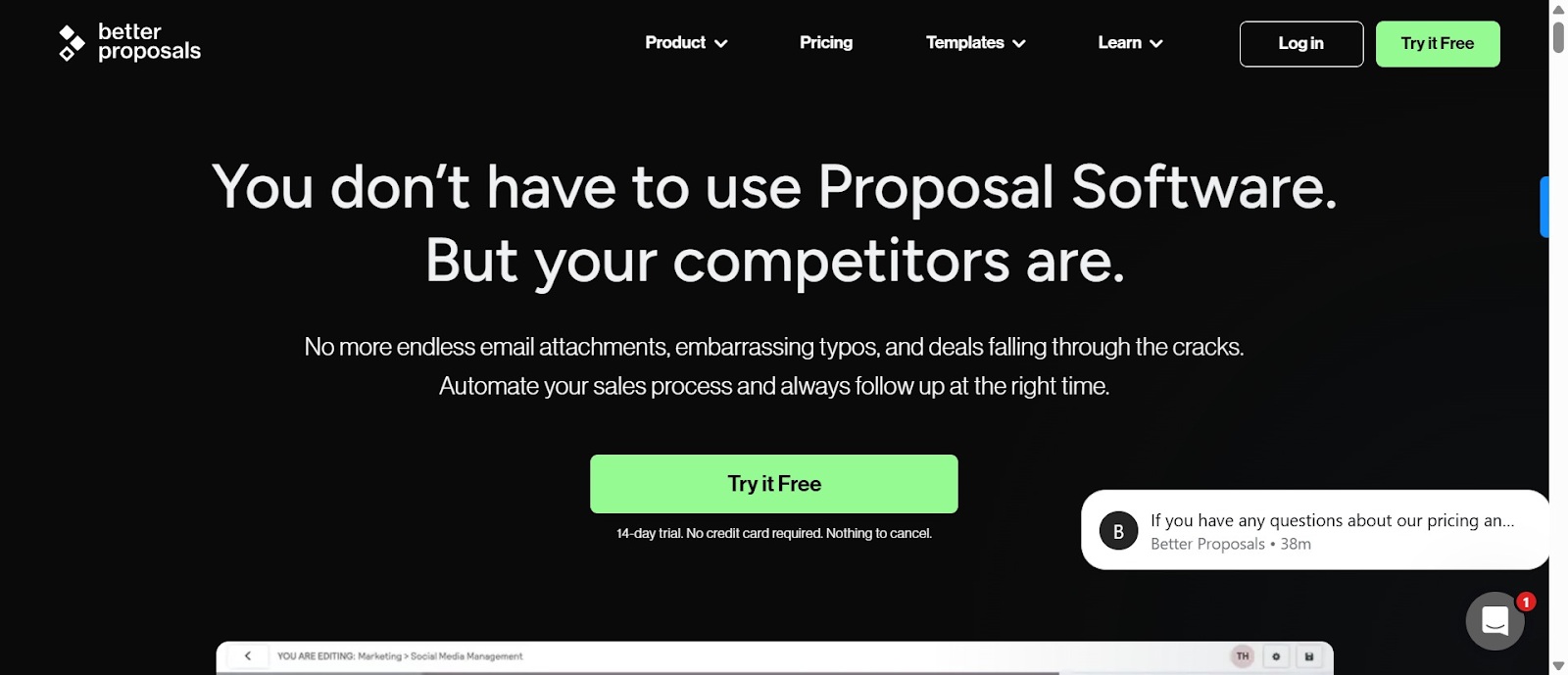
Better Proposals is a simple, practical proposal tool rather than an advanced design platform. It focuses on the core features that help you create, send, and close proposals quickly without a steep learning curve.
The platform offers hundreds of professionally designed templates, online viewing and e-signatures, and built-in payment collection through Stripe, PayPal, and GoCardless. Users can track when clients open and read proposals, and reusable content blocks make it easy to prepare new documents in minutes.
Better Proposals main limitation is presentation flexibility. Pricing tables and layouts are basic, and it doesn’t include interactive calculators or highly customizable page designs.
Key features
- Images can be inserted at full width, as part of text, or wrapped around text; embed videos from YouTube, Vimeo, or Wistia
- 'Feature blocks' with colored blocks and text to break up pages and make proposals visually interesting
- Instant notifications showing when proposals are opened, how much time was spent per page, in what order, which pages were printed, and when forwarded
- Content Library for saving reusable sections, pricing tables, or images directly from proposals
Pros
- Fantastic support team
- Most users consider it highly user-friendly with intuitive interface and straightforward navigation
- Integration with payment providers and ability to track reader movements are particularly beneficial
Cons
- Some advanced integrations like Zapier are only available on higher tiers
- Some reviewers find the template builder clunky or less flexible, with occasional lost designs
Pricing
Better Proposal offers a 14-day free trial. The monthly plan billed annually includes:
- Starter plan - $13
- Pro plan - $21
- Agency options - $42
Choosing the right Qwilr alternative for your team
Choosing the right proposal software can make a significant difference in your team’s efficiency, client experience, and overall success. While Qwilr offers visually appealing, web-based proposals, it may not suit every workflow or budget. Alternatives like PandaDoc, Proposify, Nusii, Better Proposals, and Docupilot provide options tailored to different needs, whether it’s automation, ease of use, structured approvals, or cost-effectiveness.
If your teams frequently send similar proposals and want to save time with automated document generation, Docupilot stands out as a powerful, scalable solution. With its intelligent template builder, dynamic data mapping, and built-in e-signatures, esign verification, you can streamline your proposal process fast without sacrificing customization or accuracy.
Ready to see how much time you can save? Sign up for your 14-days free Docupilot trial today and start automating your proposals with ease.
Qwilr alternative FAQs
What does Qwilr do?
Qwilr is an online proposal and sales document platform that lets teams create web based proposals, quotes, and presentations with interactive pricing, analytics, and e-signature support.
What are the best alternatives to Qwilr?
The most popular options are Docupilot, PandaDoc, Proposify, Better Proposals, GetAccept, and Bidsketch, with each tool focusing on different strengths such as automation, design flexibility, or CRM integration.
Are there Qwilr alternatives with better automation?
Tools like Docupilot and pandaDoc offer stronger automation than Qwilr with dynamic data mapping, conditional logic, and template driven generation for faster proposal creation.
Learn how to automate document creation with Docupilot


Contents
Stop rebuilding the same document by hand.

Generate and sign documents in one workflow
Save ~15 minutes per application